Product Tour

See How Outbites Runs Your Entire Food Business

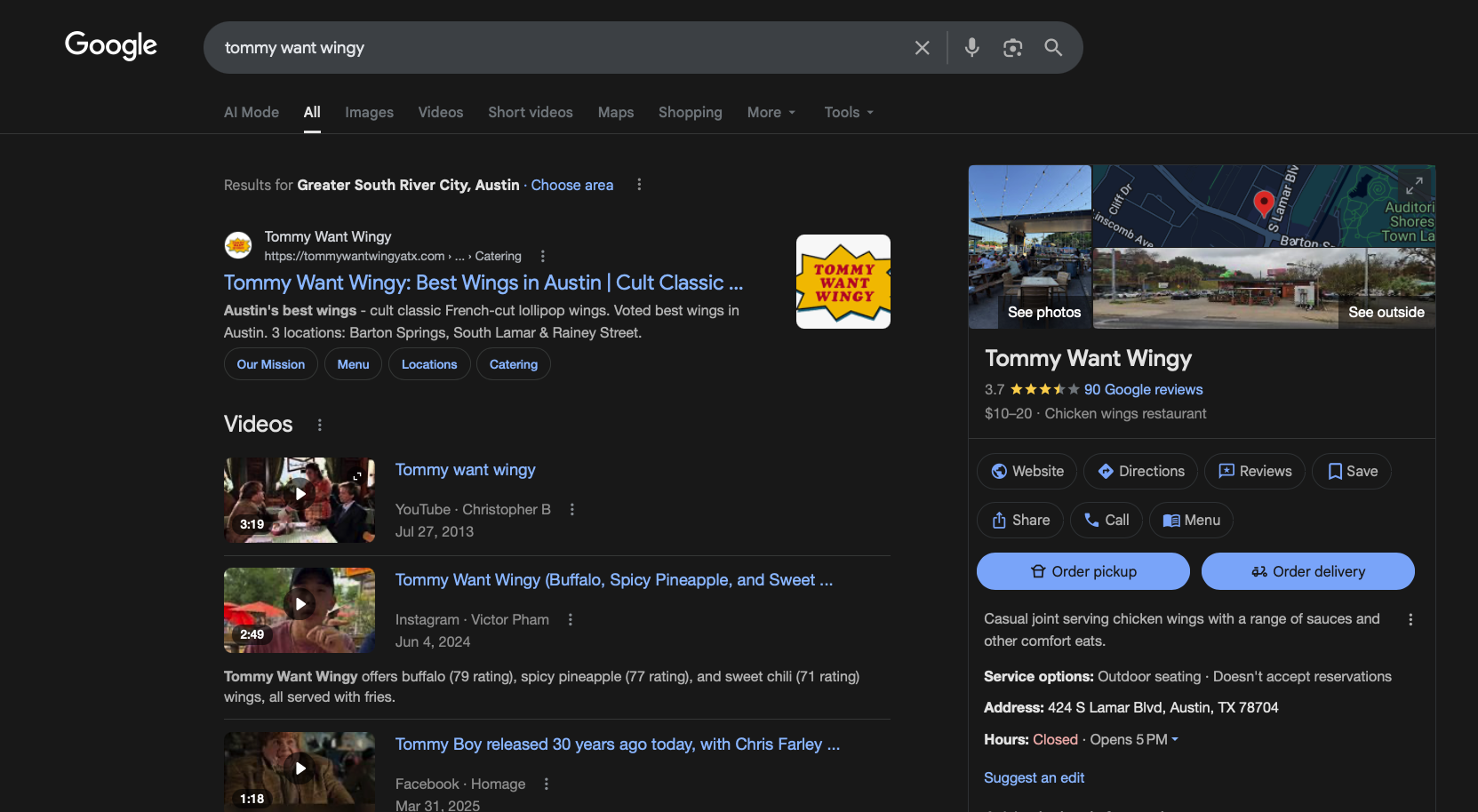
From first click on Google to repeat orders from your best customers—this is the operating system behind modern food trucks, caterers, and indie restaurants.

PRODUCT TOUR VIDEO PLACEHOLDER – RECORD: Dashboard → Orders → Campaigns → Group Ordering

What You’ll See

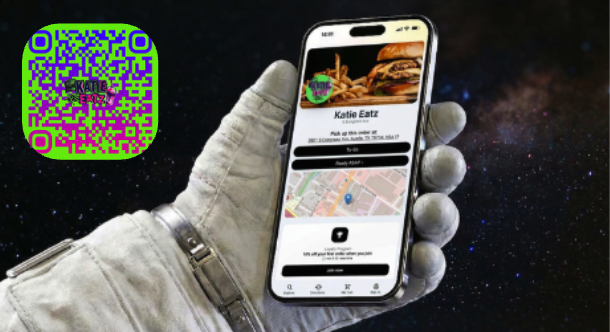
  • How your SEO-optimized website and mobile ordering page work together
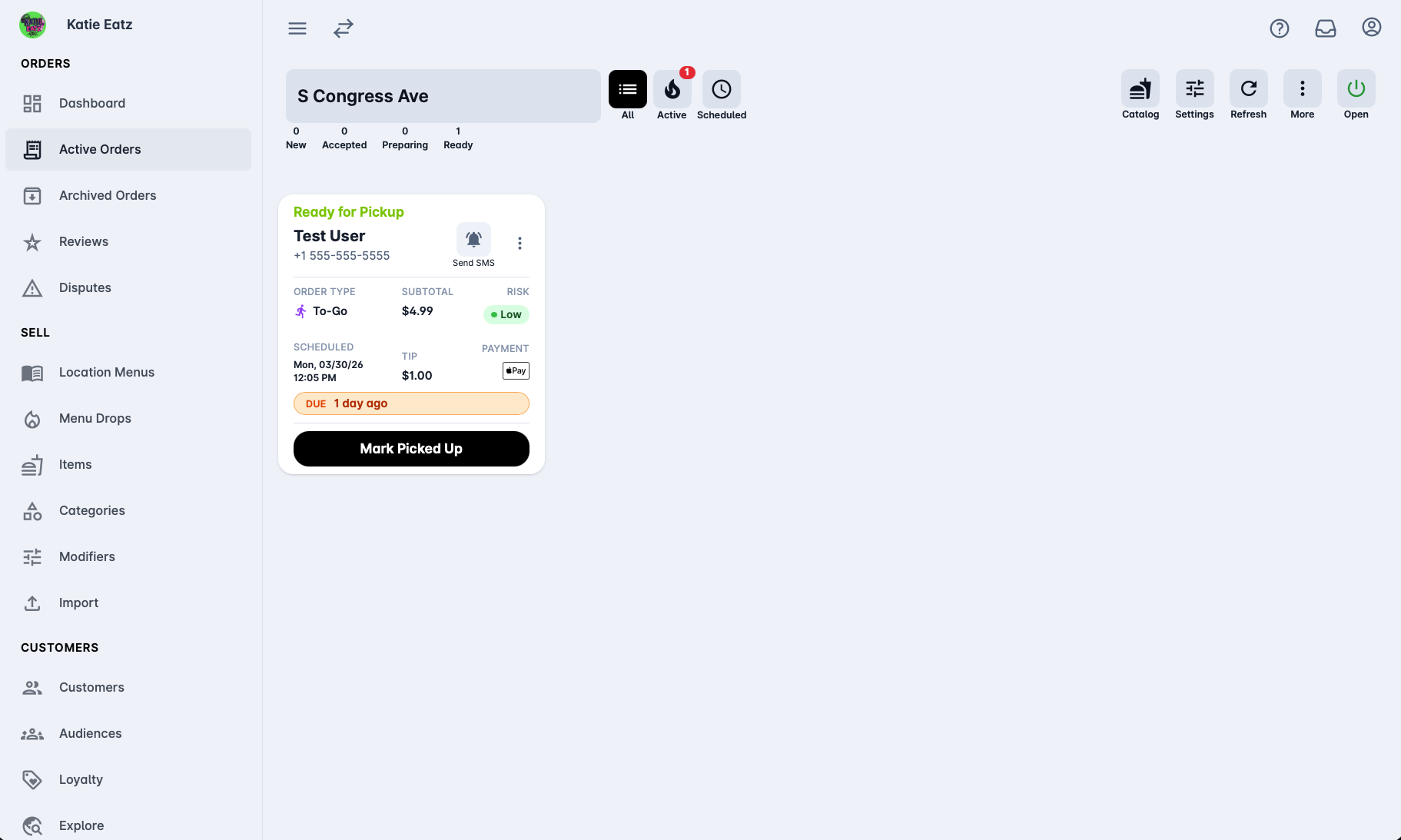
  • How orders flow into a single queue for ASAP and scheduled orders
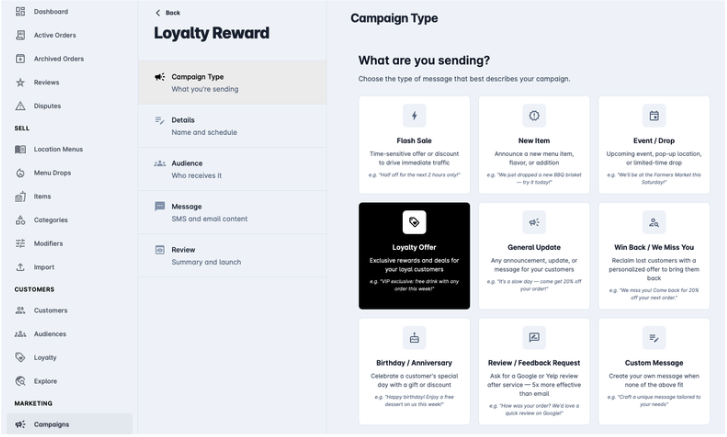
  • How to set up automated SMS & email campaigns in minutes
  • How scheduled group ordering makes corporate catering calm instead of chaotic

One OS, Five Core Pillars

Outbites connects your website, ordering, marketing, loyalty, and back-of-house ops into one system that’s built for how food trucks and catering teams really work.

A Day in the Life on Outbites

Follow a real day for a food truck or catering team—from morning prep to the last ticket of the night.

MORNING

Plan & Go Live

Publish today’s menu, schedule a lunch promo, and confirm tonight’s corporate event before you even fire up the grill.

Step 1

Update Today’s Menu

Swap in today’s specials, 86 sold-out items, and push changes live to your website and ordering page instantly.

MENU EDITOR SCREENSHOT PLACEHOLDER
Step 2

Schedule a Lunch Blast

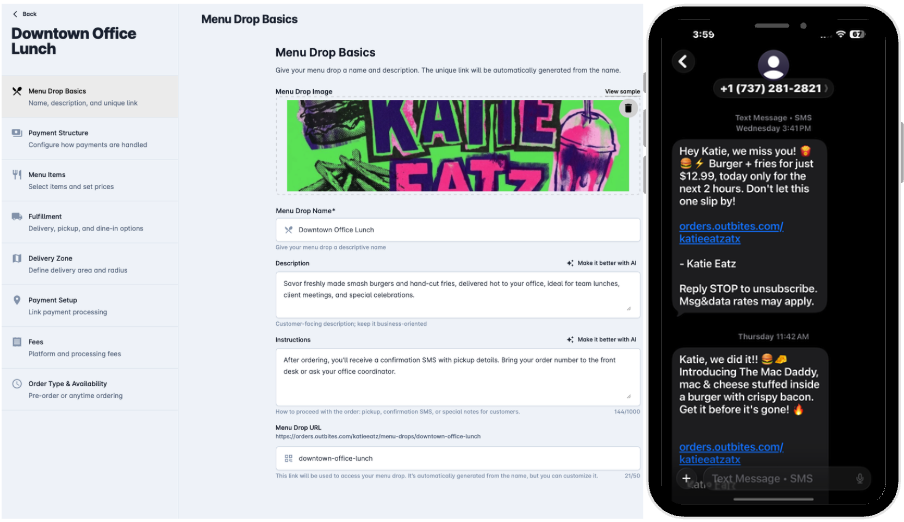
Create a lunch campaign to past customers: SMS + email that sends just before your rush starts.

CAMPAIGN SCHEDULE SCREENSHOT PLACEHOLDER
Step 3

Confirm Tonight’s Event

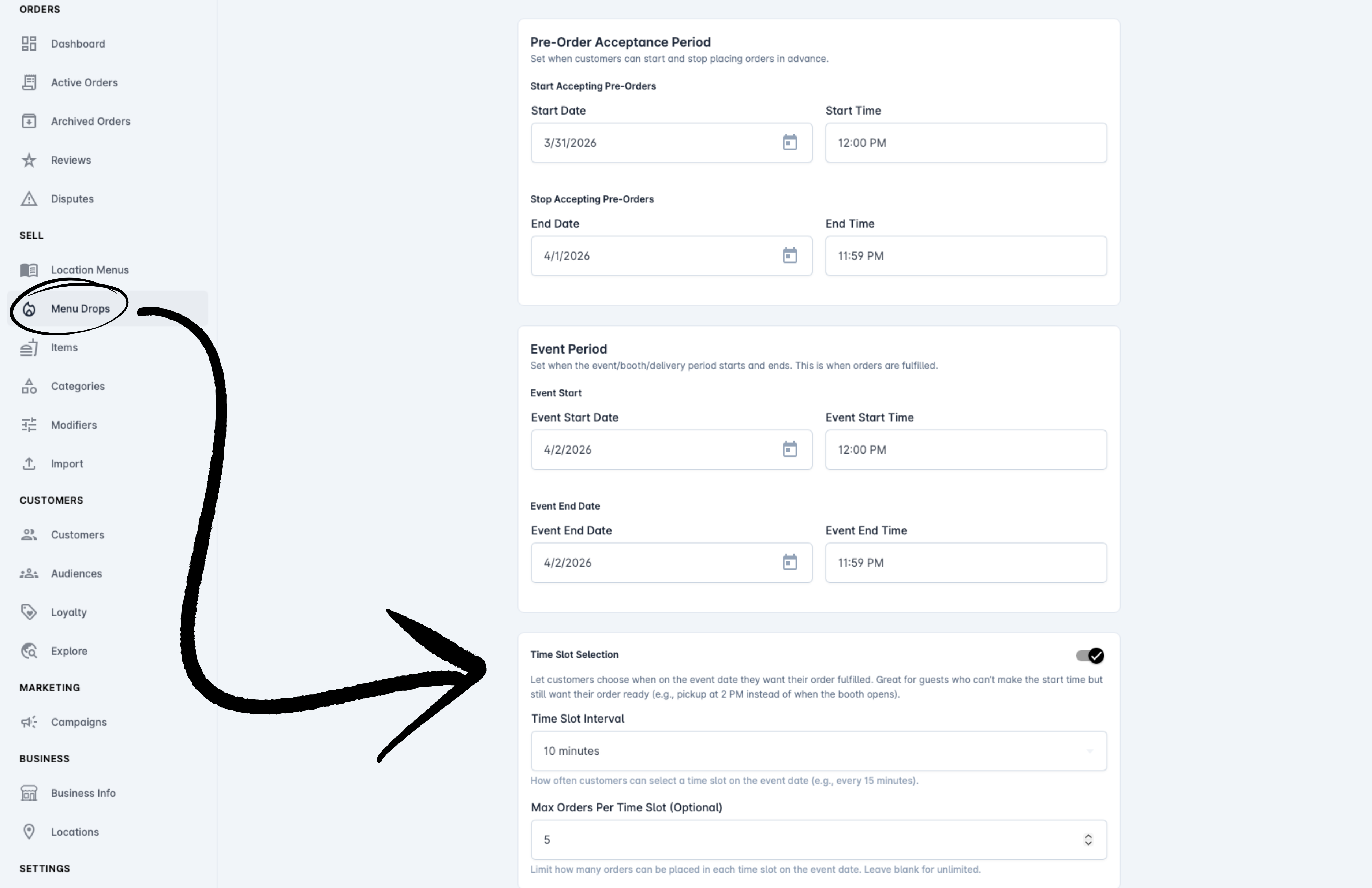
Check the scheduled group order for tonight’s office: how many people, which time slots, and your prep load.

GROUP ORDER SUMMARY SCREENSHOT PLACEHOLDER
MIDDAY

Serve the Rush Calmly

Orders from your site, QR codes, and group events all flow into the same queue, sorted by when you need to cook them.

Step 4

One Active Orders Queue

See ASAP and scheduled orders in one list with status, fulfillment type, and prep time—no sticky notes needed.

ACTIVE ORDERS QUEUE SCREENSHOT PLACEHOLDER
Step 5

Multi-Channel Fulfillment

Dine-in, pickup, curbside, delivery, third-party, or shipping—each with its own min order, fees, and instructions.

FULFILLMENT SETTINGS SCREENSHOT PLACEHOLDER
Step 6

Print Tickets & Route Drivers

On mobile, open an order, print a kitchen ticket or receipt, and launch directions for delivery in one tap.

MOBILE ACTIONS / BOTTOM SHEET SCREENSHOT PLACEHOLDER
END OF DAY

Turn Today into Tomorrow’s Revenue

Every order becomes a customer profile you can re-engage with loyalty rewards and smart campaigns.

Step 7

See Loyalty on Every Ticket

Spot who used points, who earned rewards, and which orders got discounts so you can see what’s working.

ORDER DETAIL WITH LOYALTY FIELDS SCREENSHOT PLACEHOLDER
Step 8

Segment Customers Automatically

Build segments like “catering customers” or “hasn’t ordered in 30 days” and plug them into menu campaigns.

CUSTOMER SEGMENT BUILDER SCREENSHOT PLACEHOLDER
Step 9

Turn On Long-Term Automations

Set up “we miss you” or “try our catering” flows that run every week without you touching a thing.

AUTOMATION FLOW / RULES TIMELINE SCREENSHOT PLACEHOLDER

Ready to See It on Your Menu?

Launch your SEO-optimized site, online ordering, campaigns, and group ordering in under an hour. No contracts. $1 per order.