Why Your Restaurant Needs a Custom Website (Not Just a Template)
For food businesses that want full ownership of their brand, their customer data, and the ordering experience guests actually see
 Katie CarswellAccount & Social Media Manager7 min read
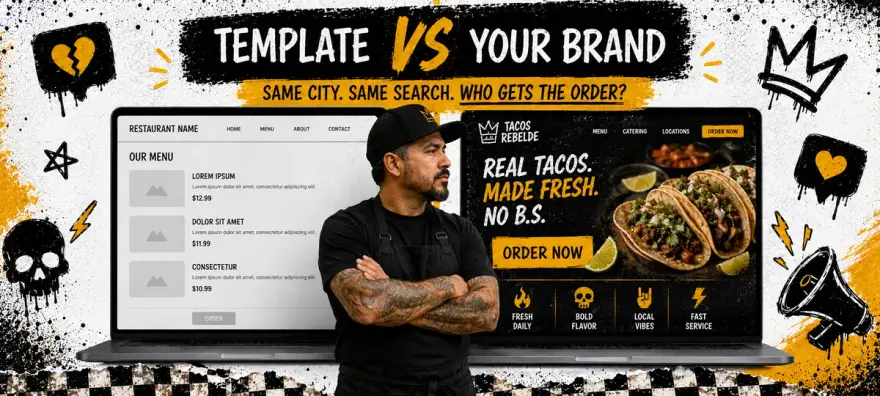
Most restaurant owners start with a template. Squarespace, Wix, a free page bundled with their POS. You can be online by dinner service. That part works. The bill comes due later: every competitor in your zip code starts looking the same in search, your menu lives inside someone else's layout rules, and the phone numbers from online orders sit in a dashboard you do not own.
- 94%
- Of first impressions are design-related (Stanford Web Credibility Research)
- 88%
- Of online consumers are less likely to return after a bad website experience
- 3 sec
- Maximum load time before 53% of mobile visitors leave
A custom website is not about spending $10,000 on a developer. It is about owning the digital version of your restaurant the same way you own the physical one. Use the readiness assessment below to see where your current site stands.
Why Restaurant Website Templates Fall Short
Templates are designed for everyone, which means they are optimized for no one. The layout that works for a yoga studio also powers your restaurant page. That creates three problems that compound over time.
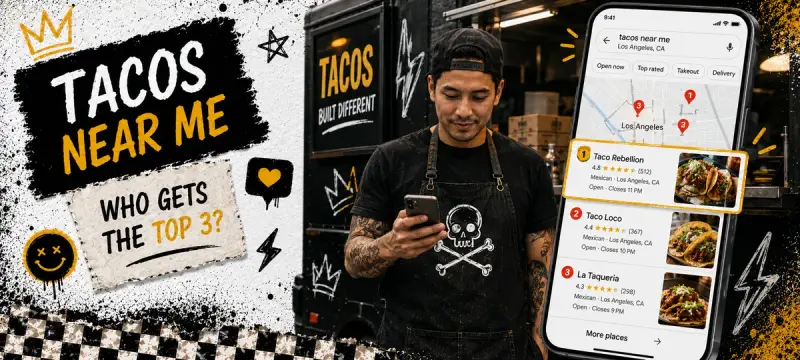
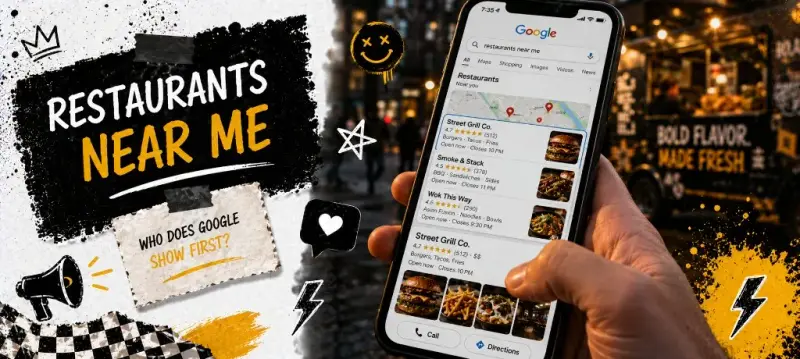
- Generic SEO. Templates share code structures and page patterns with thousands of other sites. Google sees your site as one of many, not as the definitive source for your cuisine in your area.
- Limited menu control. Most templates force your menu into a blog-style layout or a single-page PDF embed. Neither is scannable on mobile, neither is indexable by search engines, and neither lets guests add to cart inline.
- Data lock-in. When your website lives on someone else's platform, your analytics, customer emails, and order history often stay there too. Switching providers means starting over.
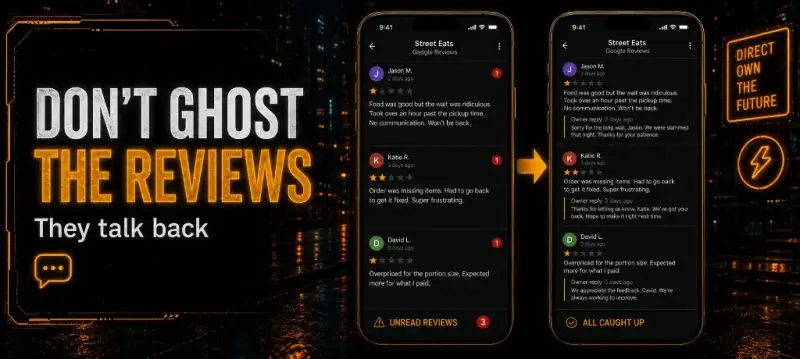
- Brand ceiling. You can change colors and fonts, but the bones stay the same. Guests who visit three restaurants in your area see the same layout three times. Nothing signals "this place is different."
What a Custom Website Actually Gives You
Custom does not mean complicated. It means you decide the structure, the flow, and the priority of every element on the page. Here is what that translates to in practice.
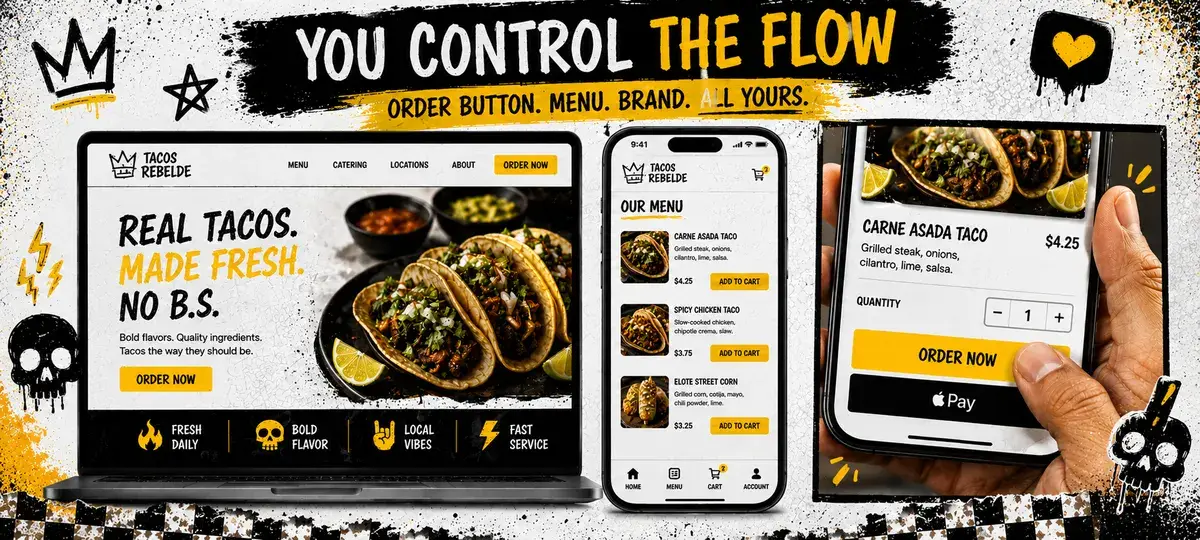
Unique SEO positioning
A custom site has unique HTML structure, original content, and page hierarchies designed around your specific keywords. Instead of competing with 50,000 other Squarespace restaurants for the same template signals, you show Google a site that is genuinely different. That matters for local rankings.
Seamless ordering integration
On a custom site, your menu and ordering flow are not iframed in from a third party. They are part of the site itself. Guests do not leave your domain to place an order. The experience feels native, loads faster, and converts better because there is no context switch between browsing and buying.
Full data ownership
Every visitor, every click, every order, every email signup. When you own the domain and the infrastructure, that data is yours permanently. No platform migration wipes your analytics history. No vendor lock-in traps your customer list.
How to Build a Custom Restaurant Website (Step by Step)
You do not need to know how to code. You need to know what to prioritize and who to hire (or which tool to use). Here is the sequence that works for most independents.
1. Get your own domain and hosting
Your domain is your address on the internet. Buy it separately from your website builder so you always own it. A .com that matches your restaurant name costs $12-15/year. Hosting runs $5-30/month depending on speed needs. This is the one investment you never regret.
2. Design mobile-first
Over 75% of restaurant website traffic comes from phones. Design for the small screen first, then expand for desktop. The order button, phone number, and address should all be reachable without scrolling on a phone. If a guest has to pinch-zoom to read your menu, you lose them.
3. Invest in real photography
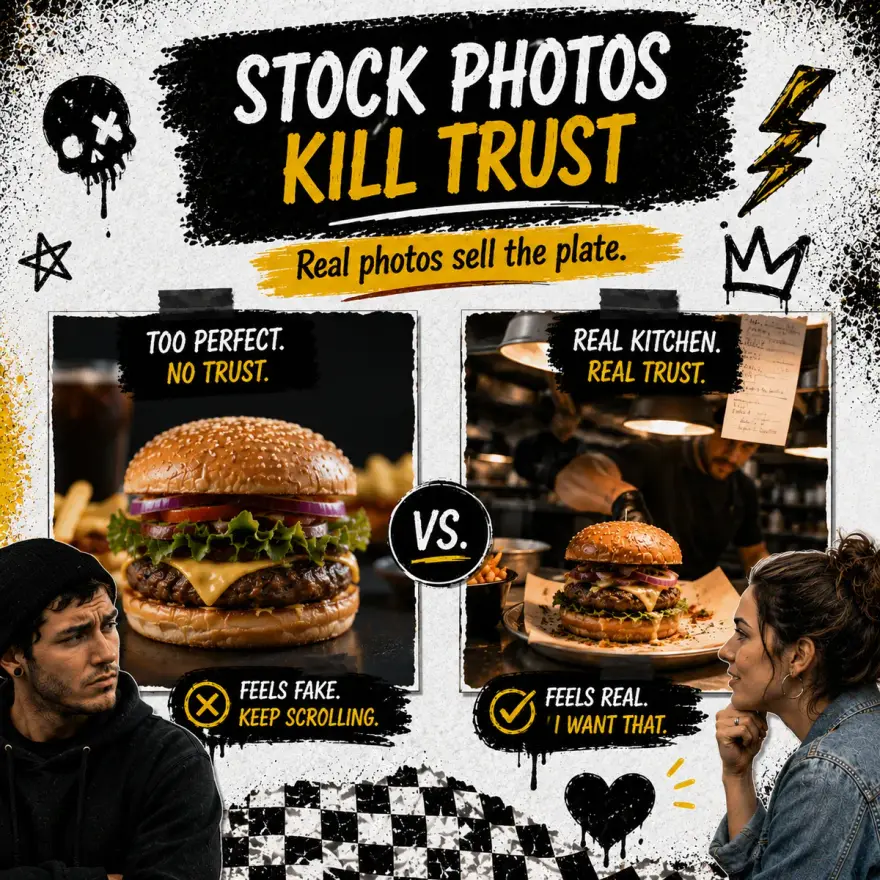
Stock photos of food kill trust instantly. Guests can tell the difference. One afternoon with a photographer (or a phone with good lighting) gives you hero images, menu shots, and team photos that make your site feel real. This is the biggest visual upgrade you can make.
4. Connect direct ordering
Your website should be a revenue channel, not just a digital brochure. Integrate ordering so guests can go from landing on your site to placing an order in under 60 seconds. The fewer clicks between "I want food" and "order confirmed," the higher your conversion rate.
Before you pick a platform or commit to a rebuild, run your real order volume through the calculator below. Year-one stack cost changes fast once you add plugins, hosting, and per-order fees.
Already Have a Custom Website? Bring It to Outbites
If you already invested in a custom site you love, you do not need to rebuild it. Outbites works with your existing website. Embed your ordering link, connect loyalty and marketing tools, and keep the design you already paid for. Your site stays yours. Outbites plugs into it.
This is different from most platforms that force you onto their hosted site or require you to use their templates. With Outbites, your brand comes first. Add a single ordering link or embed the full menu flow. Either way, customer data, order history, and marketing tools all connect back to your dashboard.
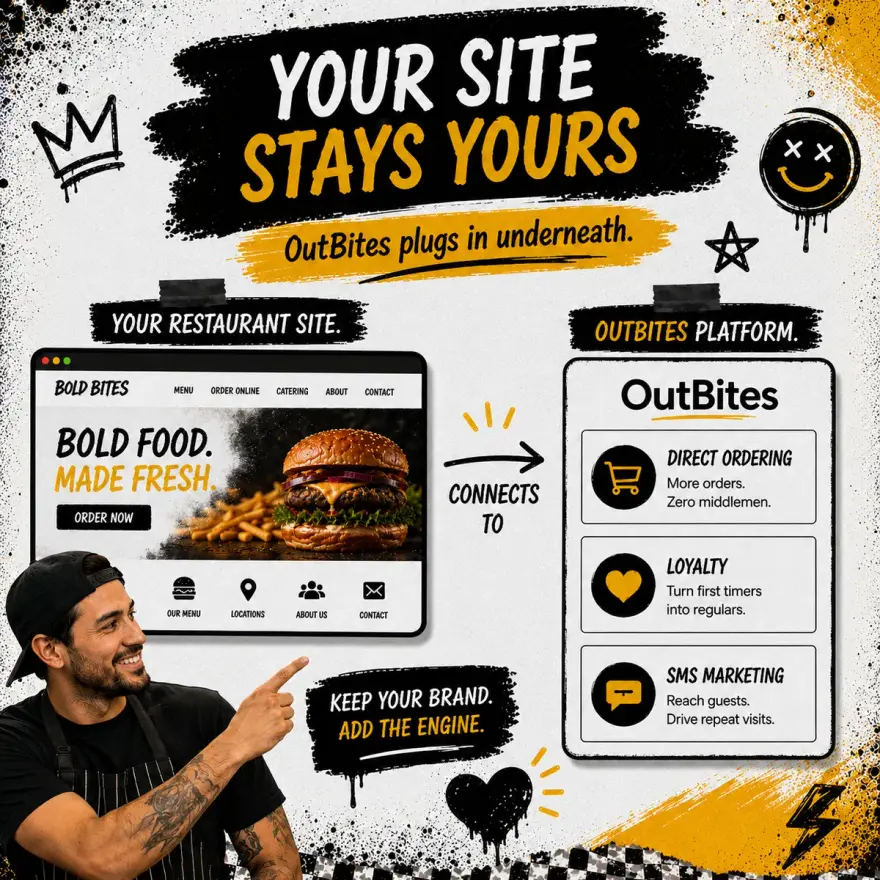
How bring-your-own-website works
- Add your ordering link. Drop your Outbites ordering URL into any button or menu page on your existing site. Guests order on your domain or one click away.
- Embed the menu widget. If you want inline ordering without a redirect, embed the Outbites menu component directly into your site with a single script tag.
- Connect marketing tools. Every order captured through your link feeds into Outbites SMS, email, and loyalty tools automatically. No manual export needed.
- Keep your design. Nothing about your site's look, feel, or branding changes. Outbites is the engine underneath, not the paint on top.
When to Stay on a Template vs. Go Custom
Not every restaurant needs a custom site on day one. If you opened last month and have zero online presence, a template gets you indexed by Google faster. But if you have been operating for 6+ months and your website is not driving orders, it is time to upgrade.
- Stay on a template if: You launched within the last 90 days, have no existing brand assets, or need to get online in 48 hours with zero budget.
- Go custom if: You have brand guidelines, professional photos, an established customer base, or your template site is not ranking or converting. Also go custom if you want to integrate direct ordering, loyalty, or SMS marketing without platform restrictions.
Common questions about custom restaurant websites
Common questions about custom restaurant websites
How much does a custom restaurant website cost?
Can I build a custom site myself without coding?
What if I already have a website on Squarespace or Wix?
Does Outbites replace my website?
Your website is the only digital real estate you fully own. Social media accounts can get suspended. Marketplace listings can change their algorithm. Google can update its rules. But your domain, your design, and your customer data are yours as long as you want them.