Skip to content
Point of sale

A register in yourapron

Take Order turns the phone or tablet you already have into a full point of sale. Tap items from your menu, take a tap or use a Bluetooth reader, and the sale lands on the same board as everything ordered online.
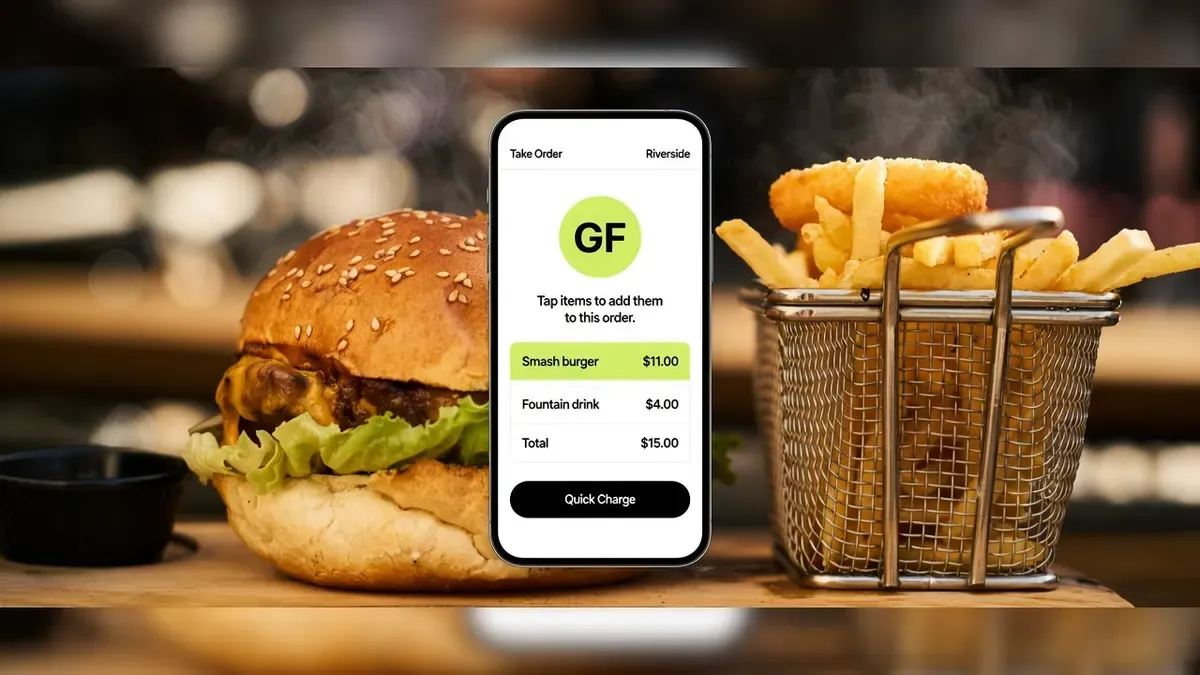
Goldfinch Take Order on a short phone between a sesame burger and a fry basket, with Quick Charge.

Trusted by food trucks, pop-ups, and independent kitchens

The experience

How Take Order works

Tap the food, take a tap, and hand it out the window. Same menu as your online orders.
  1. Step 1

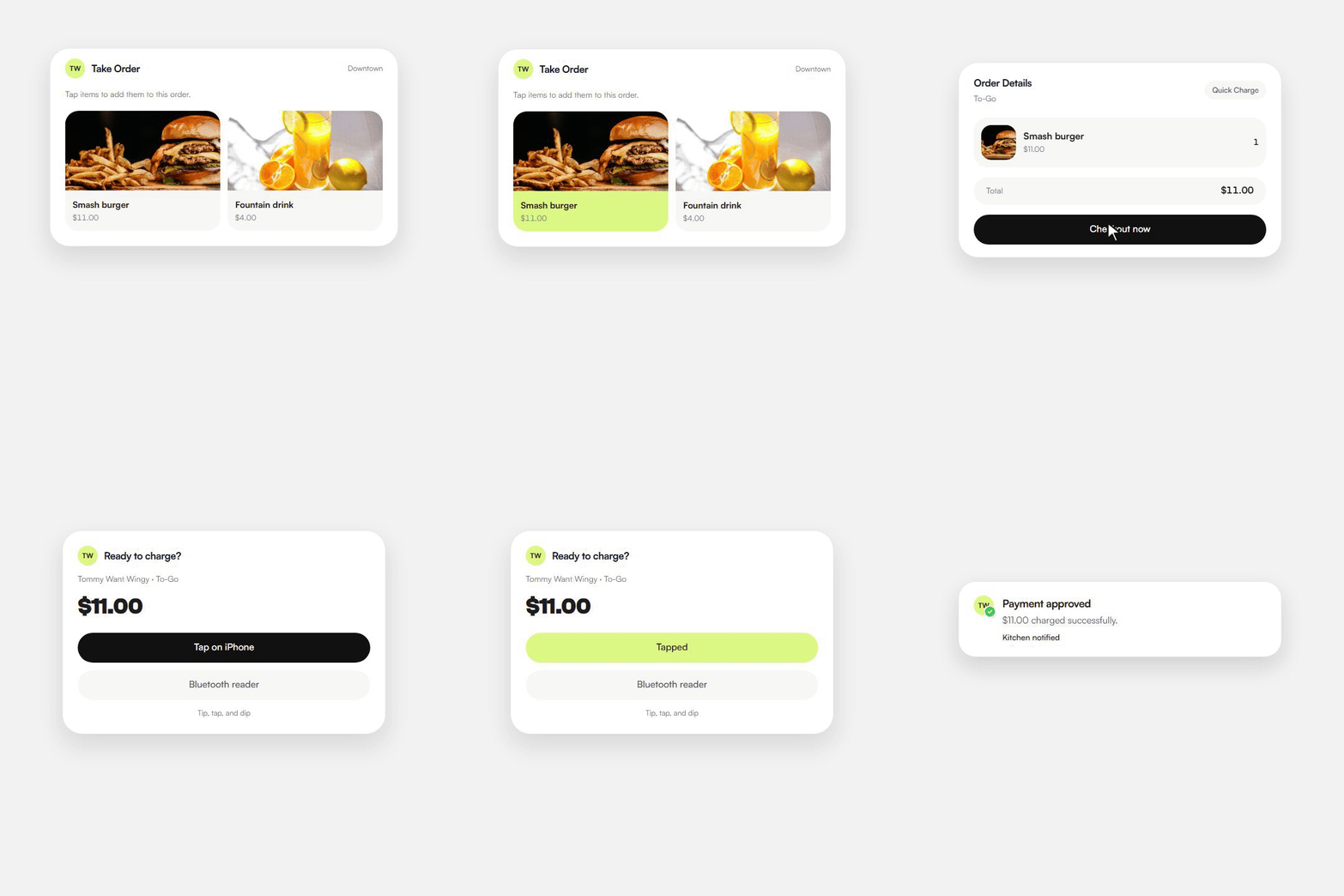
    Tap the items

    • Your catalog is already there from the same menu guests order online.
    • Search it, tap a smash burger, add a note for the kitchen.
    • Nothing new to set up at the window.
    Take Order on a phone: tap Smash burger, Checkout now, then Tap on iPhone.
  2. Step 2

    Charge the card

    • Quick Charge skips name, phone, and tip so the line keeps moving.
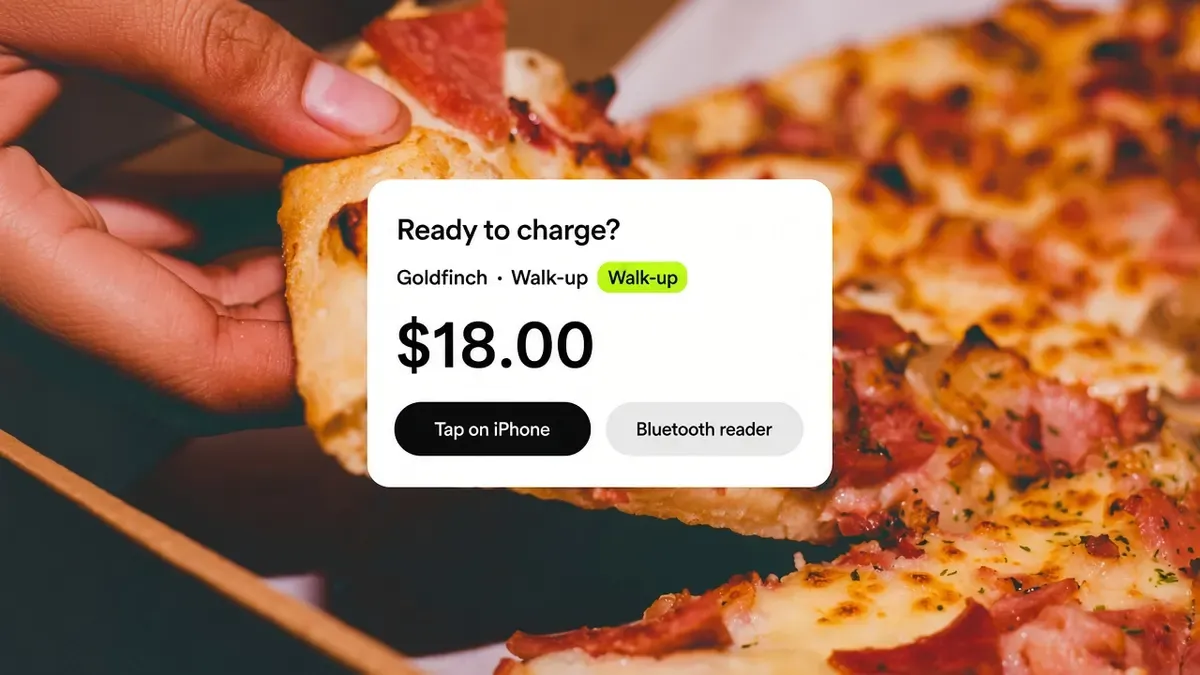
    • Take a tap on a compatible iPhone, or pair a Bluetooth reader.
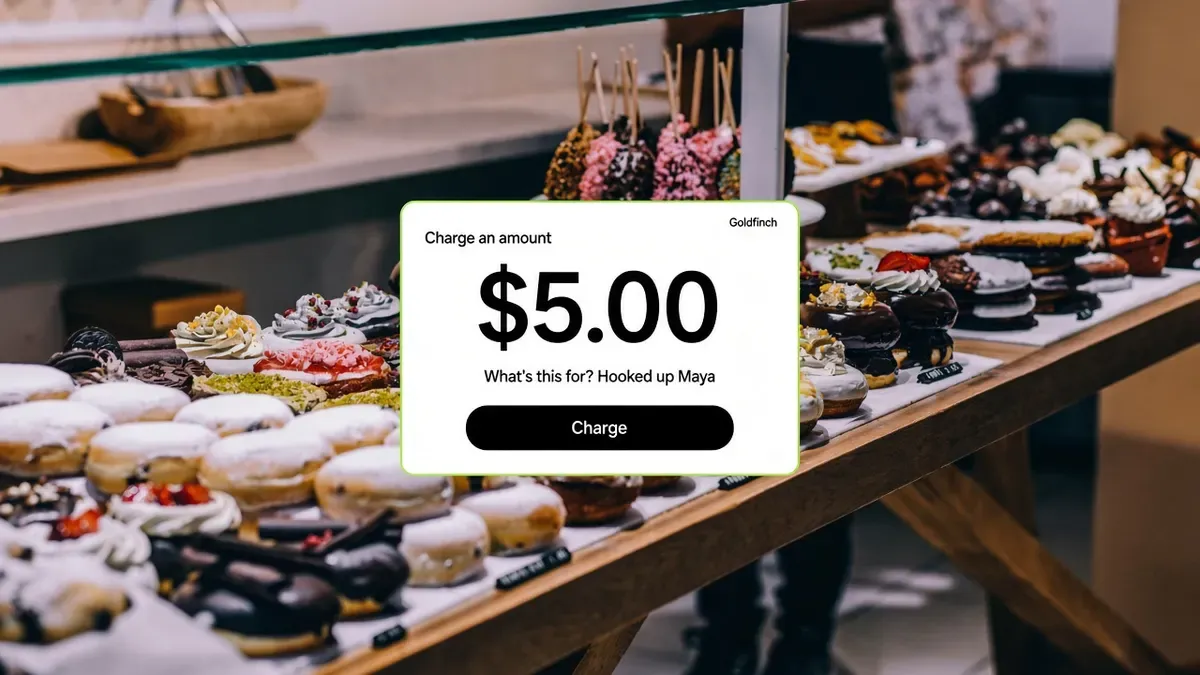
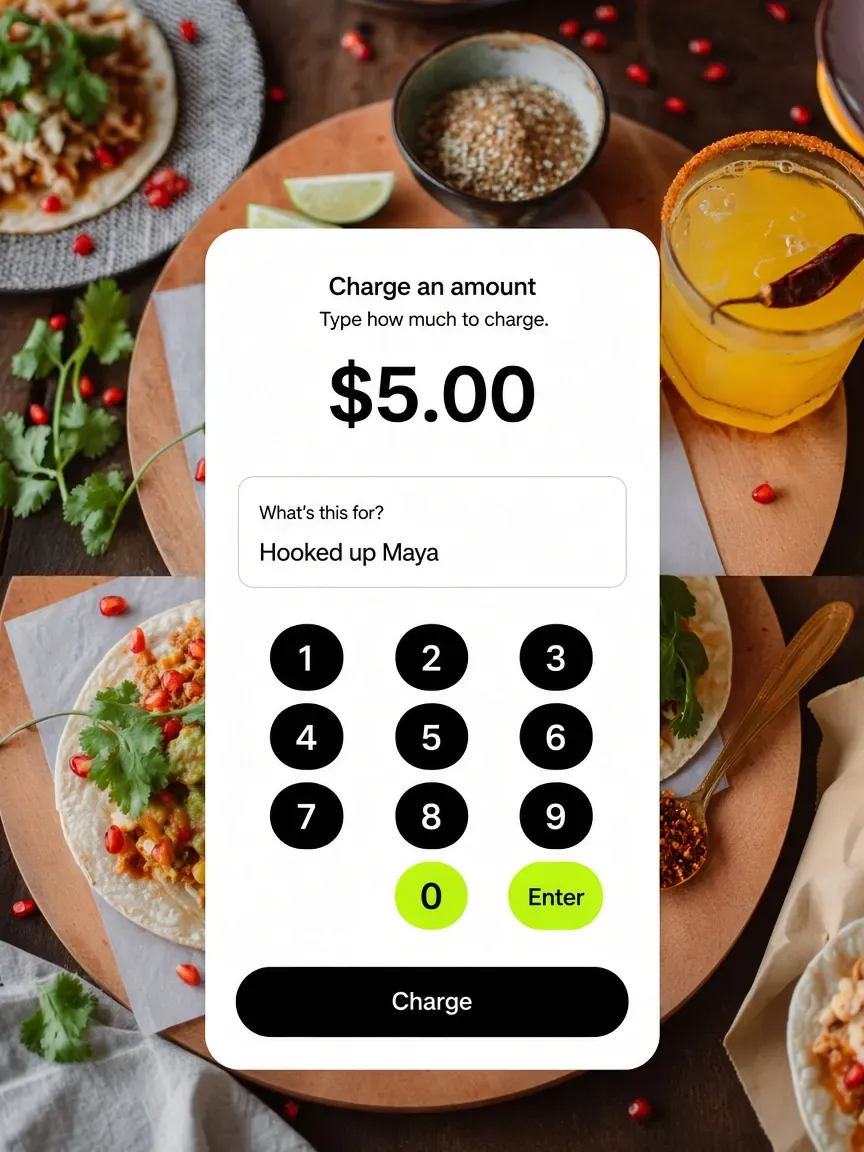
    • Charge an amount when it is just five dollars, not a menu item.
    Take Order charges the card with Tap on iPhone or a Bluetooth reader.
  3. Step 3

    Hand it over

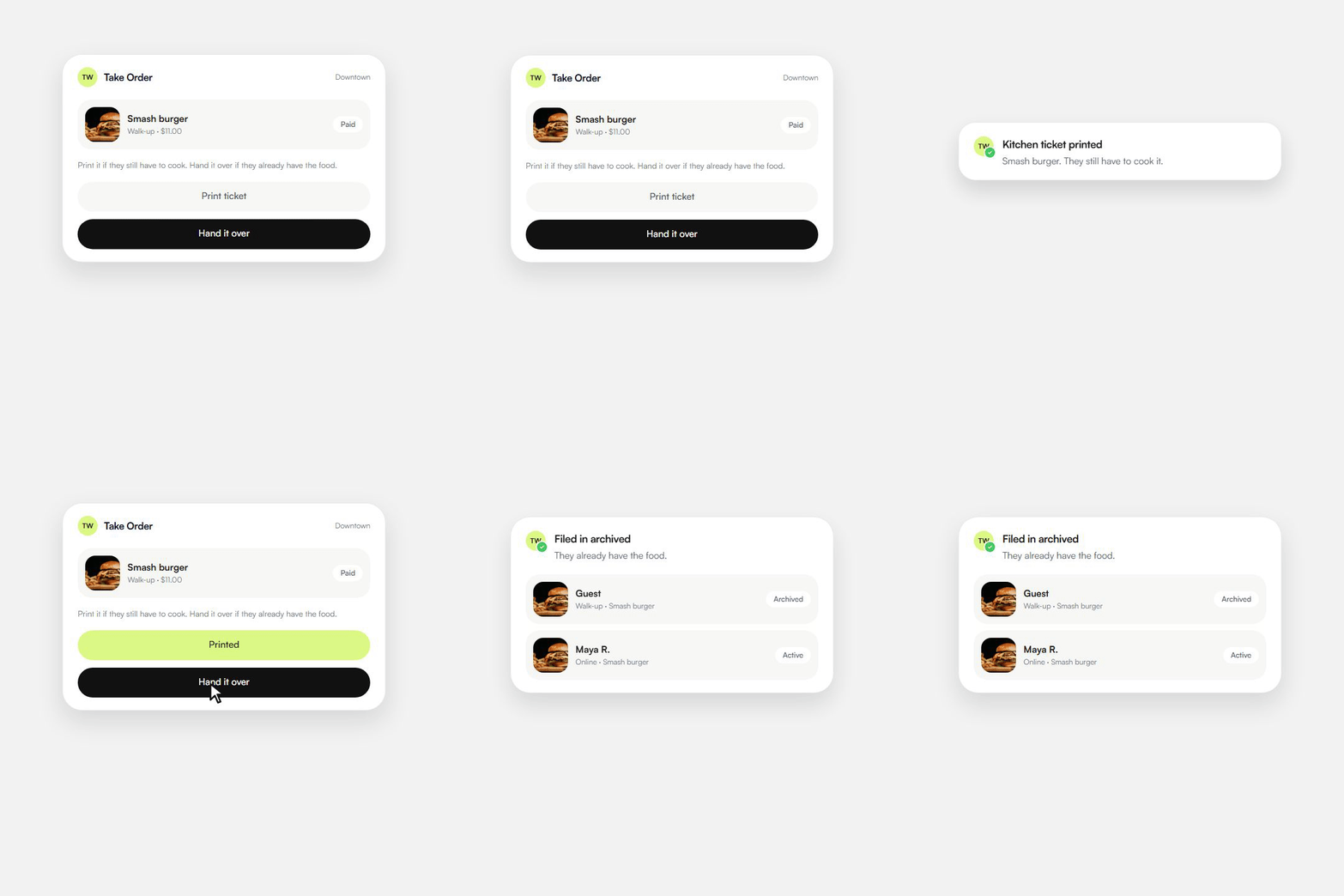
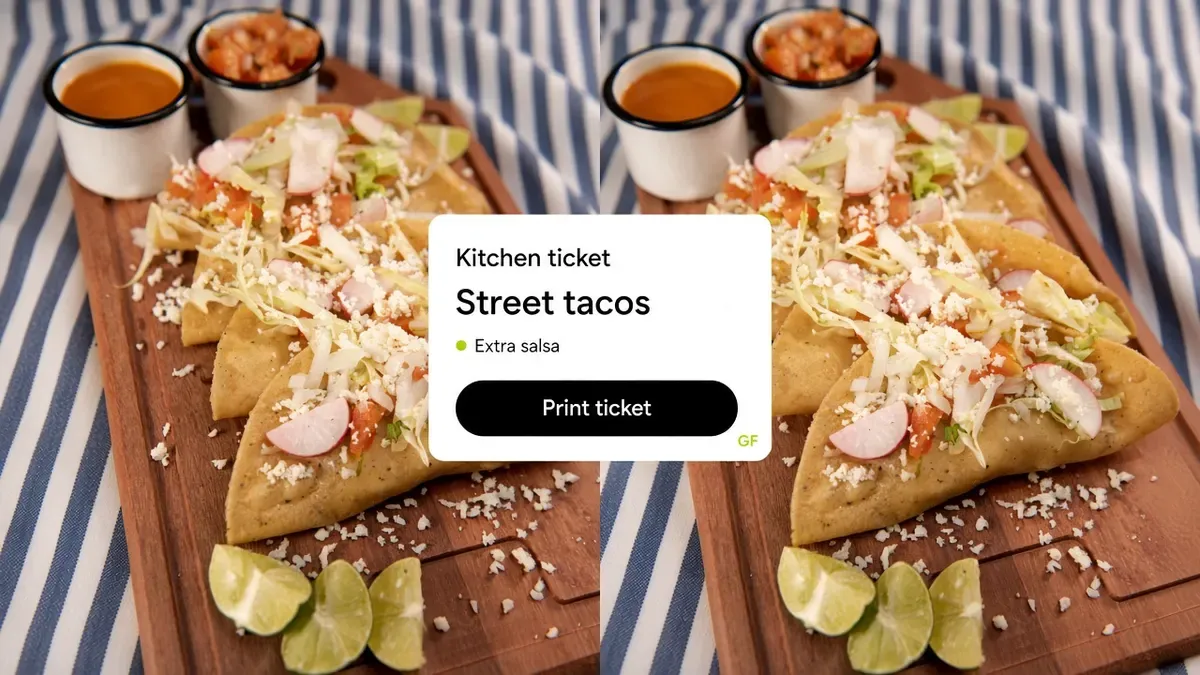
    • Print a kitchen ticket when they still have to cook it.
    • Or file it in archived orders when they already have the food.
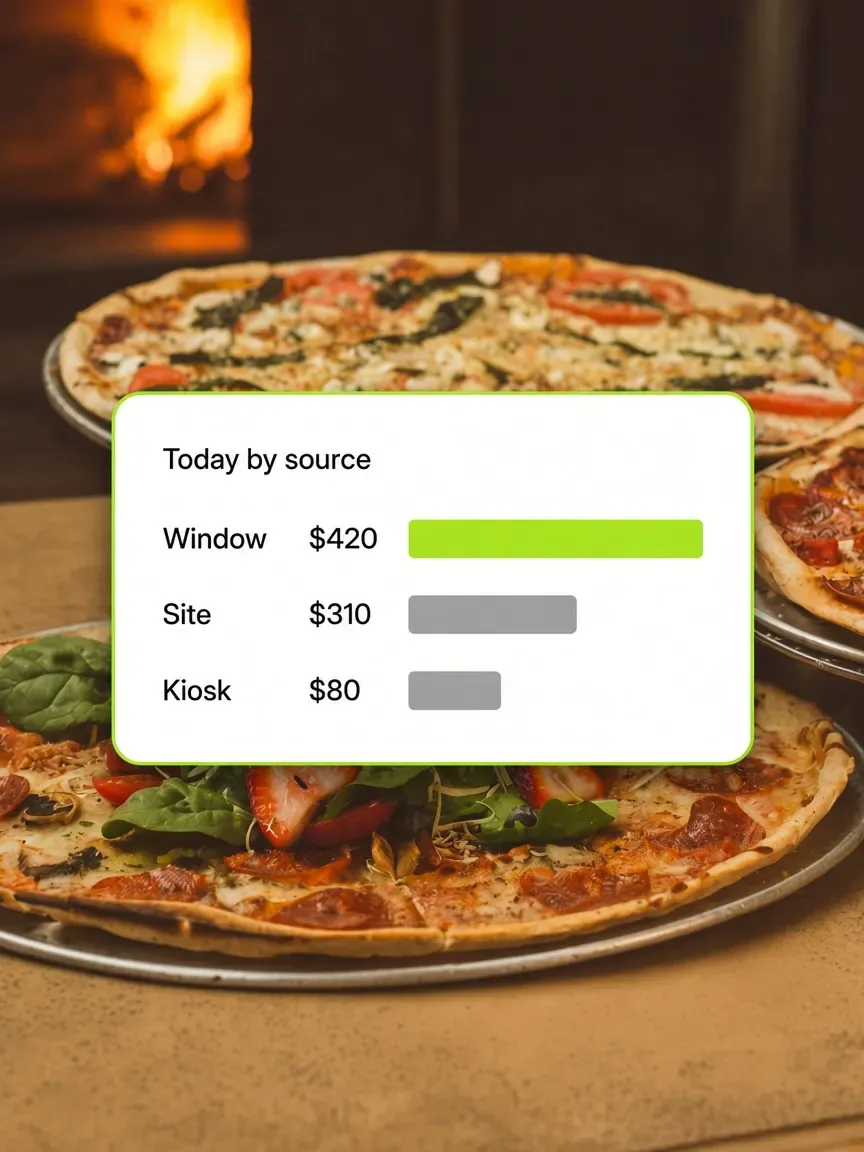
    • Walk-up and online still share one set of numbers.
    Take Order prints a kitchen ticket, then files the walk-up sale in archived next to an online order.
Operators we can name

Trusted by kitchens that already sell this way

Four Austin businesses on Outbites. They ring the window on the phone they already have. The notes are ours, not invented quotes, and none of them come with a fake follower count.

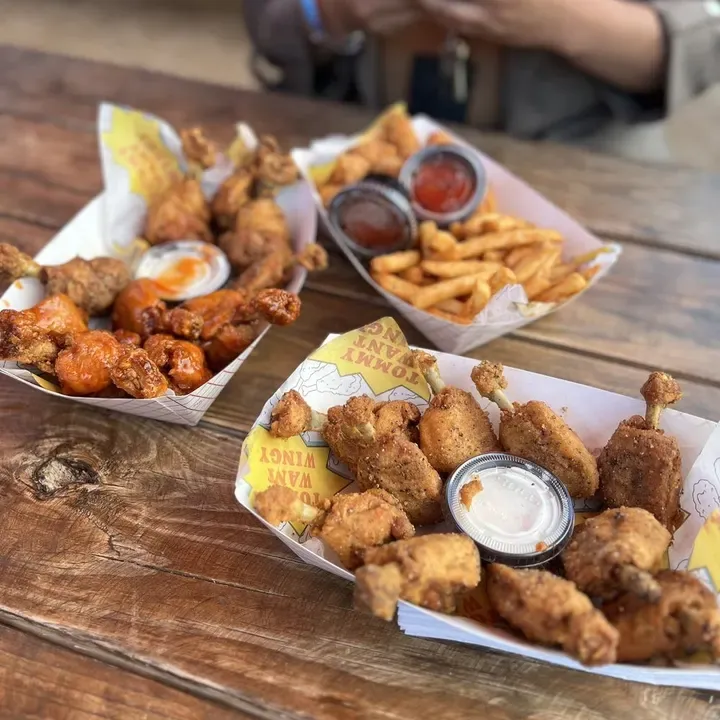
Branded baskets of Tommy Want Wingy chicken, wings, and fries on a picnic table

Tommy Want Wingy

Austin, TX

Wings out of a window, charged on the phone in his pocket instead of a rented terminal.
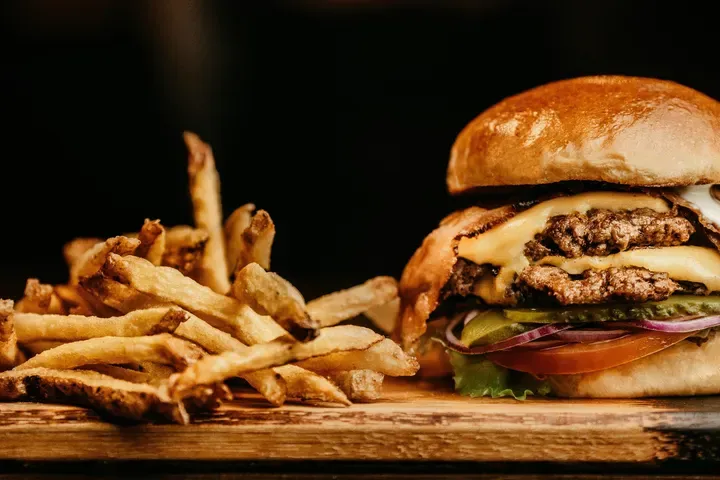
A cheeseburger and hand-cut fries on a wooden board at Katie Eatz Cafe

Katie Eatz Cafe

Austin, TX

A neighborhood cafe. She rings the counter on the same account as her online orders.
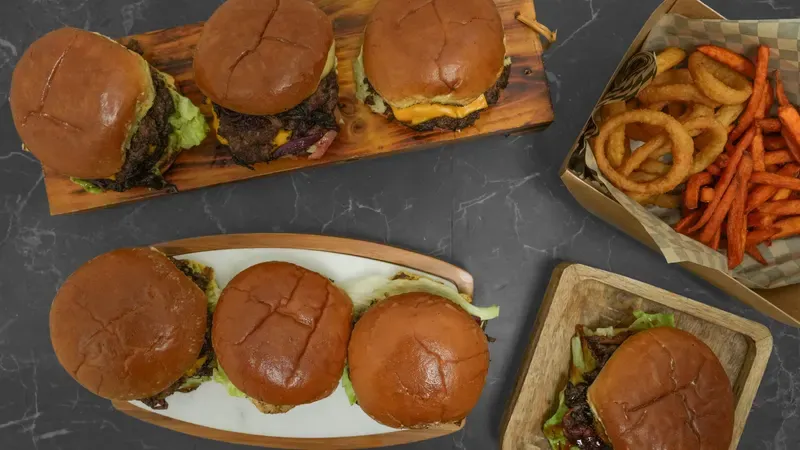
Smash burgers on wooden boards with onion rings and sweet potato fries

Smah N Dash

Austin, TX

Smash burgers built for speed. Quick Charge so the line does not wait on a name.
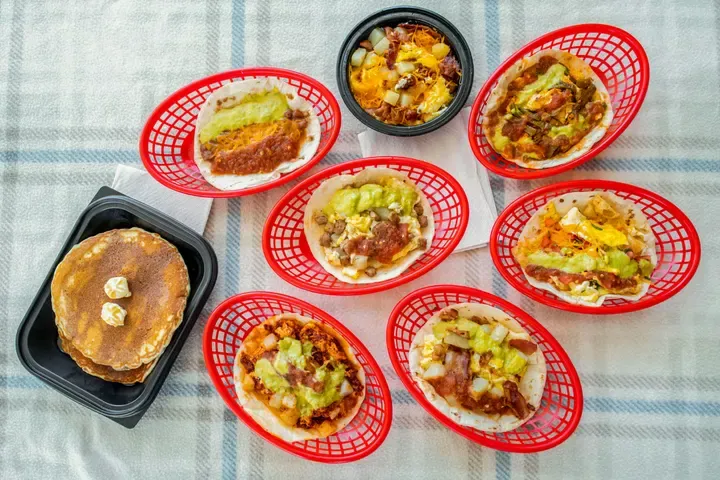
Breakfast tacos in red baskets beside pancakes and a bowl of eggs

Bobcat Quickie

Austin, TX

Breakfast tacos at the window. Tap the card, hand over the basket.

The platform

What's included with Take Order

No feature tier to climb. These come with the account. The register itself lives in the Outbites app.
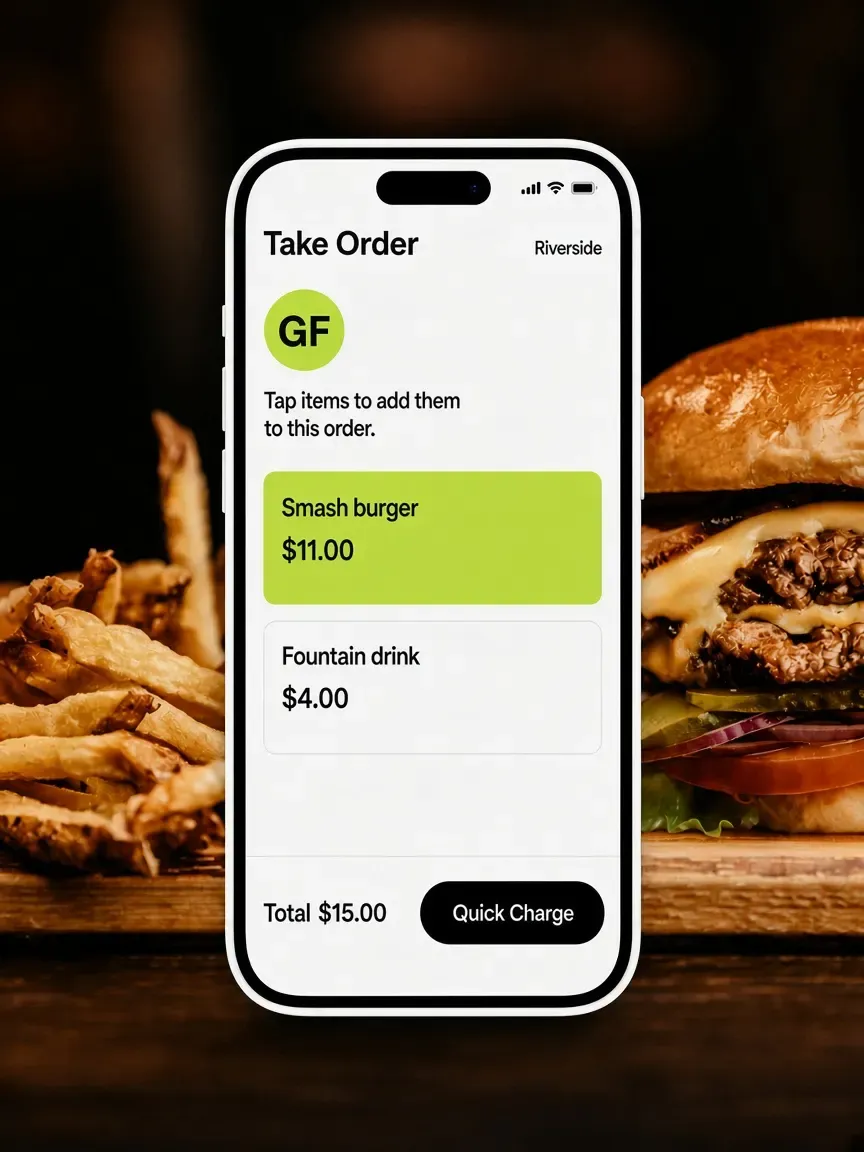
Goldfinch Take Order ticket over a smash burger, with Quick Charge and a $15 total.
Quick Charge
A Charge an amount pad over street tacos, with $5.00 and What's this for.
Charge an amount
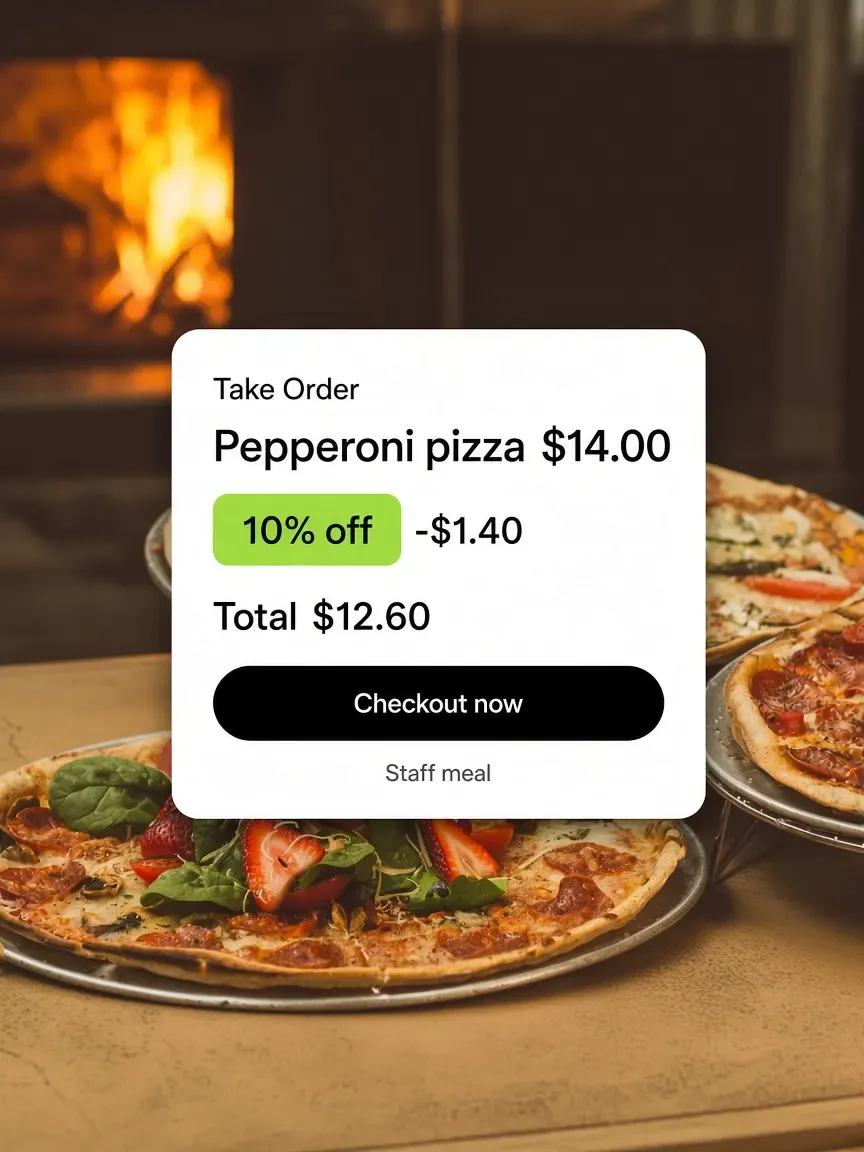
A Goldfinch ticket over wood-oven pizzas, with 10 percent off and a new total.
Discounts on the ticket
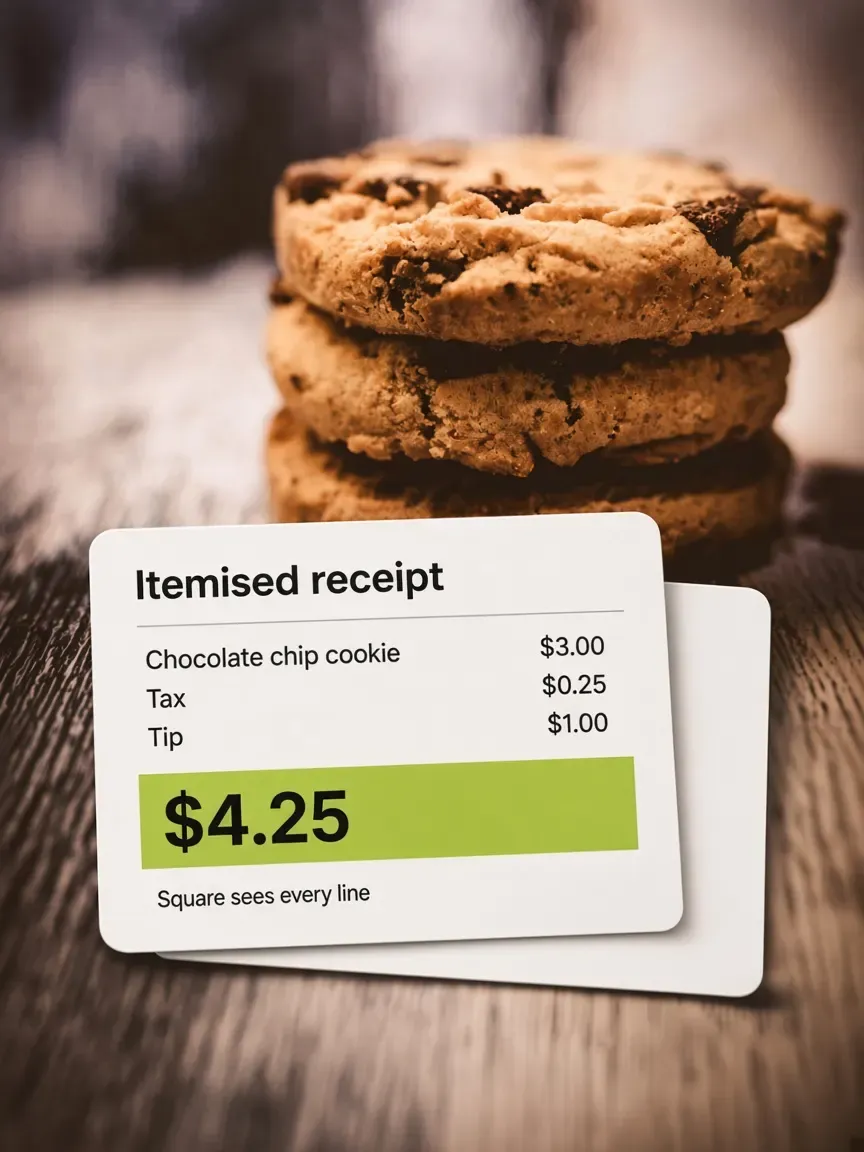
An itemised cookie receipt over a stack of chocolate chip cookies.
Itemised receipts
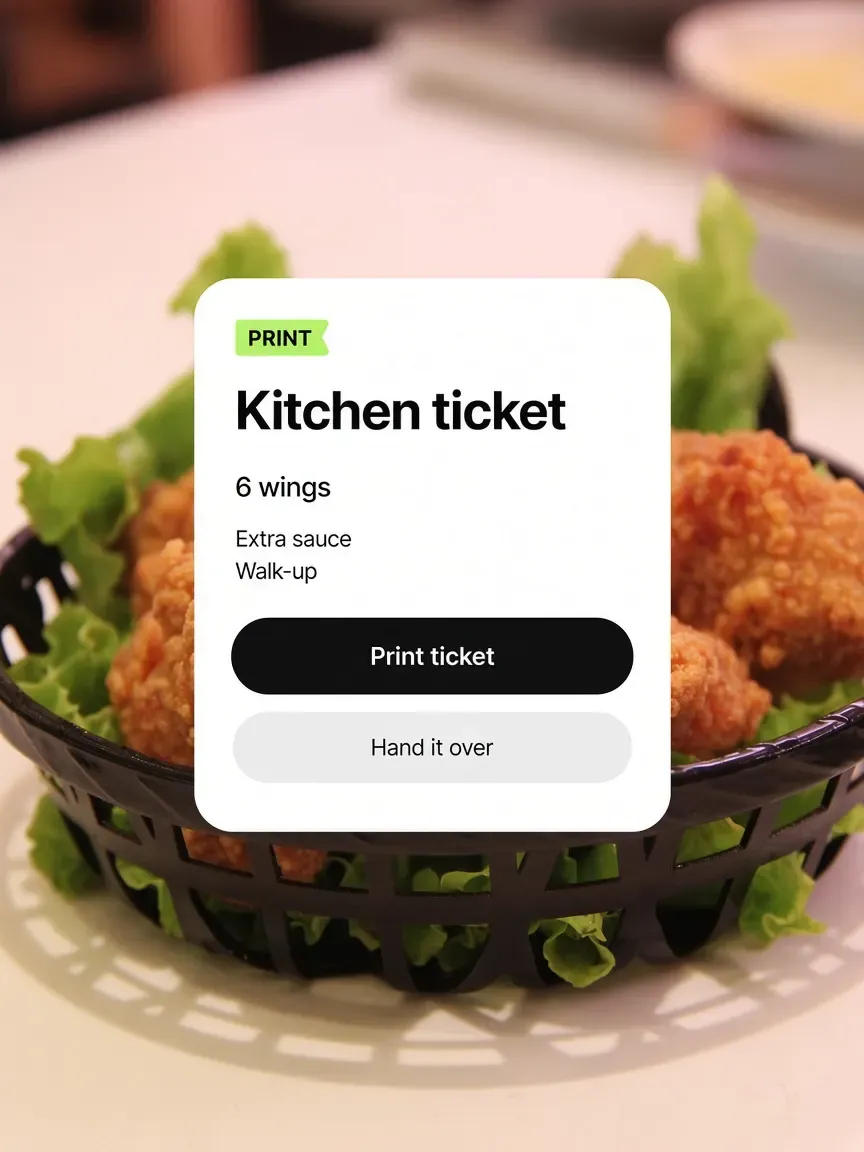
A kitchen print card over fried chicken in a basket, with 6 wings and extra sauce.
Kitchen tickets
A sales-by-source card over wood-oven pizzas, with Window, Site, and Kiosk.
One set of numbers
FAQ

Frequently asked questions

What operators ask before they put a register in their apron.

Talk to the Outbites team

Do I need a separate POS terminal?

No. Take Order runs on the phone, tablet, or iPad you already have. Take a tap on a compatible iPhone, or pair a contactless Bluetooth card reader. There is no proprietary terminal to buy or lease from us.

Which card reader works with Outbites?

A Square Reader for contactless and chip, the second generation Bluetooth reader. The Outbites app pairs with it directly and can walk you through pairing if the reader is not connected. On a compatible iPhone you can also take a tap on the phone itself.

Does Outbites replace Toast or Clover?

Outbites is its own point of sale rather than a connector to one. There is no Toast or Clover integration. If you are running Outbites, orders are taken in Outbites and cards run through Square or Stripe.

Do walk-up orders show on the same board as online orders?

Yes, unless you tell them not to. Every ticket carries a source stamp, so you can see at a glance whether it came from your site, the counter, or a kiosk. Quick Charge sales file straight into archived orders by default, since the guest already has the food.

Here's to a register that fits in your apron.

Tap the items. Take a tap. Hand it over. Same board as everything ordered online.

  • $1 per fulfilled order
  • No monthly platform fee
  • We never hold your payouts
  • Cancel anytime