Skip to content
Mobile ordering

They already have a phone fortonight

Do not make them download yours. The menu lives in the browser they already opened. They can save it to the home screen if they come back.
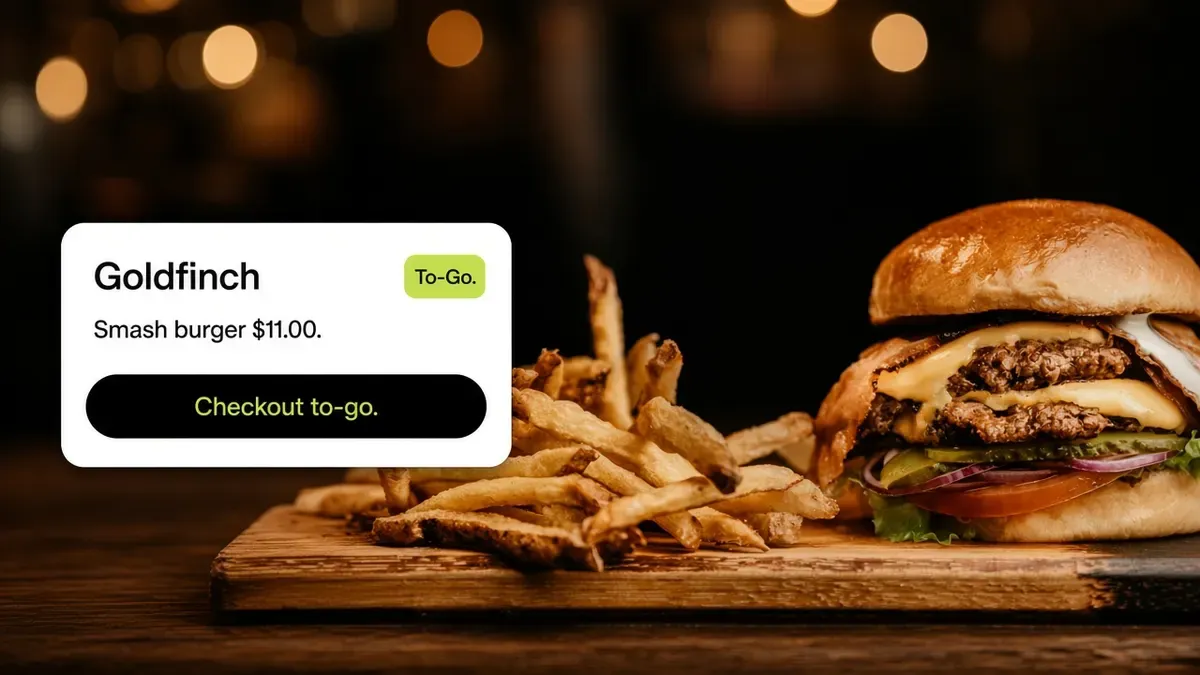
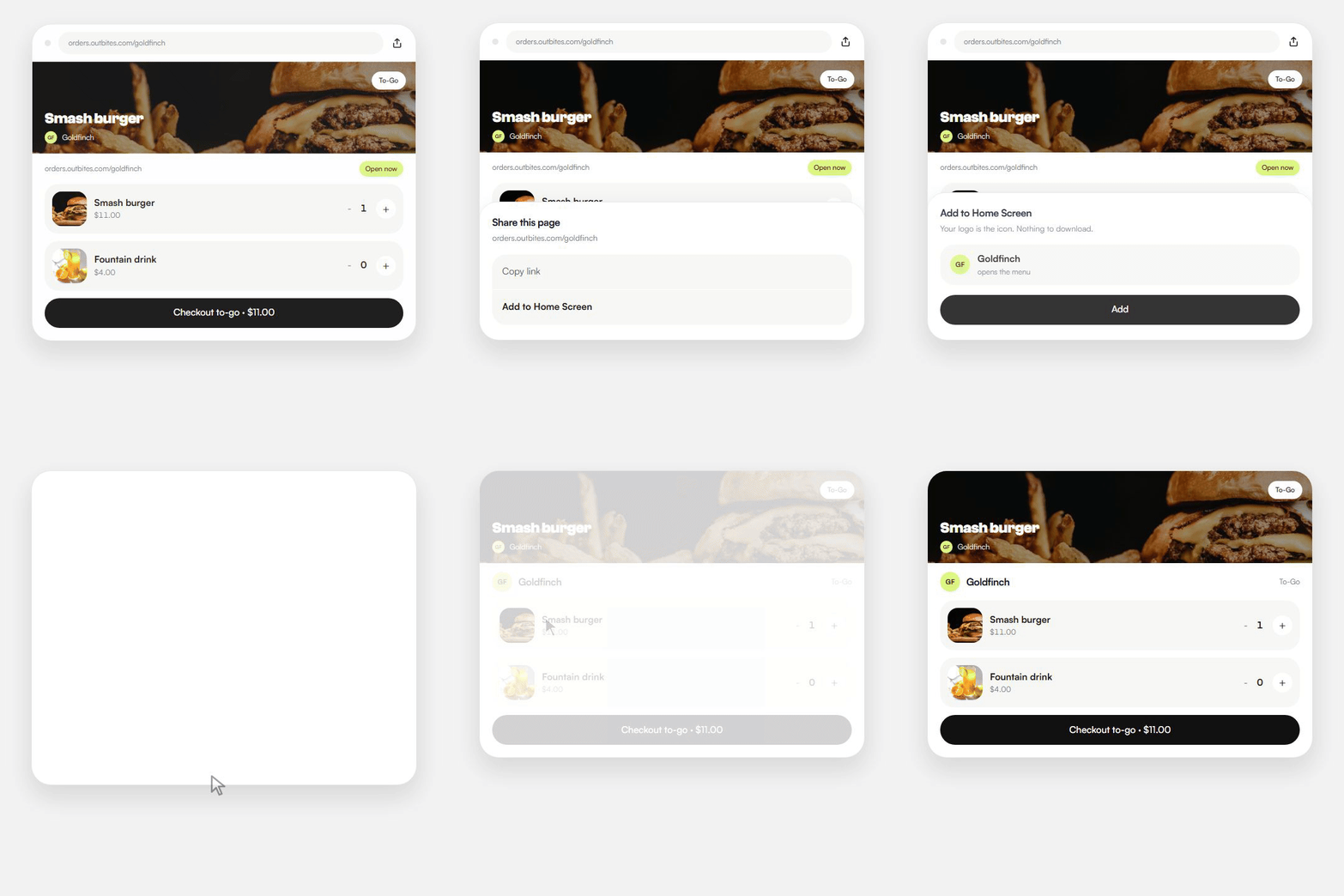
Goldfinch phone menu floating over a cheeseburger, with Smash burger and Checkout to-go.

Trusted by food trucks, pop-ups, and independent kitchens

The experience

How mobile ordering works

They open your page on the phone, pay there, and can save it to the home screen. Nothing to install.

  1. Step 1

    Built for a phone first

    • Big buttons they can tap with one thumb in line.
    • The menu is made for a phone, not a leftover desktop page.
    • The cart stays on the same screen while they add extras.
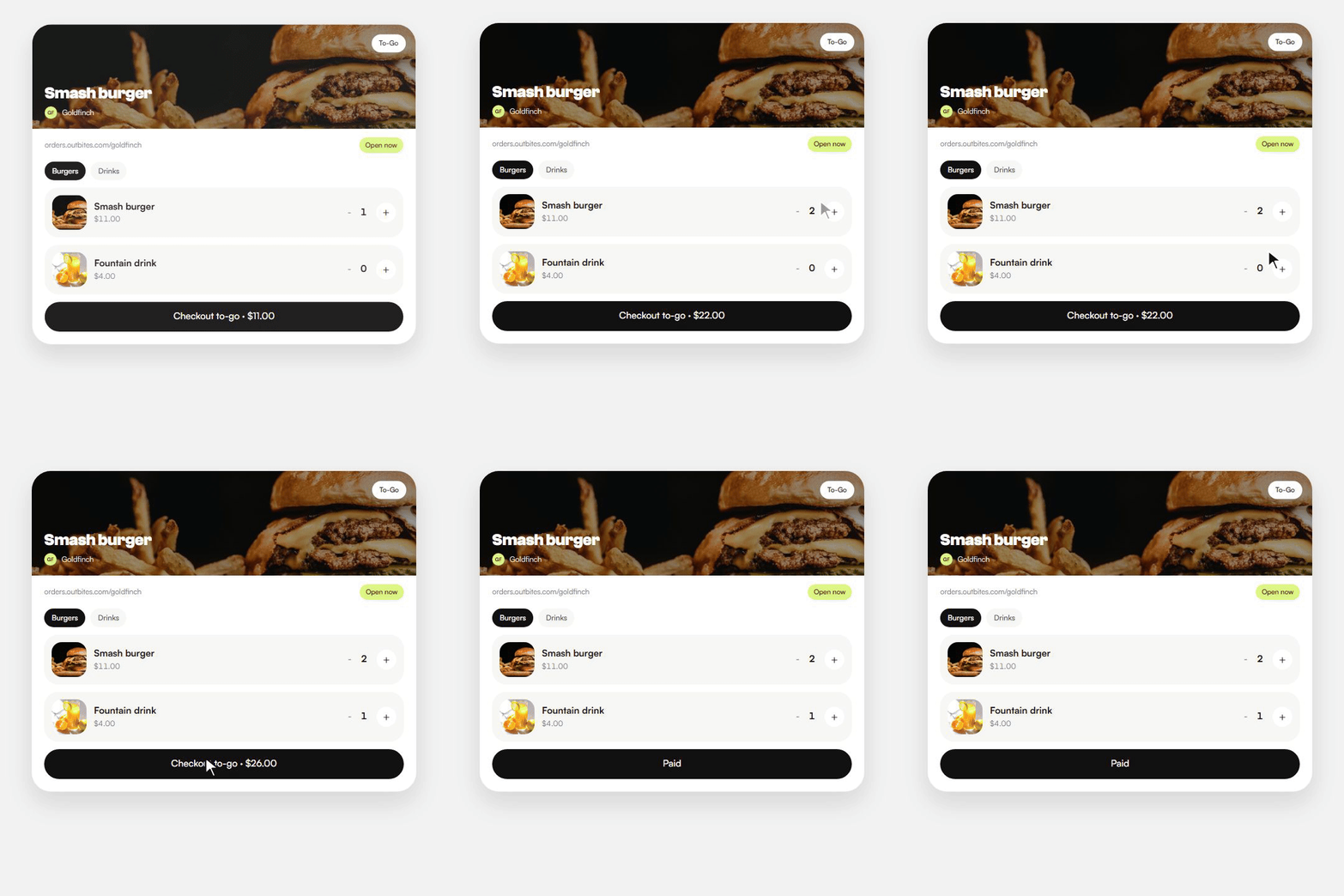
    A guest adds a smash burger and a fountain drink on Goldfinch's phone menu, then taps checkout.
  2. Step 2

    No download to abandon

    • They tap your link or scan the QR. The menu is already there.
    • No App Store wait, and no account to create first.
    • They pay on your page, and you keep the guest.
    A guest taps Goldfinch's ordering link in a text, then pays on that page with nothing to install.
  3. Step 3

    Save to home screen

    • They add your page from the share sheet, like any other site.
    • Your logo sits next to their other apps.
    • Next time they tap it, the menu opens like an app.
    A guest adds Goldfinch to the phone home screen from the storefront, then opens the menu like an app.
Operators we can name

Trusted by kitchens that already sell this way

Four Austin businesses on Outbites. Guests order from a phone. The notes are ours, not invented quotes, and none of them come with a fake follower count.

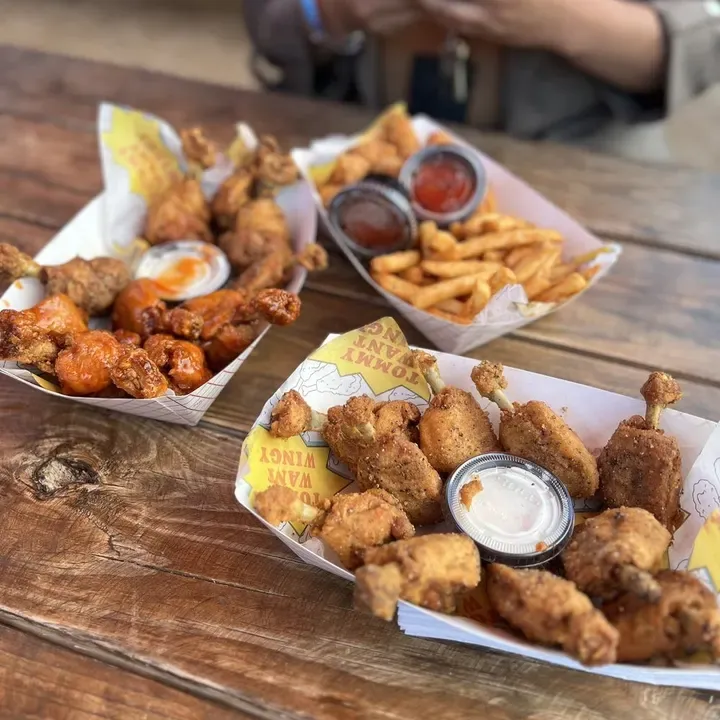
Branded baskets of Tommy Want Wingy chicken, wings, and fries on a picnic table

Tommy Want Wingy

Austin, TX

Our first food truck client, back in 2015. Wings out of a window, ordered ahead from a phone.
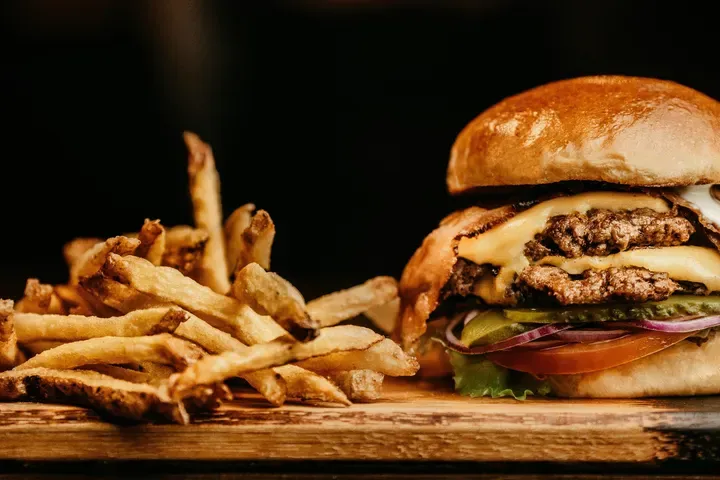
A cheeseburger and hand-cut fries on a wooden board at Katie Eatz Cafe

Katie Eatz Cafe

Austin, TX

A neighborhood cafe. Regulars open her page on the phone instead of hunting a marketplace app.
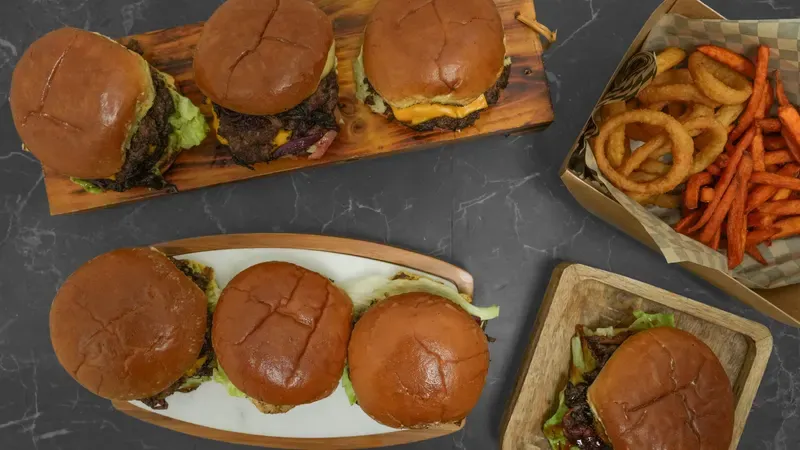
Smash burgers on wooden boards with onion rings and sweet potato fries

Smah N Dash

Austin, TX

Smash burgers built for speed. Guests order on the phone while they wait.
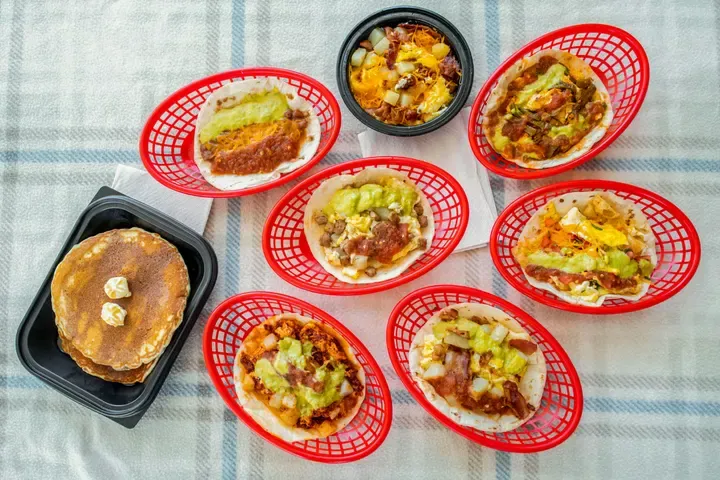
Breakfast tacos in red baskets beside pancakes and a bowl of eggs

Bobcat Quickie

Austin, TX

Breakfast from the home screen before anyone reaches the counter.

The platform

What's included with mobile ordering

No feature tier to climb. These come with the account.
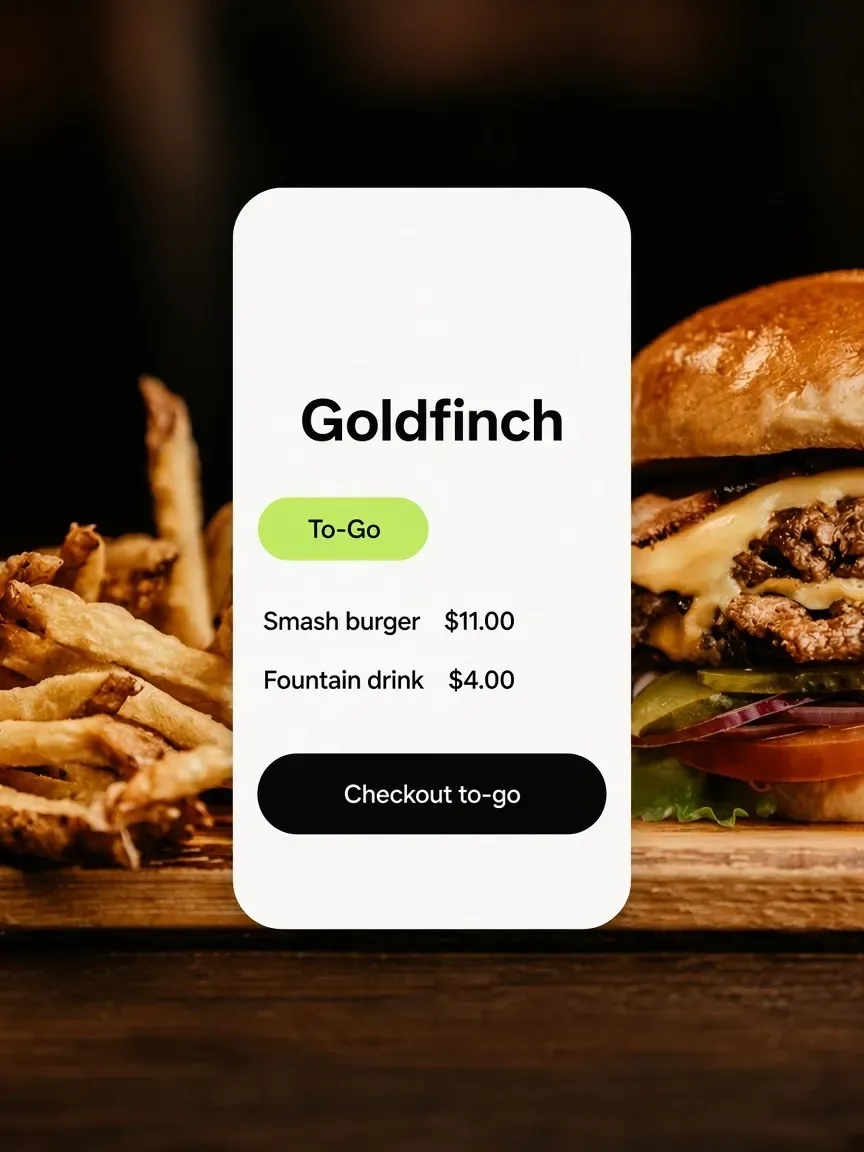
Goldfinch phone menu floating over a cheeseburger, with Smash burger and Checkout to-go.
Built for a phone first
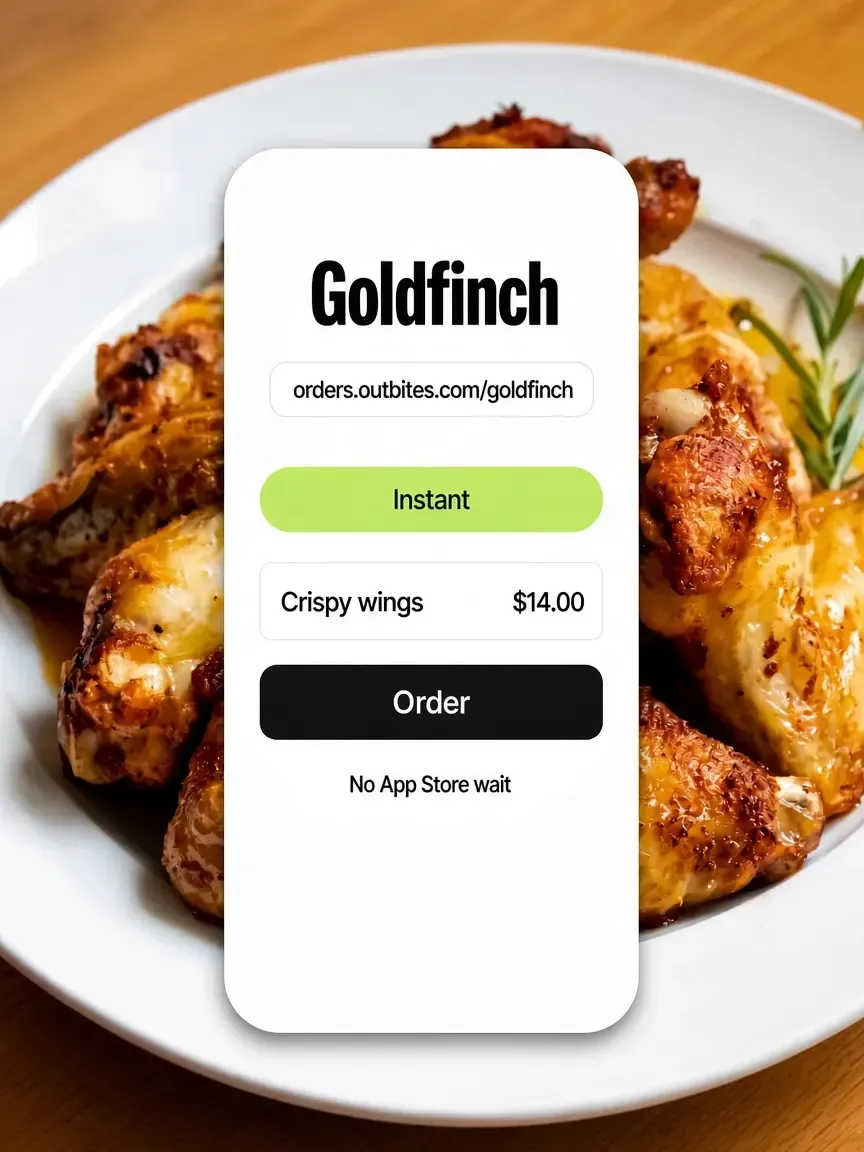
Goldfinch ordering link on a phone over a plate of chicken wings, with Crispy wings and nothing to install.
No download to abandon
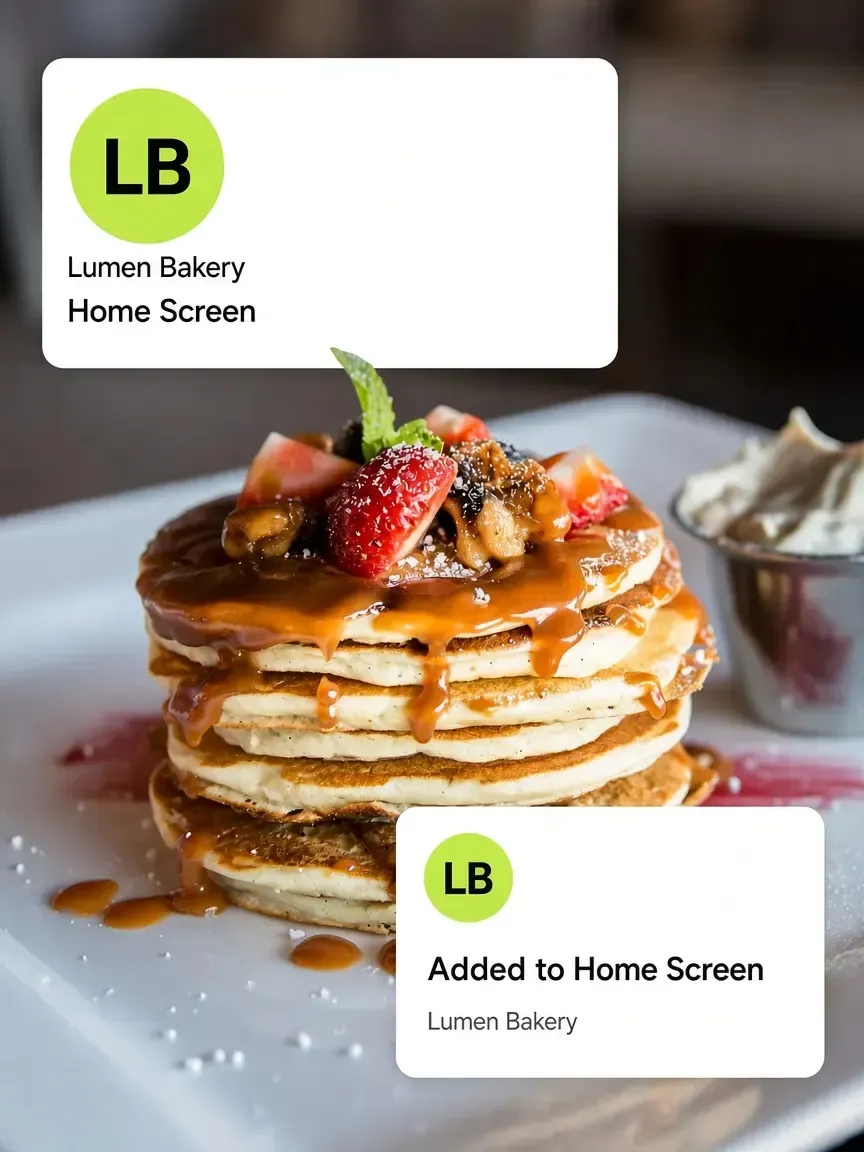
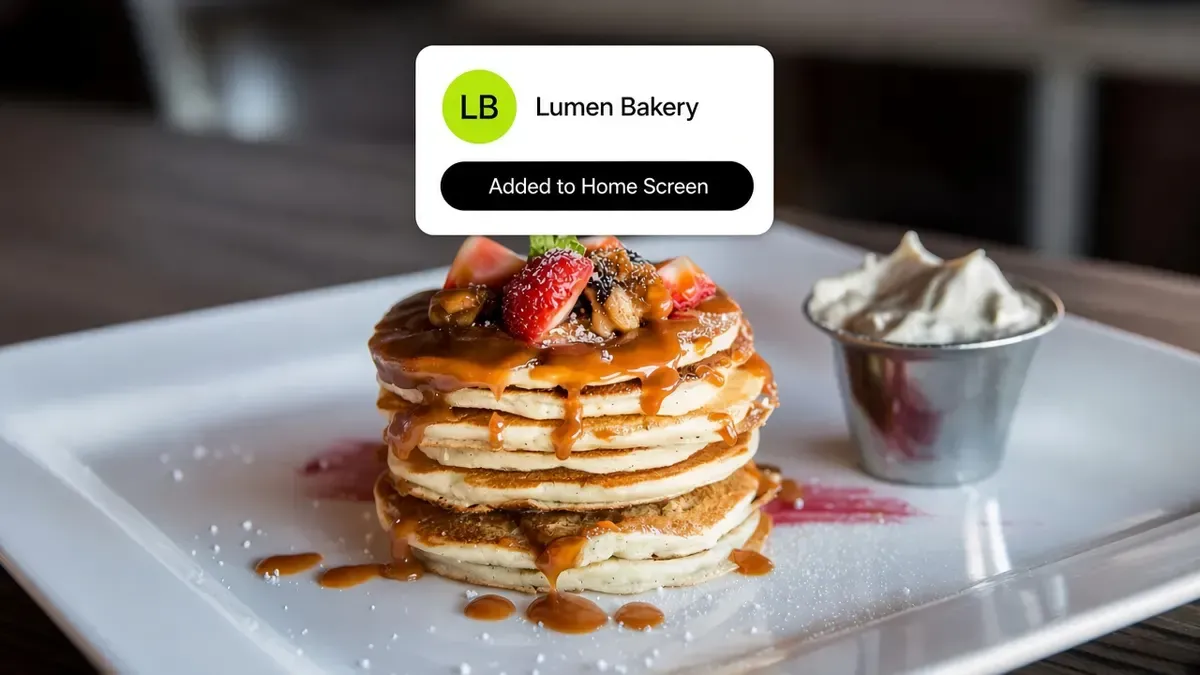
Lumen Bakery home screen icon and Added to Home Screen toast over a pancake stack.
Save to home screen
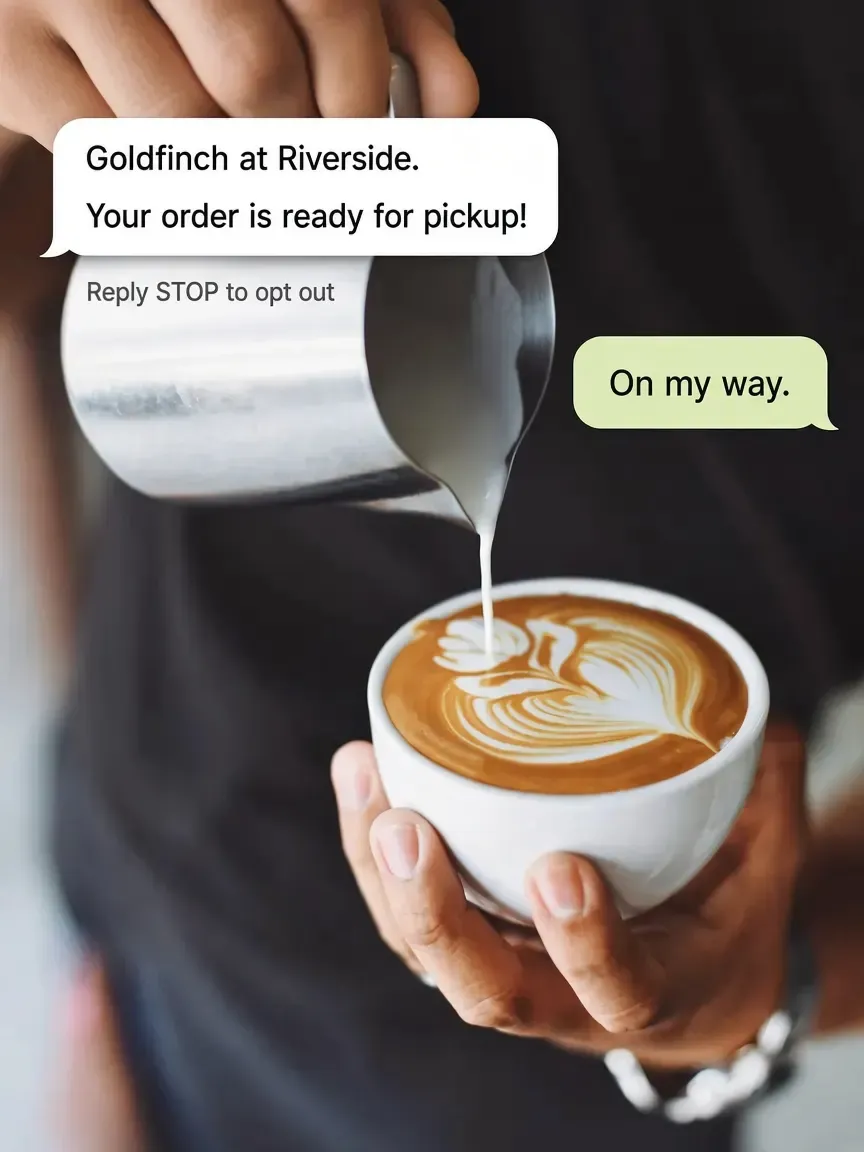
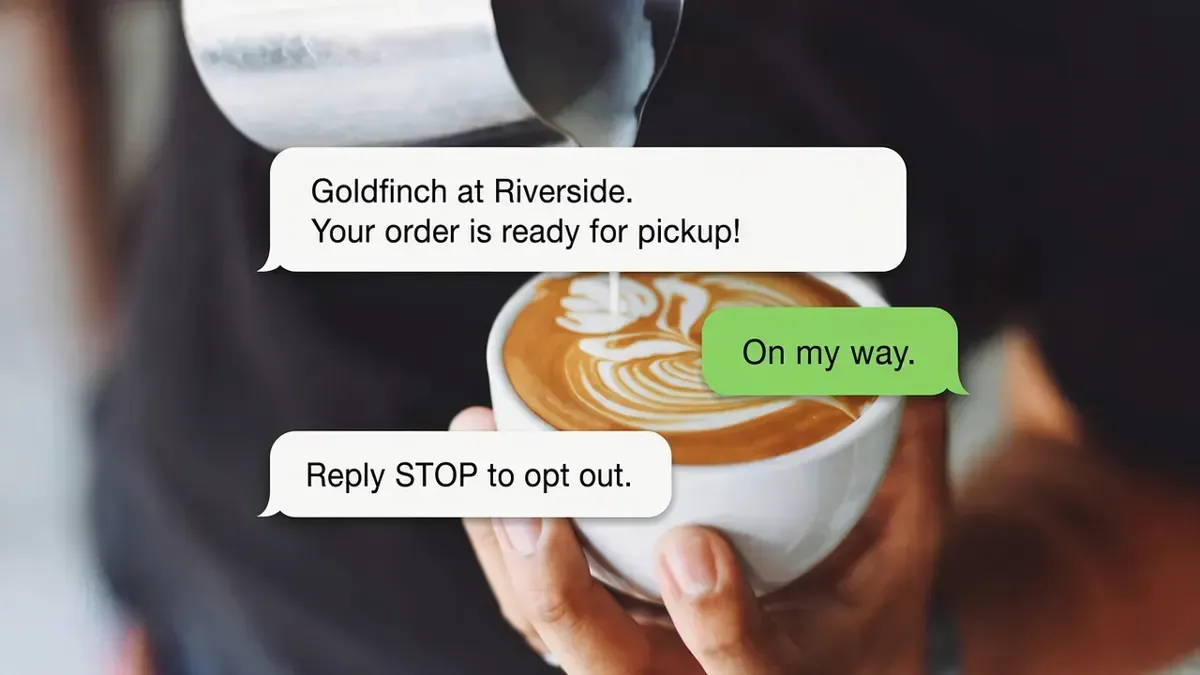
A ready-for-pickup text from Goldfinch over a latte being poured, with Reply STOP to opt out.
Texts, not push spam
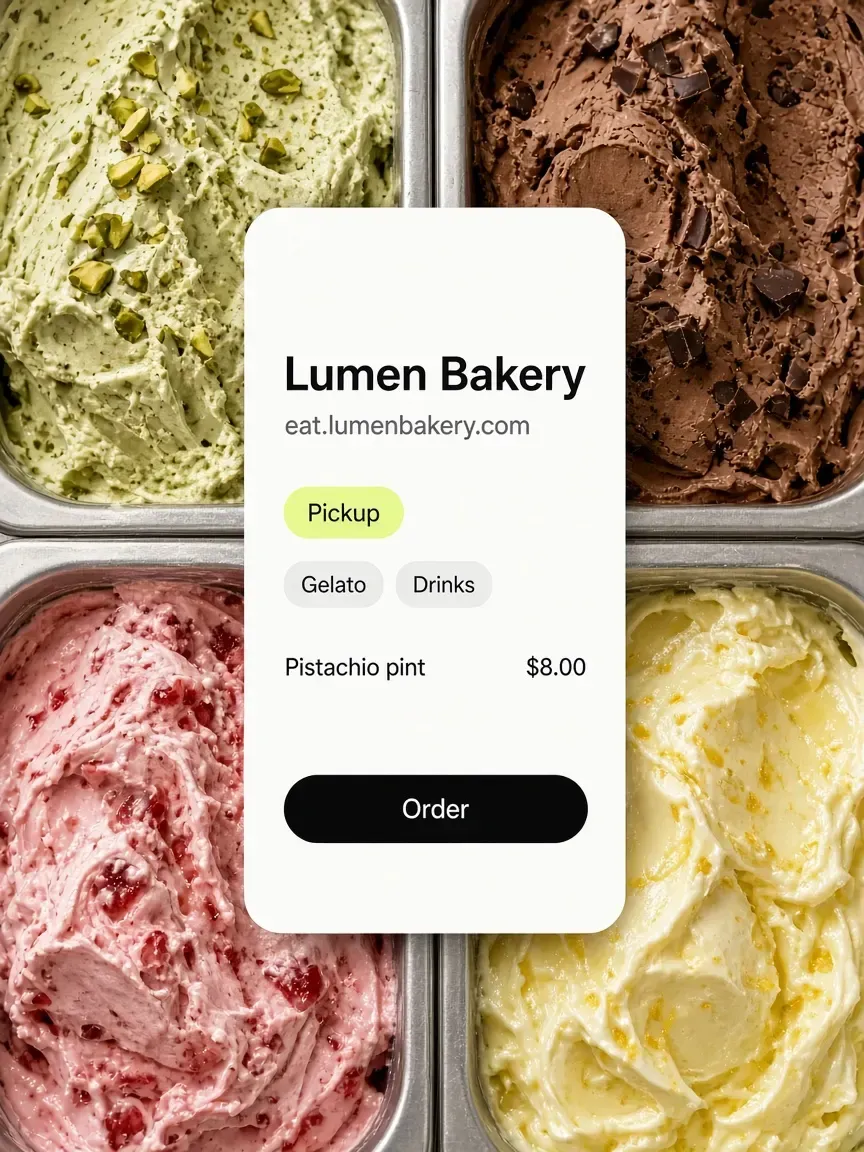
Lumen Bakery storefront on a phone over a gelato case, with the bakery name on the chrome.
Your branding throughout
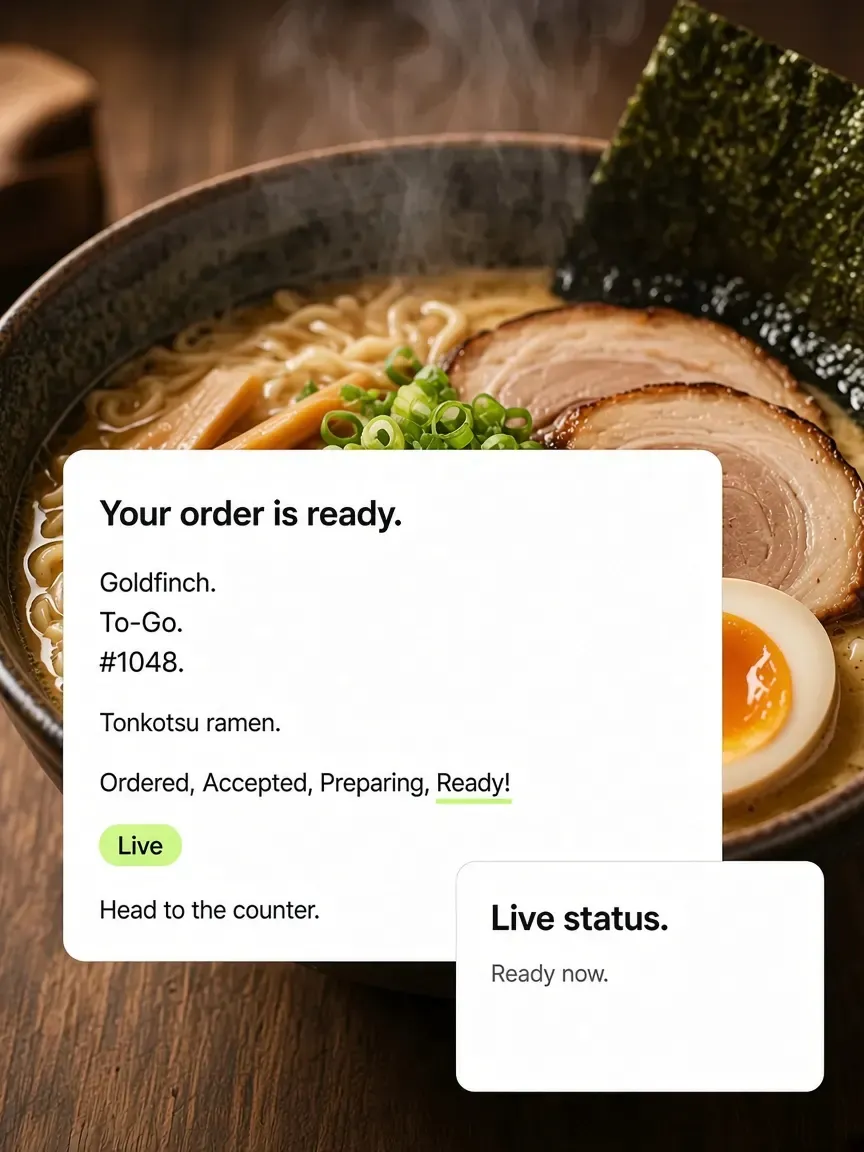
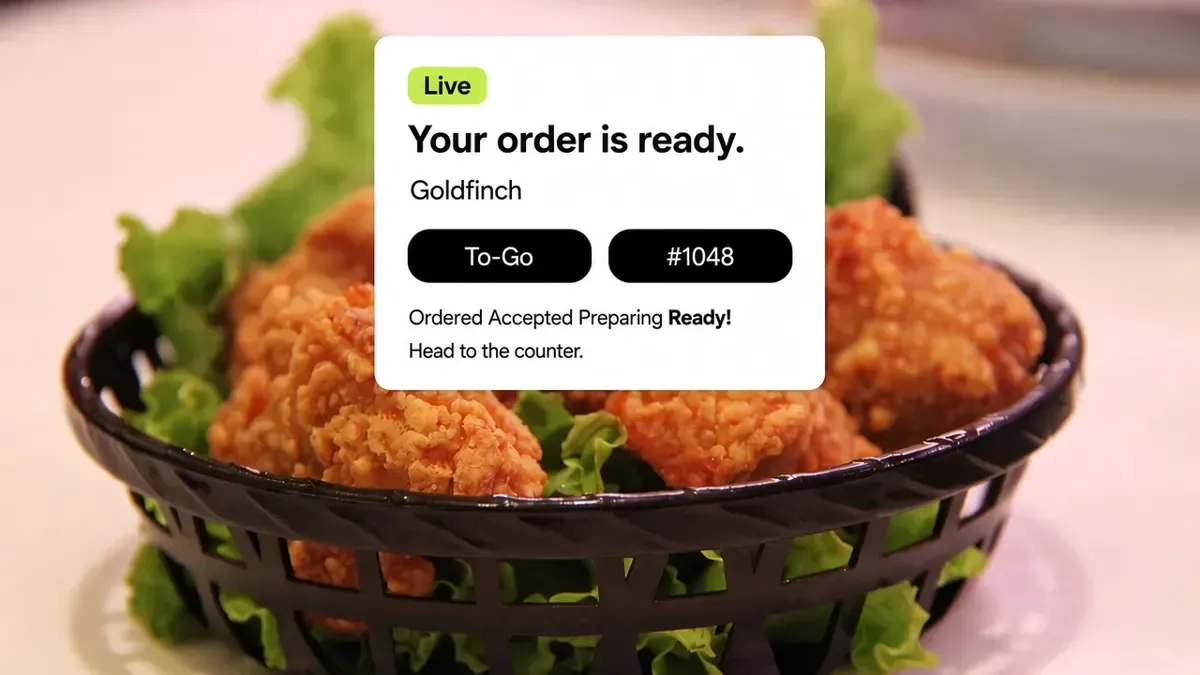
Goldfinch live order tracker over a bowl of tonkotsu ramen, with Ordered through Ready.
Live status on the phone
FAQ

Frequently asked questions

What operators ask before they put a menu on phones.

Talk to the Outbites team

Will my restaurant be in the App Store?

No, and for most independents that is the right answer. Guests order in their phone browser from your link, with nothing to install. The Outbites app in the app stores is the merchant app you use to run service.

Can guests get push notifications?

Order updates go out by text rather than push. Push notifications in Outbites go to you, the merchant, to alert you about new tickets.

Here's to a menu that lives on their phone.

Share the link. They order in the browser. Regulars can pin it next to their other apps.

  • $1 per fulfilled order
  • No monthly platform fee
  • We never hold your payouts
  • Cancel anytime