Skip to content
QR code ordering

One code on thewindow

Print it once and stick it where people wait. They scan, order, and pay on their own phone while you keep cooking.
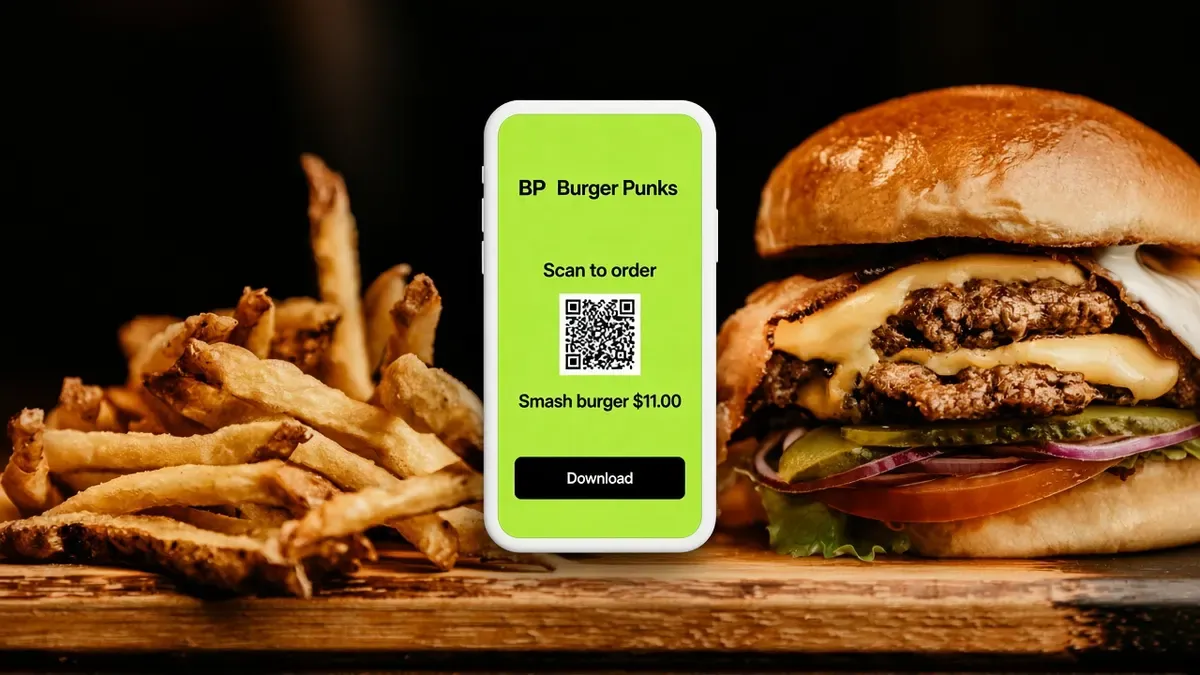
Burger Punks scan-to-order phone between fries and a smash burger, with Download.

Trusted by food trucks, pop-ups, and independent kitchens

The experience

How QR ordering works

Print the code, they scan it, you cook. The ticket is a normal order.
  1. Step 1

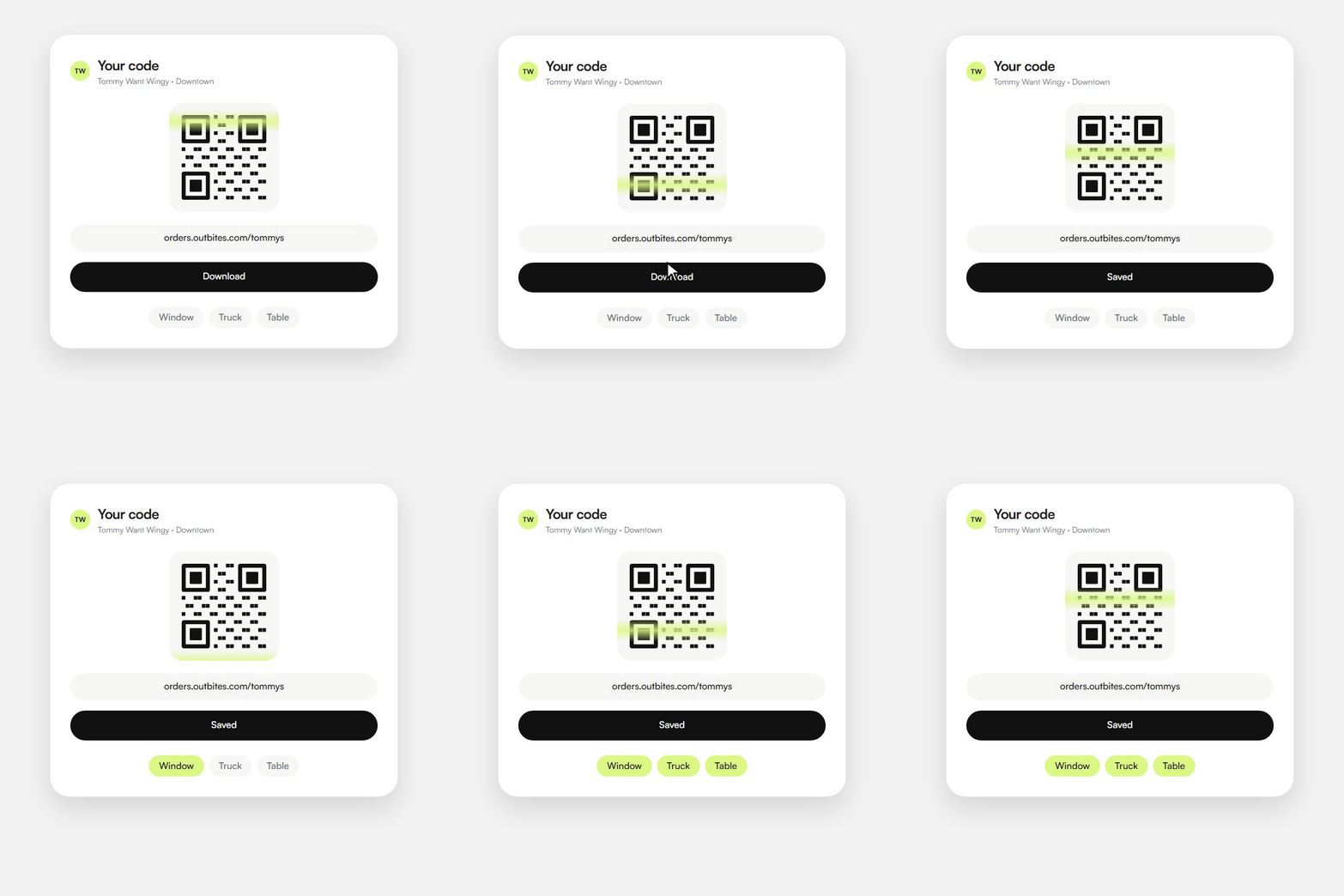
    Download your code

    • Grab the QR from your account. One picture per location.
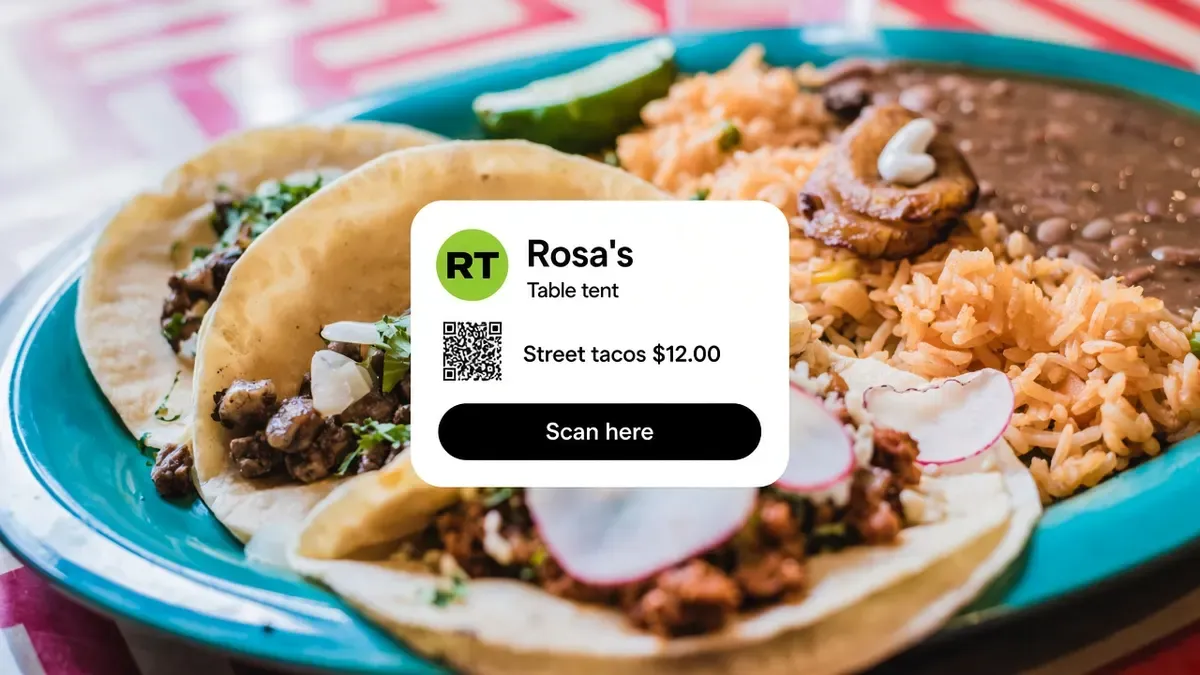
    • Stick it on the window, the truck, a table tent, or a flyer.
    • Print it once. You do not reprint when a price changes.
    Tommy Want Wingy QR: Download, then Window, Truck, and Table light up.
  2. Step 2

    They scan and order

    • Their camera opens your menu in the browser.
    • No app, no account, no waiting for someone to take their order.
    • They pay on their own phone while you keep cooking.
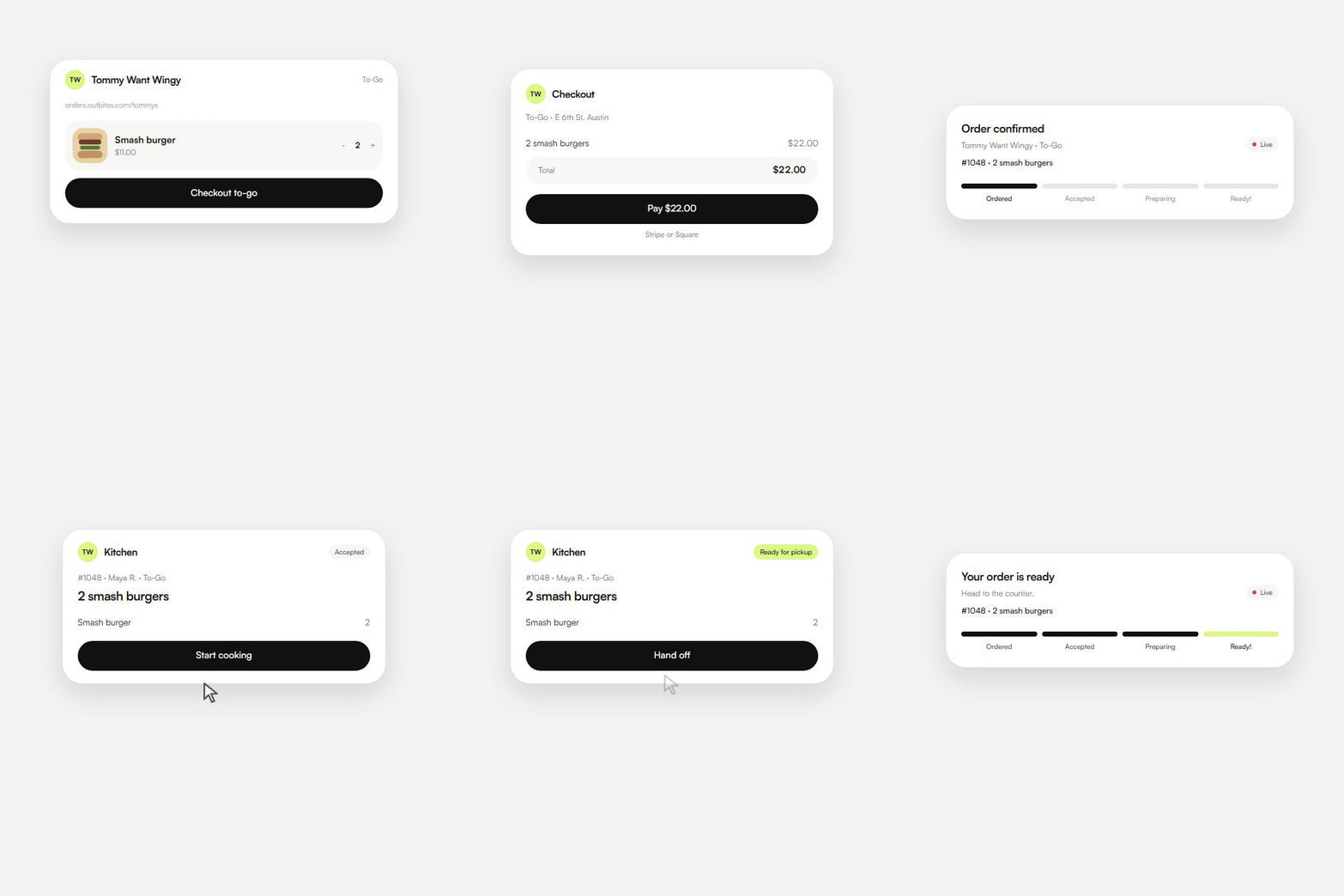
    A guest opens the ordering page and pays on their phone, with nothing to install.
  3. Step 3

    You cook and call it

    • The ticket lands on your board like any other order, tagged as a scan.
    • They watch a live receipt while you cook.
    • You mark it ready, and they get a text.
    The kitchen takes the ticket, then the guest gets a ready-for-pickup text.
Operators we can name

Trusted by kitchens that already sell this way

Four Austin businesses on Outbites. A code on the glass is how guests start. The notes are ours, not invented quotes, and none of them come with a fake follower count.

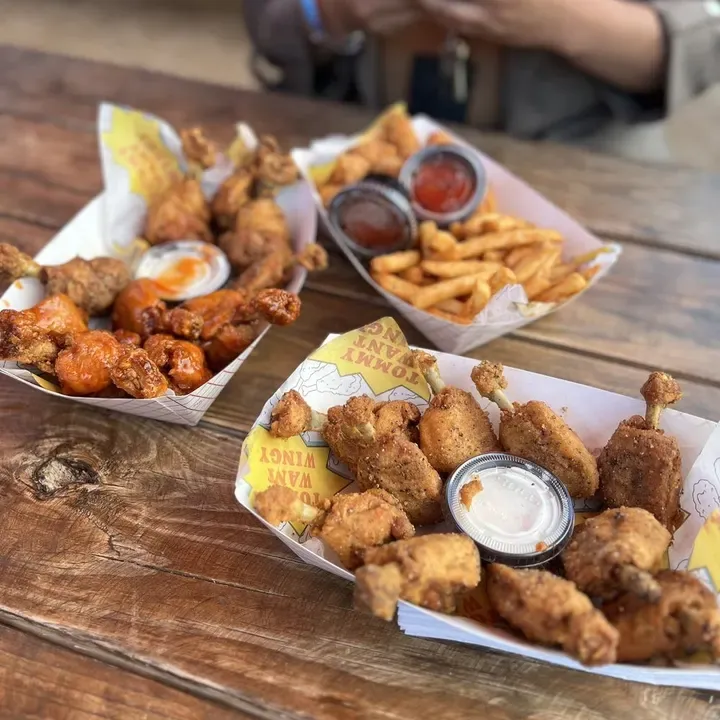
Branded baskets of Tommy Want Wingy chicken, wings, and fries on a picnic table

Tommy Want Wingy

Austin, TX

A QR on the truck glass. Wings ordered from the line instead of shouted through the window.
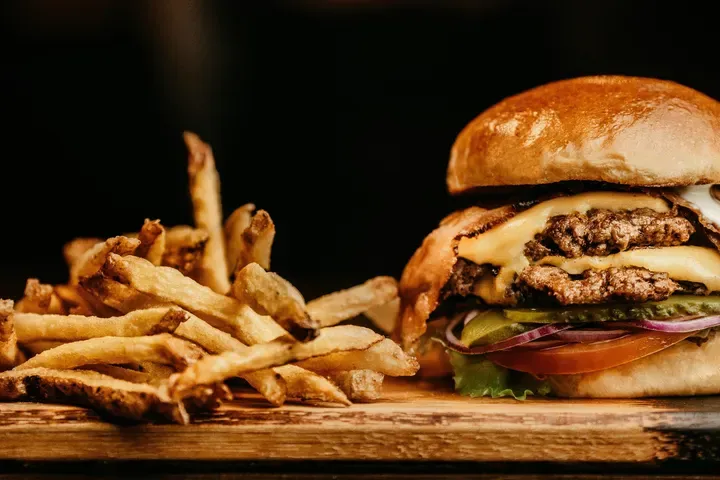
A cheeseburger and hand-cut fries on a wooden board at Katie Eatz Cafe

Katie Eatz Cafe

Austin, TX

A neighborhood cafe. Table tents open her menu, and she keeps cooking.
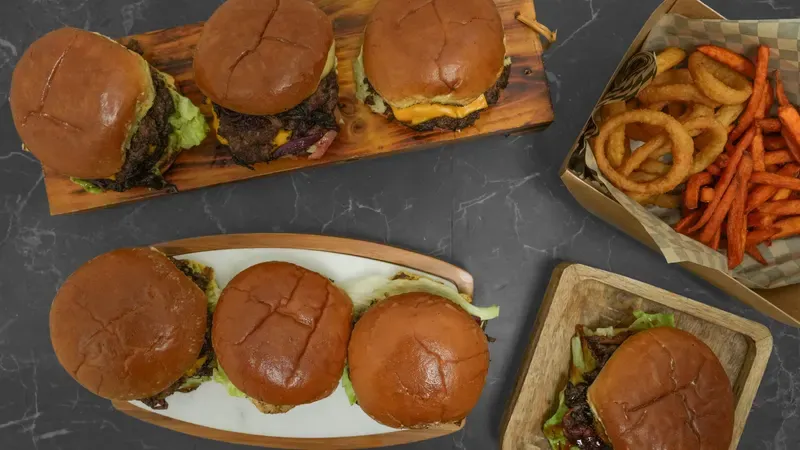
Smash burgers on wooden boards with onion rings and sweet potato fries

Smah N Dash

Austin, TX

Smash burgers built for speed. Guests scan, pay on their phone, and the ticket is already on the board.
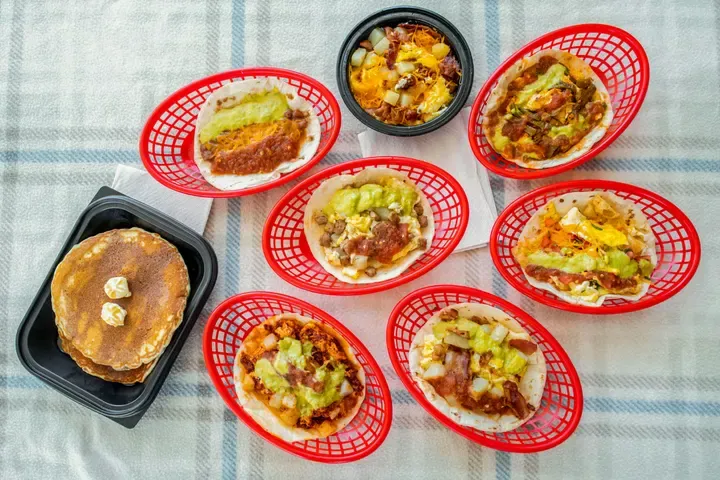
Breakfast tacos in red baskets beside pancakes and a bowl of eggs

Bobcat Quickie

Austin, TX

Breakfast tacos at the window. One sticker, the same menu as the link on the truck.

The platform

What's included with QR ordering

No feature tier to climb. These come with the account.
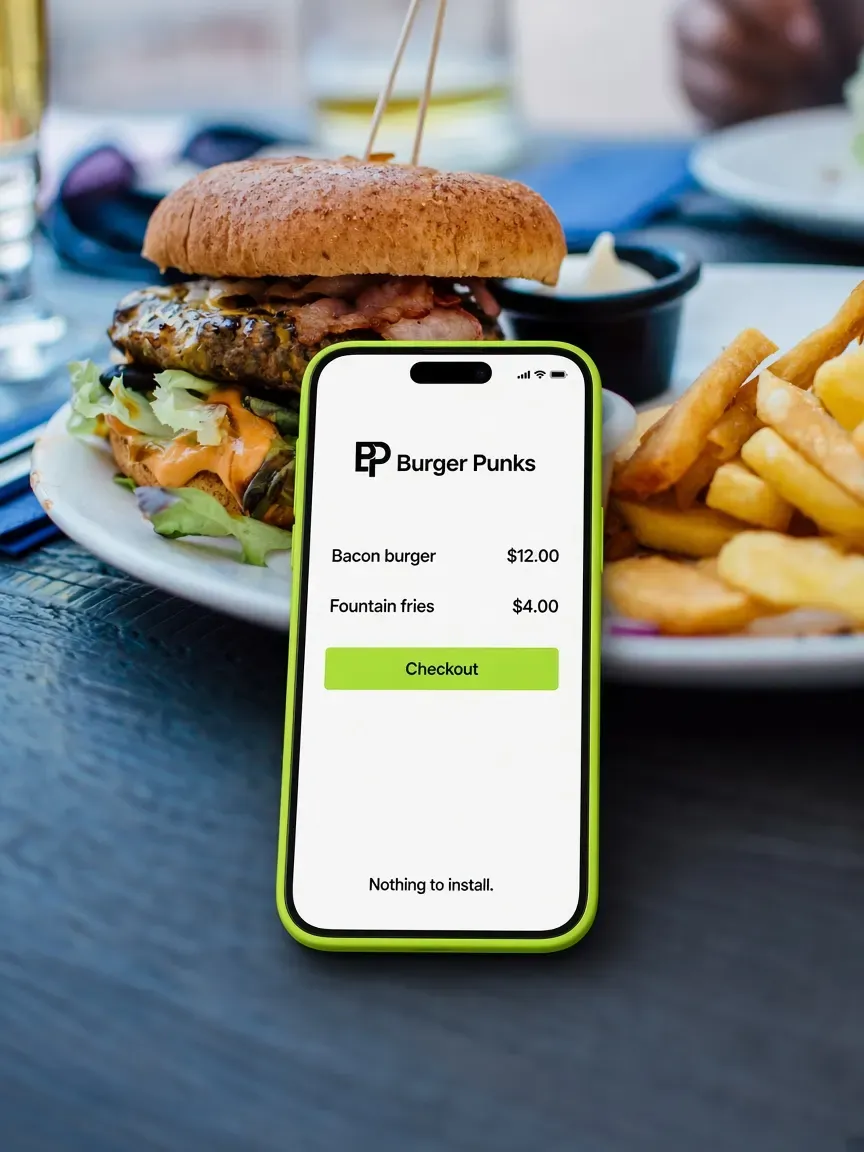
Burger Punks phone menu over a plated bacon cheeseburger, with Bacon burger and Nothing to install.
Nothing to install
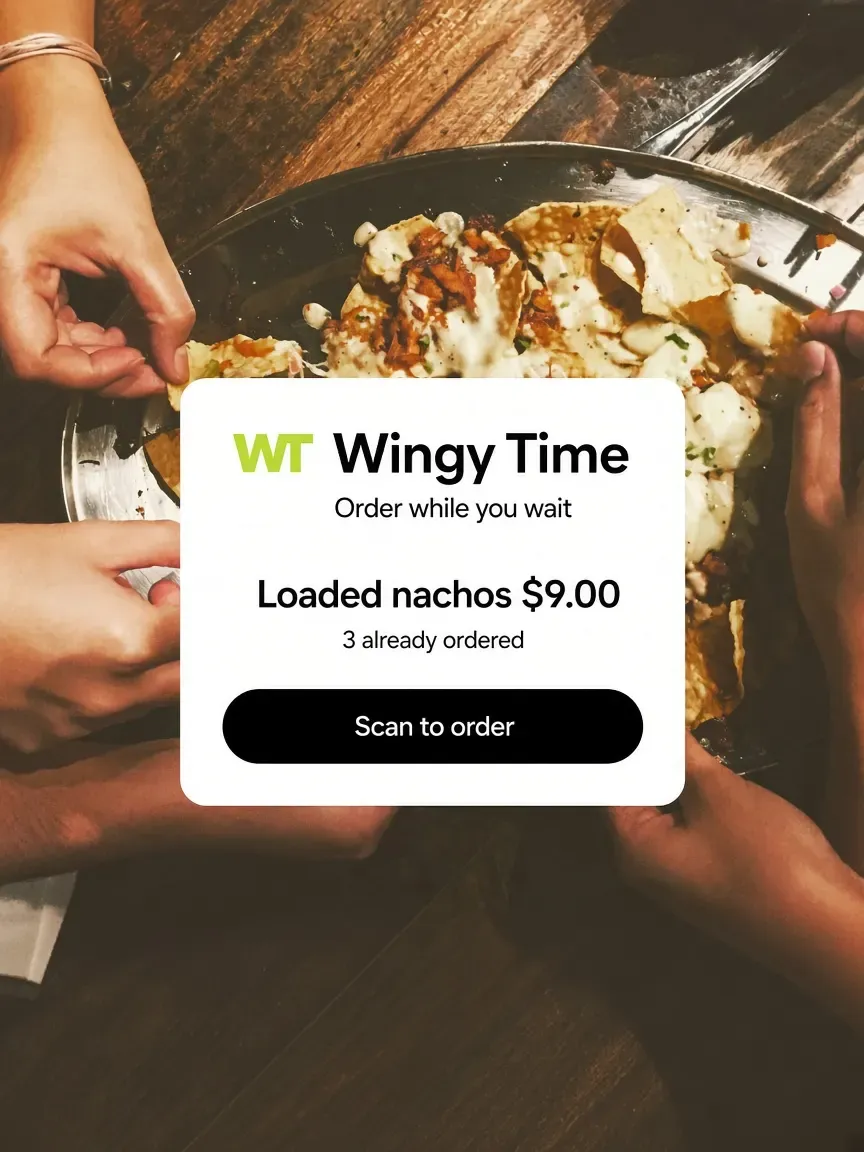
A Wingy Time order-while-you-wait card over loaded nachos.
Shorter line, same crew
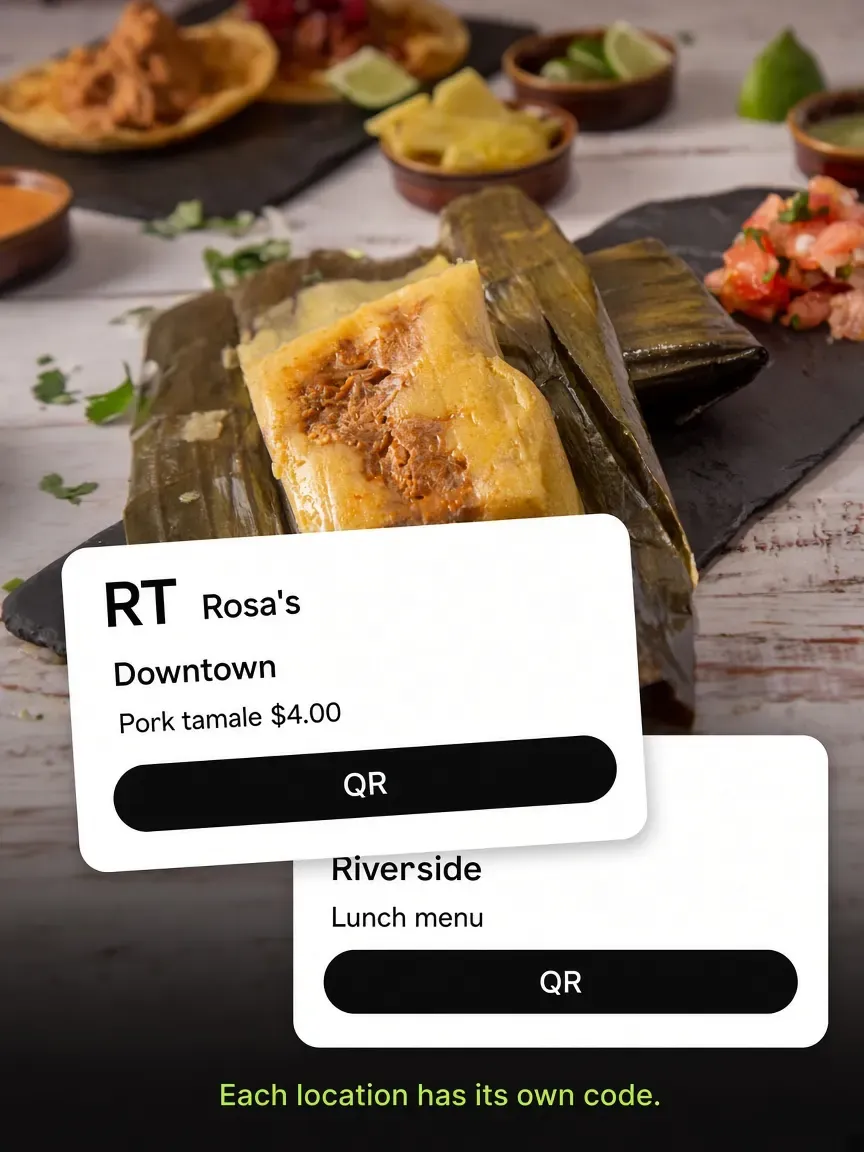
Rosa's Downtown and Riverside codes over a pork tamale in a banana leaf.
Per location
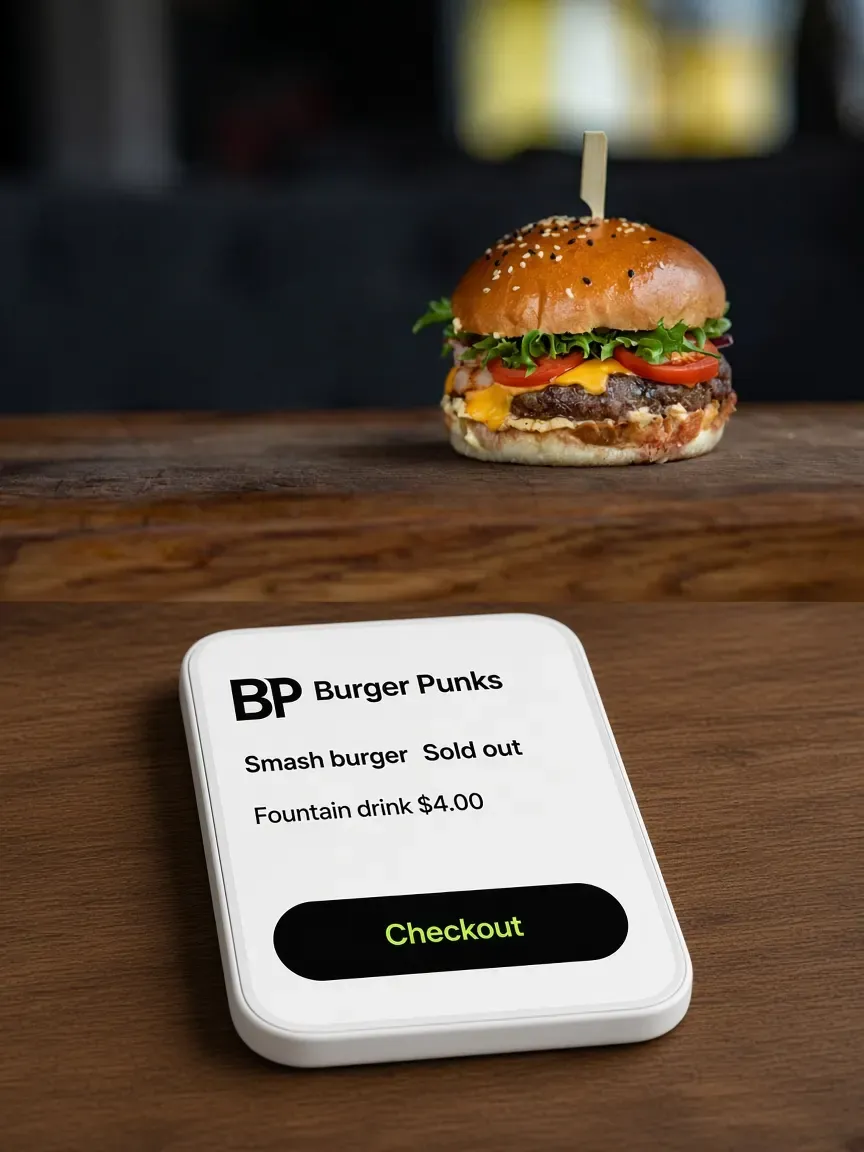
Burger Punks menu over a sesame smash burger, with Smash burger sold out.
The menu is always current
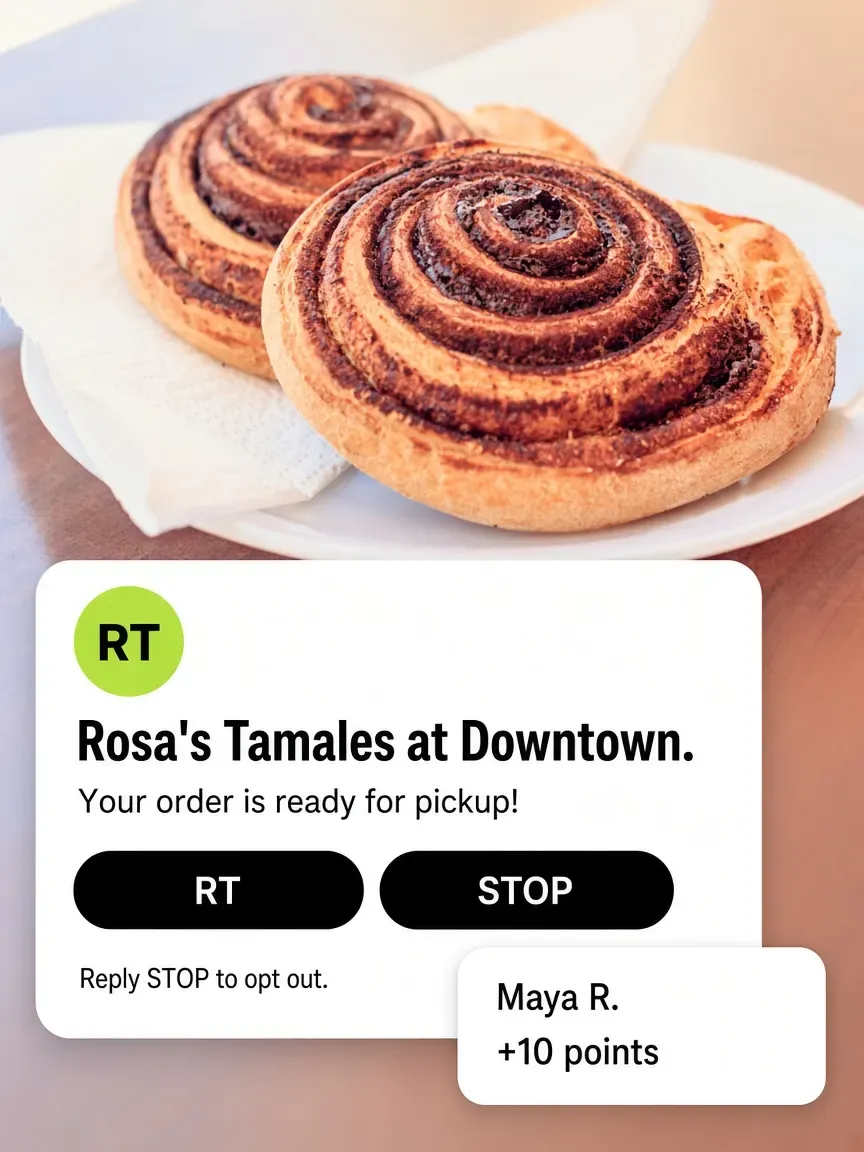
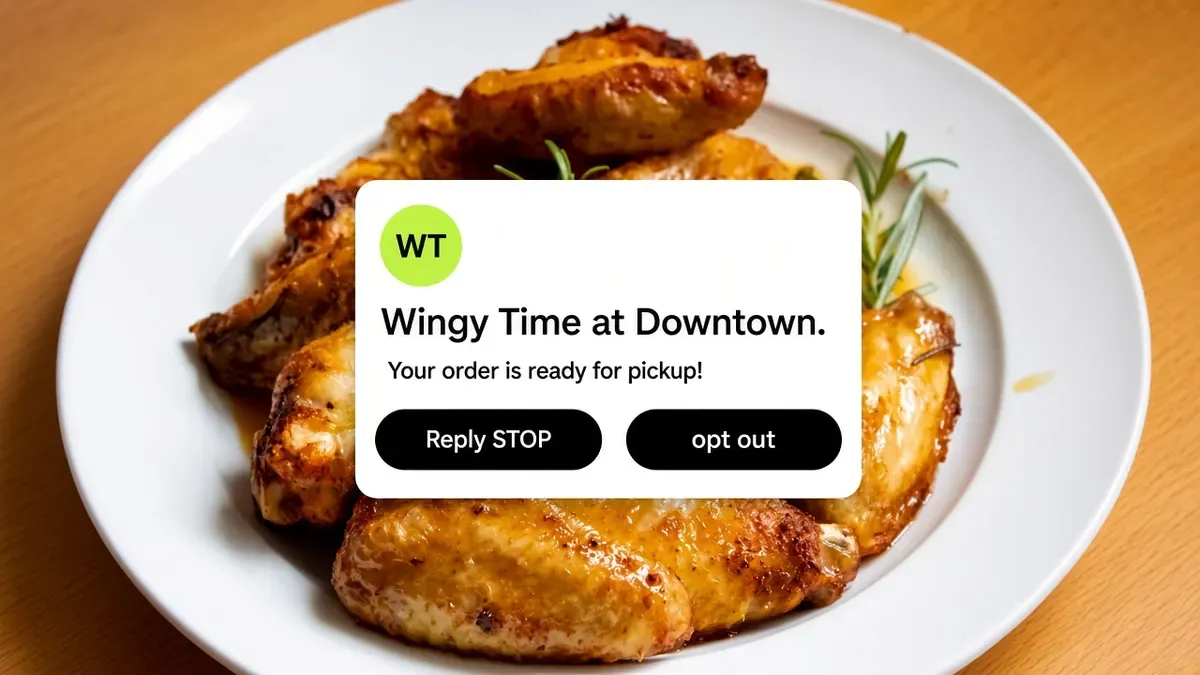
A ready-for-pickup text from Rosa's over cinnamon rolls, with Reply STOP to opt out.
The guest becomes yours
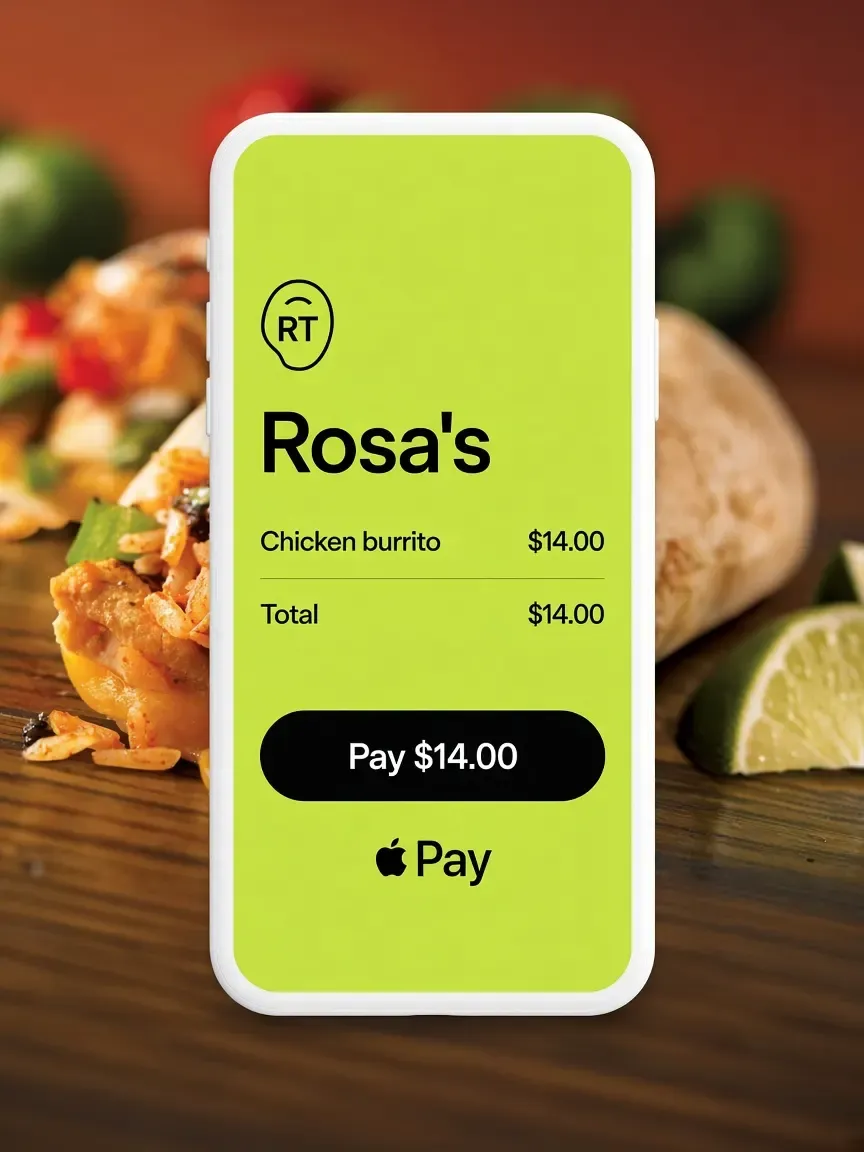
Rosa's pay screen over a chicken burrito, with Pay $14 and Apple Pay.
They pay on their phone
FAQ

Frequently asked questions

How does QR code ordering work with Outbites?

Talk to the Outbites team

Do customers need an app to scan?

No. The phone camera reads the code and opens your ordering page in the browser. There is nothing to download and no account to create.

Can I use QR ordering at a table?

You can put a code on the table and switch dine-in on as a fulfilment method, and guests will order and pay from their seat. What Outbites does not do is table management: there is no table numbering, no running tab per table, and no seat-level ordering, so the ticket arrives without telling you which table it came from unless the guest adds a note.

Where do QR orders show up?

On the same live board as everything else, with a source stamp so you can tell scanned orders from counter sales.

Here's to a line that orders itself.

Print it once. They scan, pay on their phone, and you keep cooking.

  • $1 per fulfilled order
  • No monthly platform fee
  • We never hold your payouts
  • Cancel anytime