
Run the floor from the Outbites app
The same dashboard as the browser, plus printing, push alerts, and taking a card at the counter.
Trusted by food trucks, pop-ups, and independent kitchens


What does the Outbites mobile app do?
The Outbites app for iOS and Android is the merchant app, not a consumer ordering app. It runs the full merchant dashboard and adds hardware features a browser cannot reach: Bluetooth printing to Epson and Star ticket printers, push notifications for new orders, native order alert sounds, Face ID or fingerprint sign-in, and in-person cards by phone tap or a paired Bluetooth reader.
How The Outbites app works
The same dashboard as the browser, plus printing, push alerts, and taking a card at the counter.
- 01
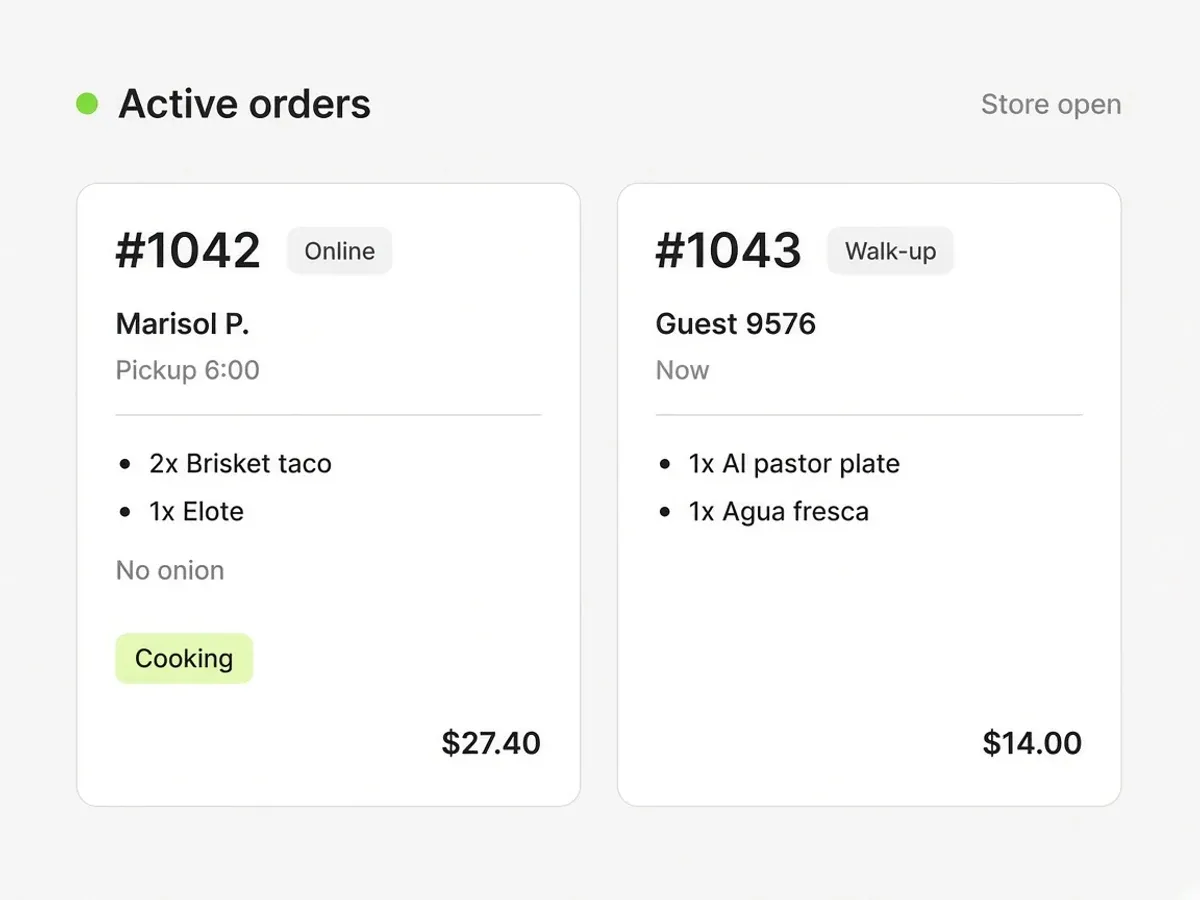
Push alerts for new tickets
Orders reach the phone in your apron even when the app is closed, with a sound you can set to repeat until someone acknowledges it.
- 02
Bluetooth printing
Kitchen and receipt printing to Epson and Star printers, with auto-print on new orders if you want paper without touching anything.
- 03
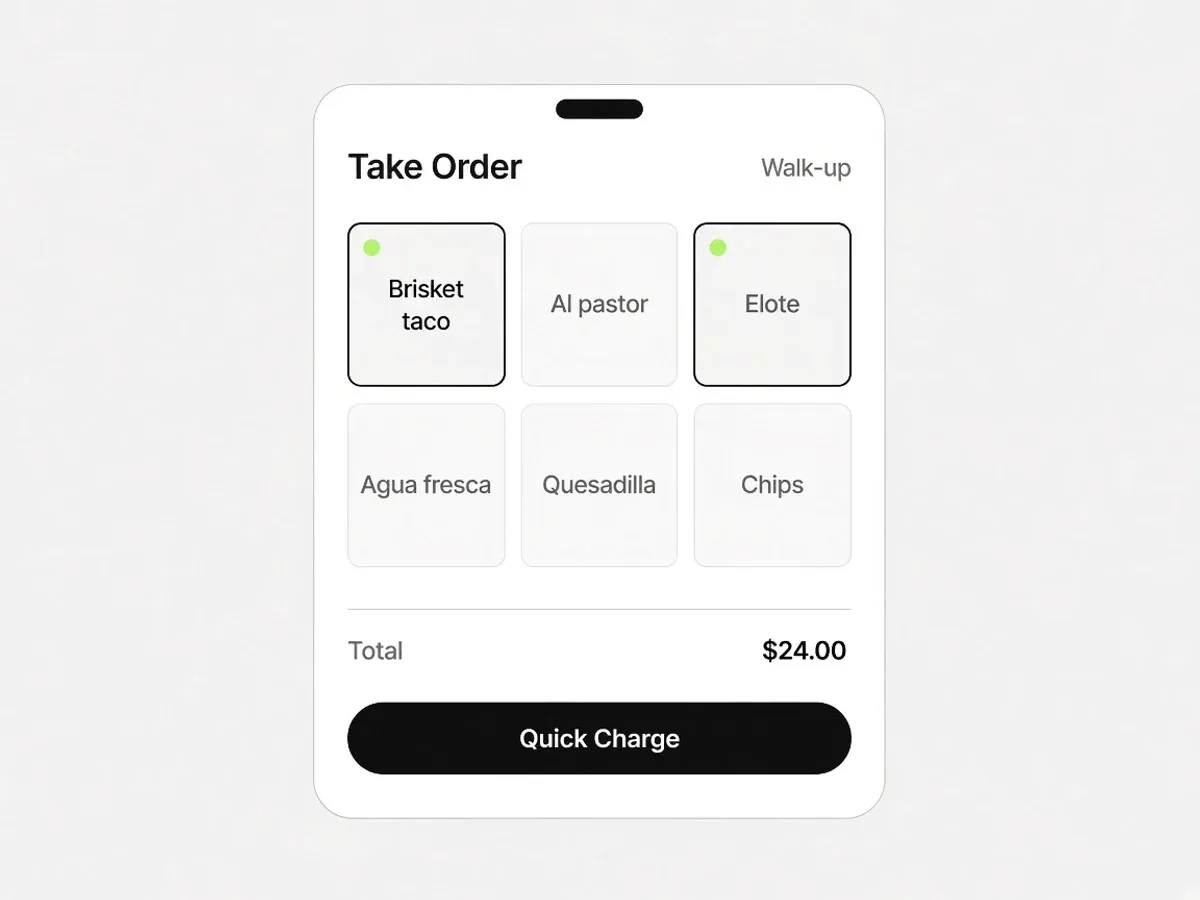
Take Order and card payments
Ring up walk-ups, take a tap on the phone, or pair a Bluetooth reader. This is the part that only exists on the phone.
Built for how service actually runs
No feature tier to climb. These come with the account.
Push alerts for new tickets
Orders reach the phone in your apron even when the app is closed, with a sound you can set to repeat until someone acknowledges it.
Bluetooth printing
Kitchen and receipt printing to Epson and Star printers, with auto-print on new orders if you want paper without touching anything.
Take Order and card payments
Ring up walk-ups, take a tap on the phone, or pair a Bluetooth reader. This is the part that only exists on the phone.
Face ID and fingerprint
Sign in fast on a shared device in the middle of service, without typing a password with wet hands.
Stays awake during service
The screen holds on while you are working the board, so you are not waking the phone every ninety seconds.
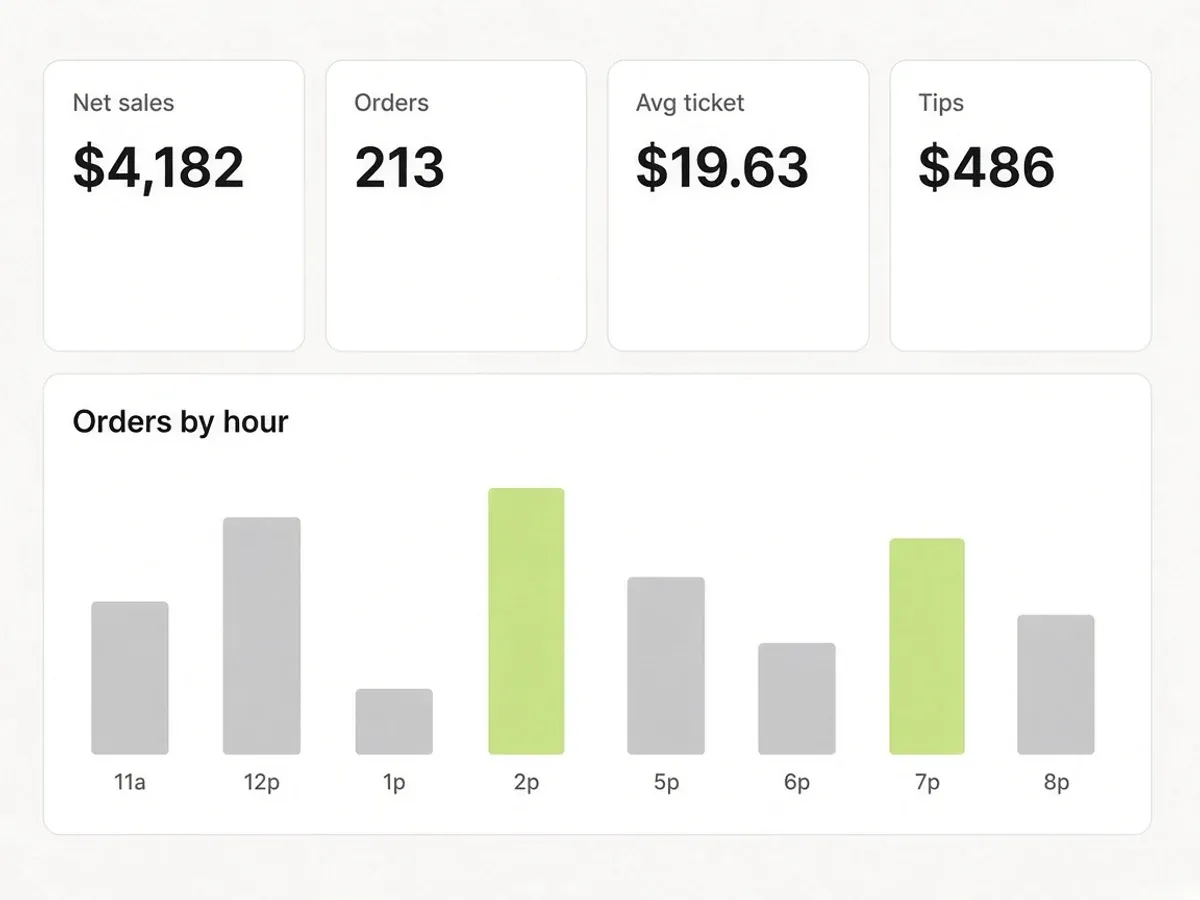
Everything the browser does
Menus, customers, marketing, reports, and settings are all there. Nothing is locked to the desktop.
Worth knowing
- This is the merchant app. Your guests order in their phone browser from your link or QR code; there is no separate customer app for them to download.
Keep Square. Keep Stripe. Keep the printer.
Outbites is the register, the ordering page, and the kitchen tickets. Pair the card processor you already have. Tap on the phone. Print to the Bluetooth printer you already own. Dispatch a courier when you want one.
- SquareOnline, phone tap, and card reader
- StripeOnline card payments
- Apple PayWallet at checkout
- Google PayWallet at checkout
- DoorDash DriveA courier you dispatch
- Uber DirectA courier you dispatch
- GoogleSearch, Business Profile, Analytics
- Epson and StarBluetooth ticket printers
Frequently asked questions
What operators ask us about The Outbites app.
Is the Outbites app for customers or for me?
For you. Tickets, printing, Take Order. Guests order from your page in the browser they already have. Nothing for them to install.
Does it cost extra?
No. The app is included with your account on both iOS and Android.
Which printers work?
Bluetooth printers from Epson and Star Micronics. Printing happens from the mobile app, so a browser-only setup will prompt you to install the app.
Food businesses taking orders on their own link
Named Austin kitchens, in their own words.
“This is the first stack that actually moved the needle on direct online revenue.”
Aisha B.
“Less money lost to middlemen and a lot more orders coming straight to us.”
Renee J.
“Branded ordering on our own site. Guests notice and the average ticket keeps climbing.”
Grace C.
“Service runs tighter. Fewer fire drills on the line and fewer missed calls up front.”
Andre Z.
“We keep the full ticket on pickup, and delivery costs stay small and predictable.”
Maya V.
“We close late. I have never waited long for a real person when something breaks.”
Luis O.
“We are steering volume off third-party marketplaces and putting dollars back in-house.”
Chris D.
“It helps independents stand next to the chains without a seven-figure tech budget.”
Tara E.
“Setup was painless. Online sales picked up faster than we budgeted for.”
James W.
“Orders go out smoothly and our promos are finally getting real traction.”
Elena R.
“We outgrew our old DIY site. Web sales are up well over half year over year.”
Ben Y.
“Our site finally matches the restaurant, and someone walked us through every tweak.”
Sofia M.
“I'm a vampire. The truck only parks after dark, garlic is off the menu, and guests still order from the QR on the window.”
Lenore V.
Trusted by food trucks, pop-ups, and independent kitchens
Try it on your own menu
Create an account, add one item, and see how this works with your actual food.
- $1 per fulfilled order
- No monthly platform fee
- We never hold your payouts
- Cancel anytime