Skip to content
Online ordering

Your checkout fortonight

They pay you. You cook. No marketplace cut. $1 per fulfilled order, not a percentage of the taco.
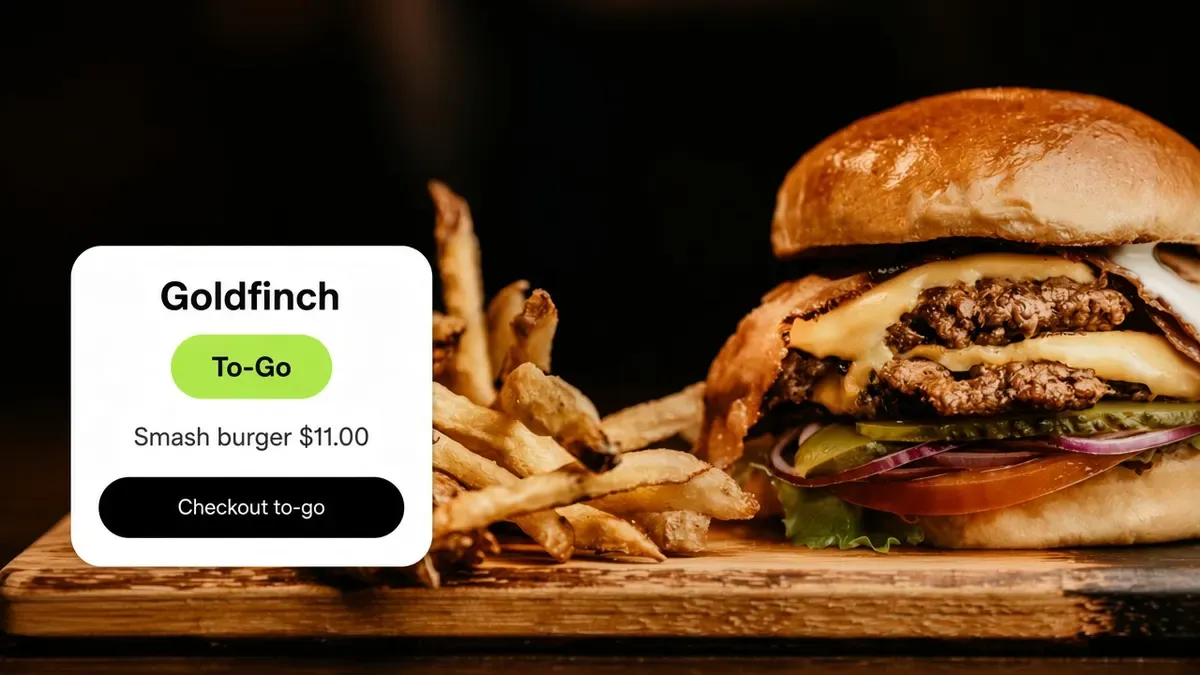
Goldfinch checkout card floating over a smash burger, with Smash burger and Checkout to-go.

Trusted by food trucks, pop-ups, and independent kitchens

The experience

How online ordering works

They open your link, pay on your page, and you cook to a live ticket.

  1. Step 1

    They open your link

    • They find it on Google, your bio, a text, or the QR on the window.
    • The menu is already there. Nothing to install.
    • They do not have to make an account first.
    A guest taps Goldfinch's ordering link in a text, then the menu is already there.
  2. Step 2

    They order and pay

    • They pick the food, extras, and pickup or delivery.
    • Promo codes and loyalty apply in the cart.
    • They pay with a card or wallet on your Stripe or Square.
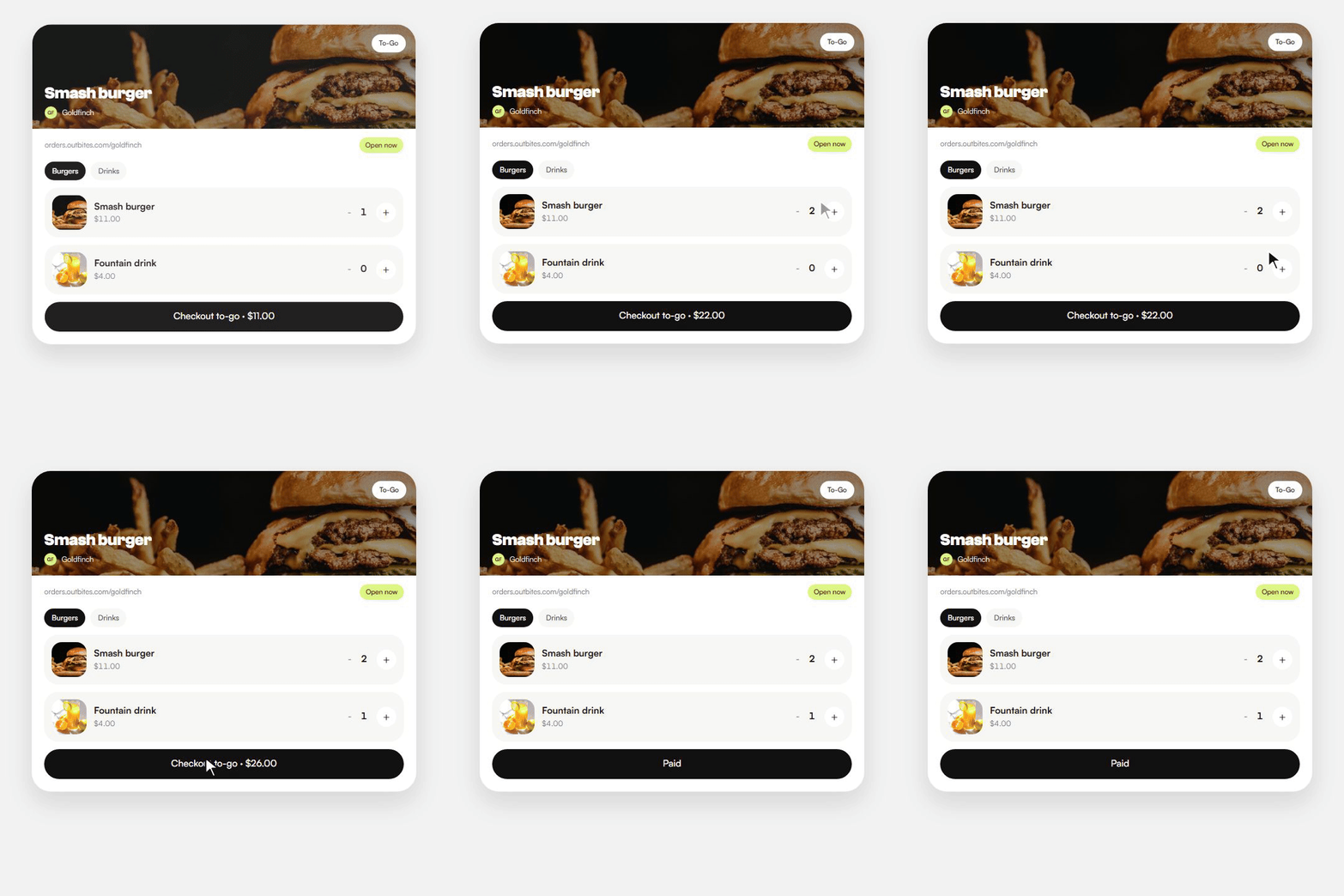
    A guest adds a smash burger and a fountain drink on Goldfinch's menu, then pays.
  3. Step 3

    You cook it

    • The ticket lands on your board the moment they pay.
    • They watch a live receipt while you cook.
    • You mark it ready, and they get a text.
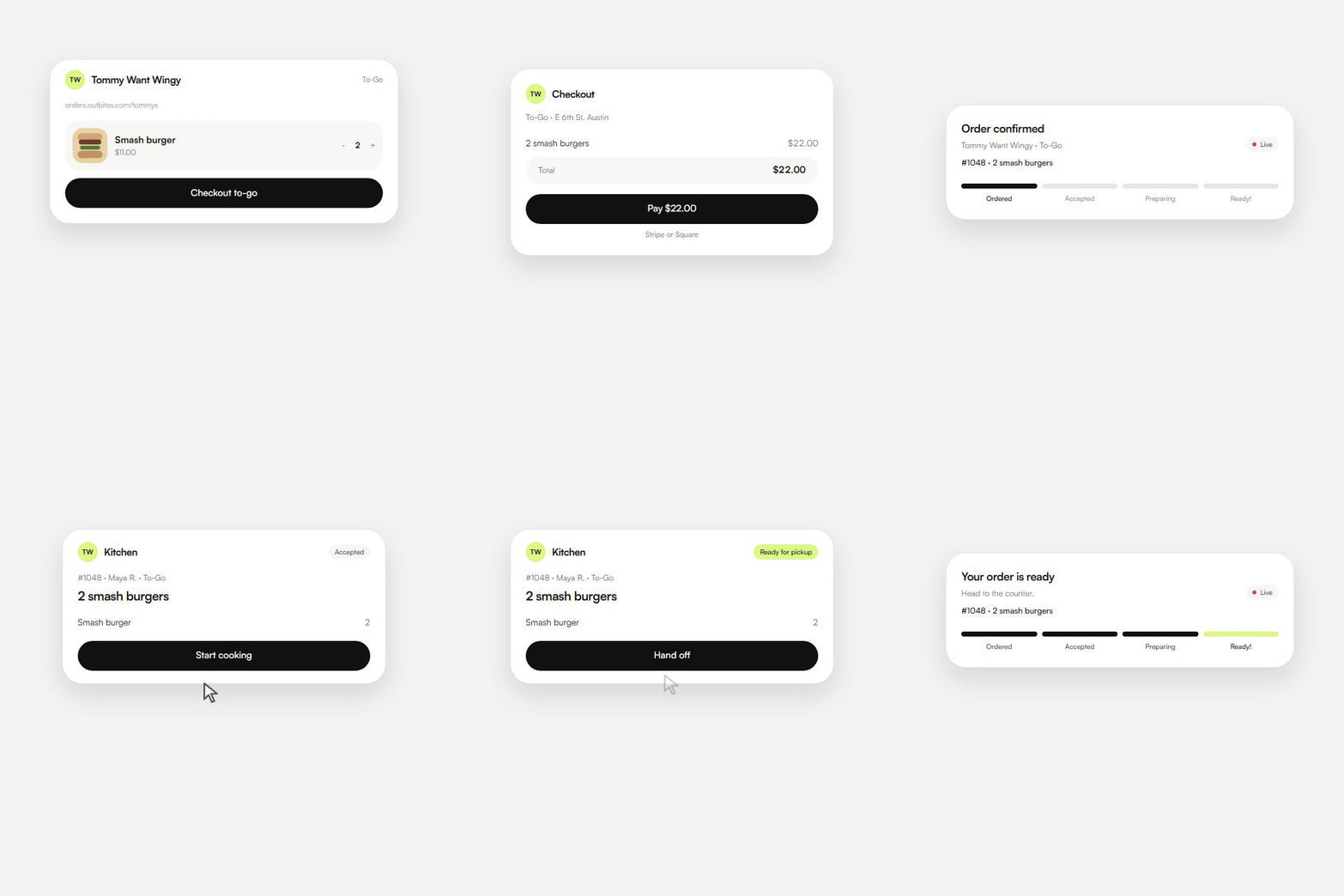
    The ticket lands on the kitchen board, then the guest watches a live receipt until it is ready.
Operators we can name

Trusted by kitchens that already sell this way

Four Austin businesses on Outbites. Guests pay on the kitchen's own link. The notes are ours, not invented quotes, and none of them come with a fake follower count.

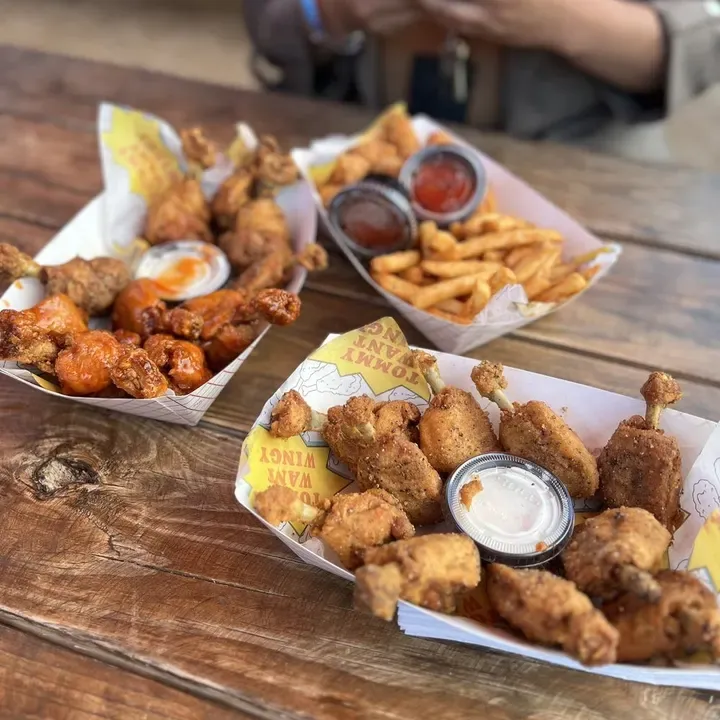
Branded baskets of Tommy Want Wingy chicken, wings, and fries on a picnic table

Tommy Want Wingy

Austin, TX

Wings out of a window, paid on his own link instead of a marketplace app.
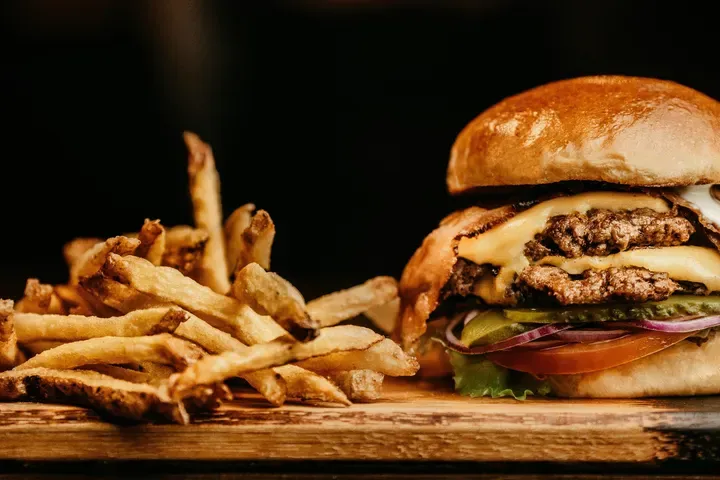
A cheeseburger and hand-cut fries on a wooden board at Katie Eatz Cafe

Katie Eatz Cafe

Austin, TX

A neighborhood cafe. Regulars pay on her page, and she keeps the guest.
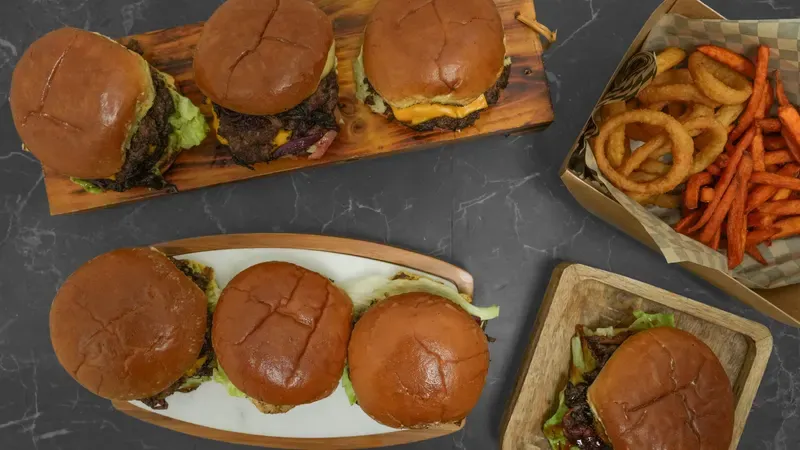
Smash burgers on wooden boards with onion rings and sweet potato fries

Smah N Dash

Austin, TX

Smash burgers built for speed. The dollar stays a dollar when the ticket is $20 or $40.
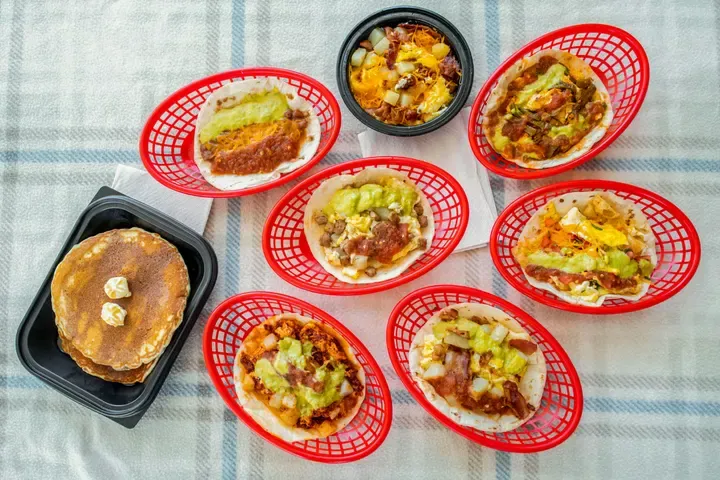
Breakfast tacos in red baskets beside pancakes and a bowl of eggs

Bobcat Quickie

Austin, TX

Breakfast tacos ordered ahead. Paid at checkout, cooked when it is time.

The platform

What's included with online ordering

No feature tier to climb. These come with the account.
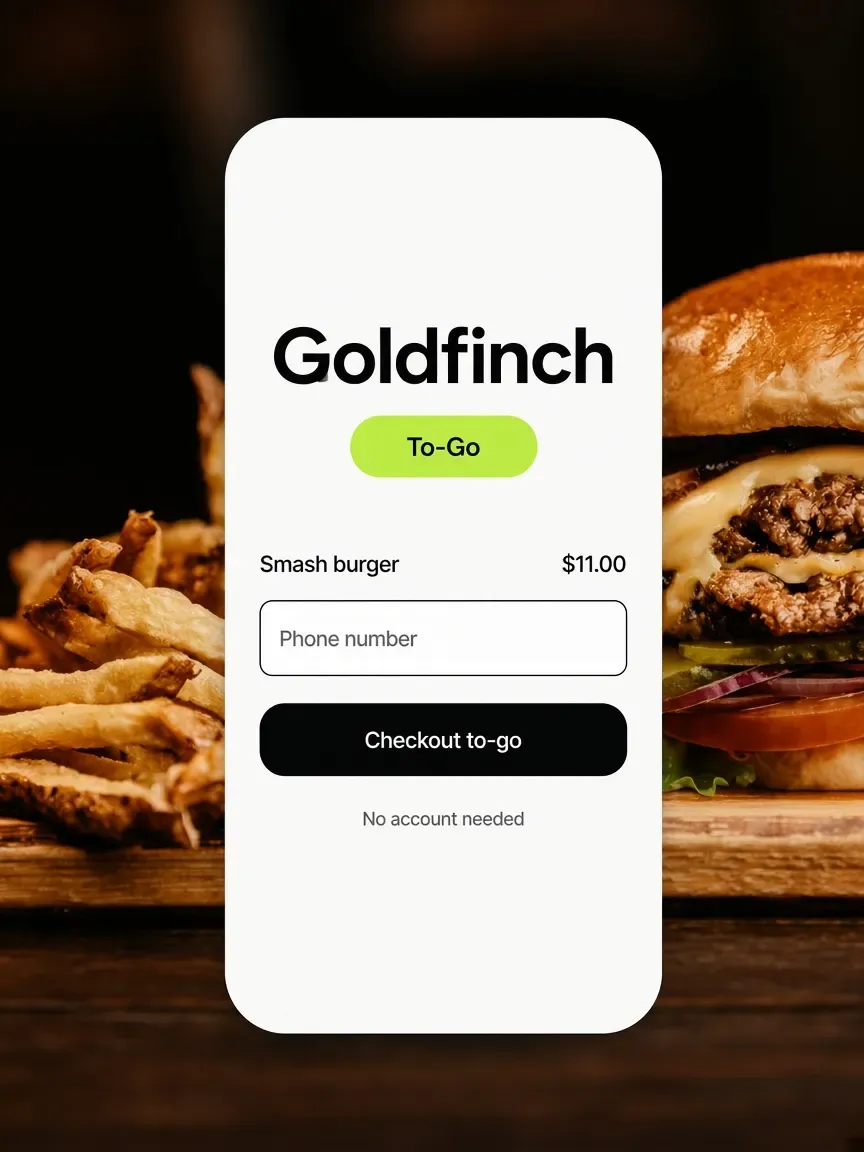
Goldfinch phone menu over a smash burger, with a phone number field and Checkout to-go.
Guest checkout by default
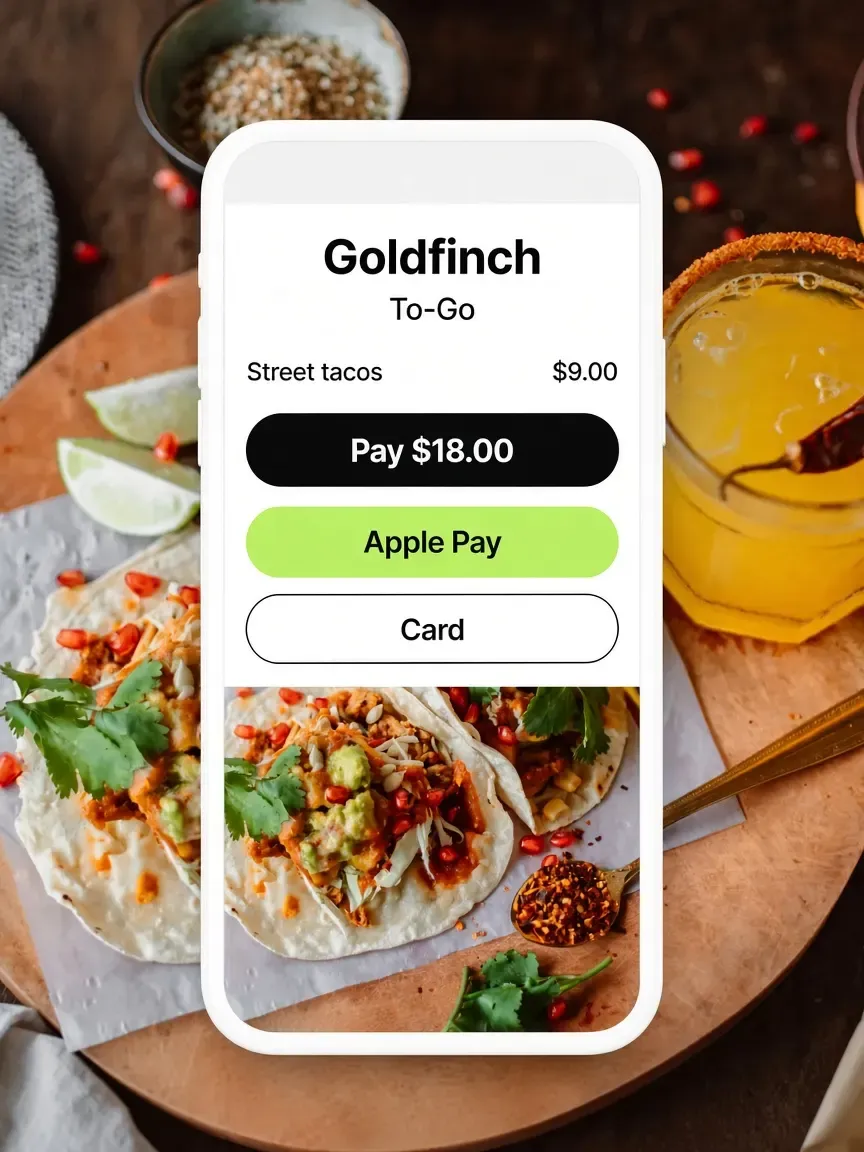
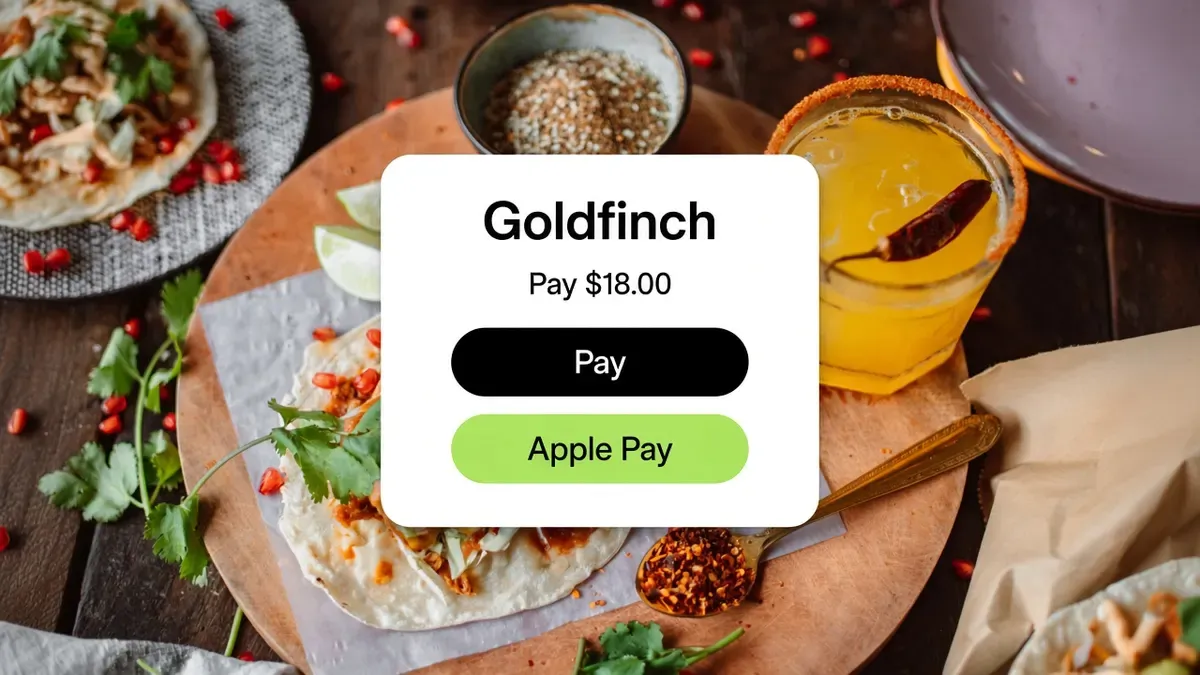
Goldfinch pay screen over street tacos, with Pay and Apple Pay.
Cards and wallets
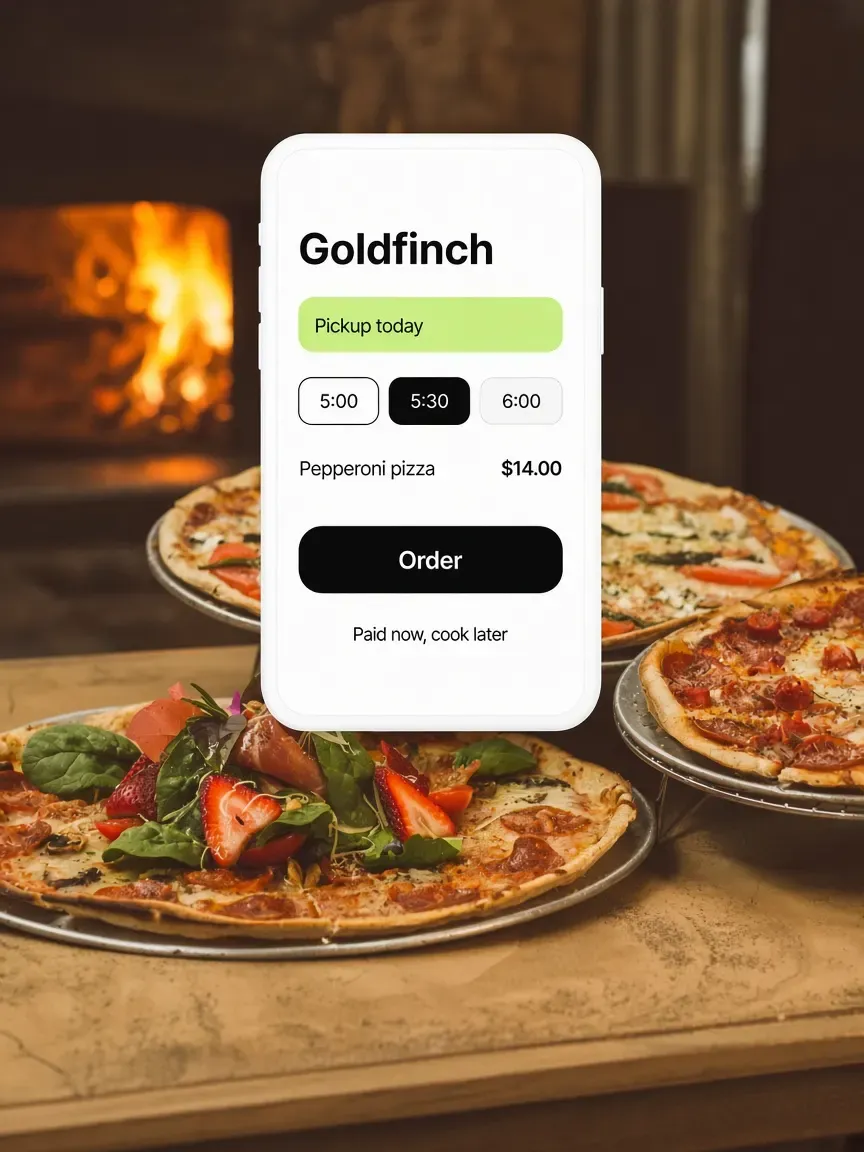
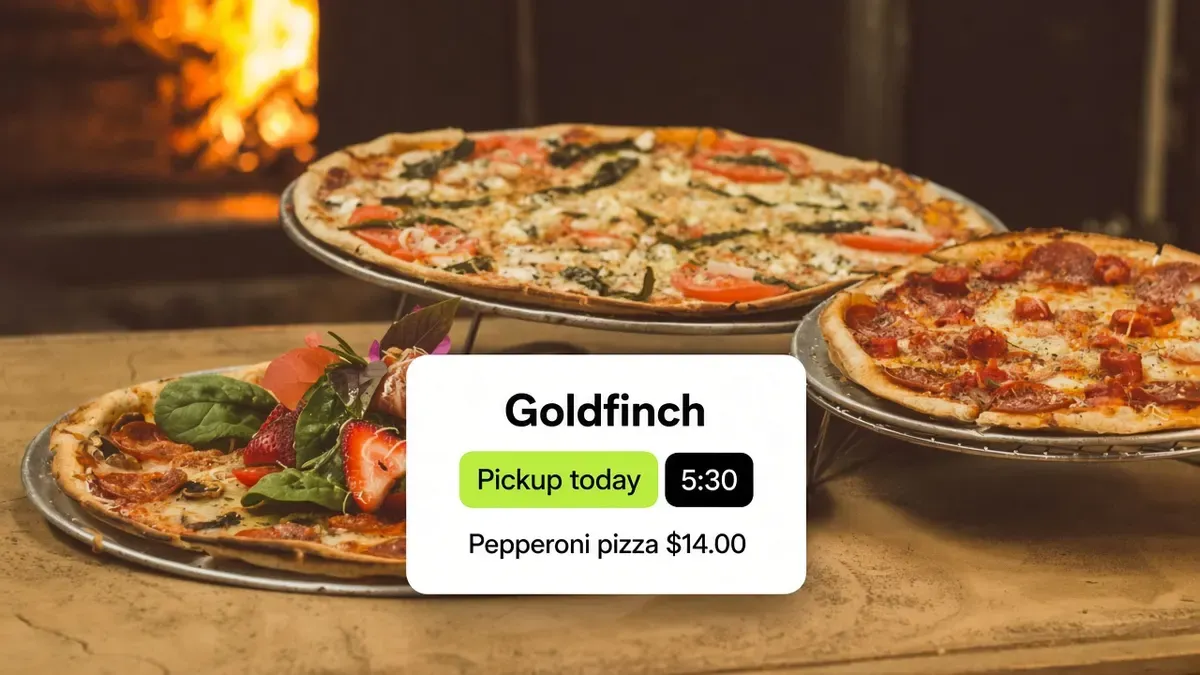
Goldfinch pickup times over wood-oven pizzas, with 5:00, 5:30, and 6:00.
Now or later
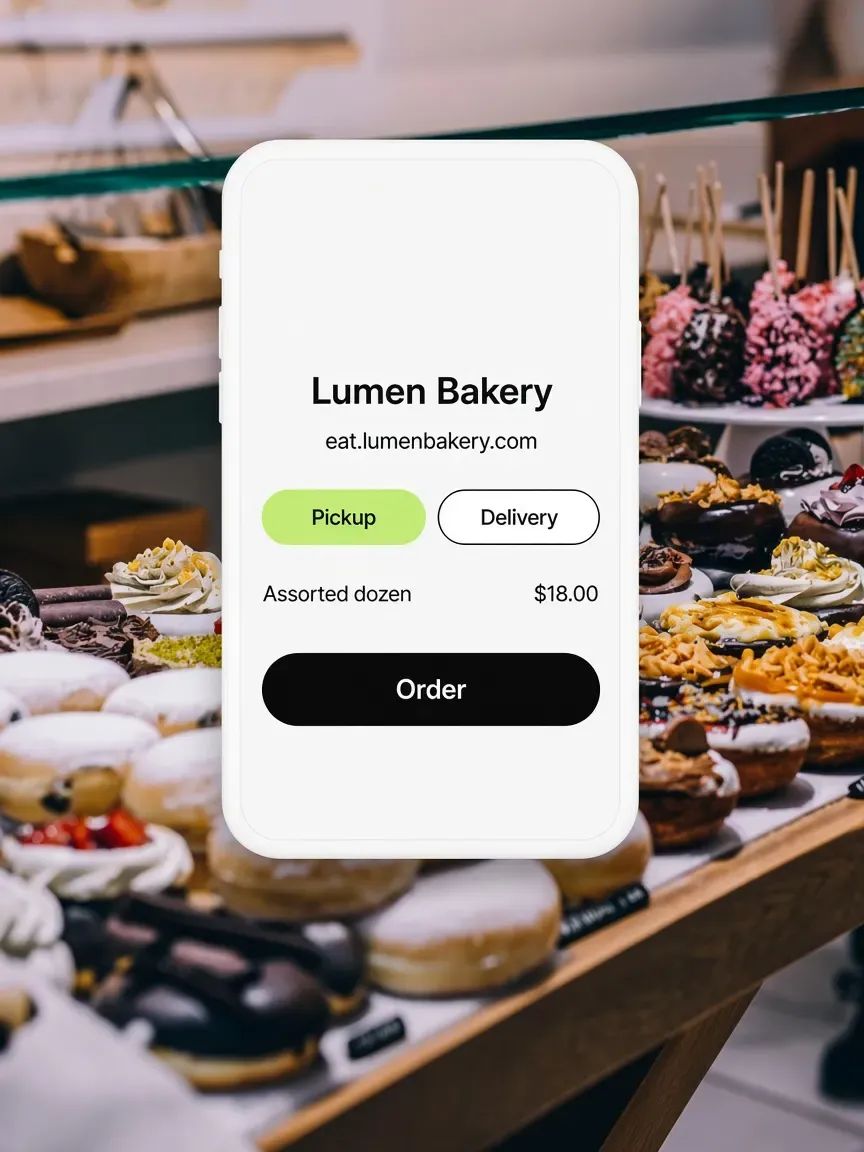
Lumen Bakery storefront over a donut case, with Pickup and Delivery chips.
Every fulfilment type
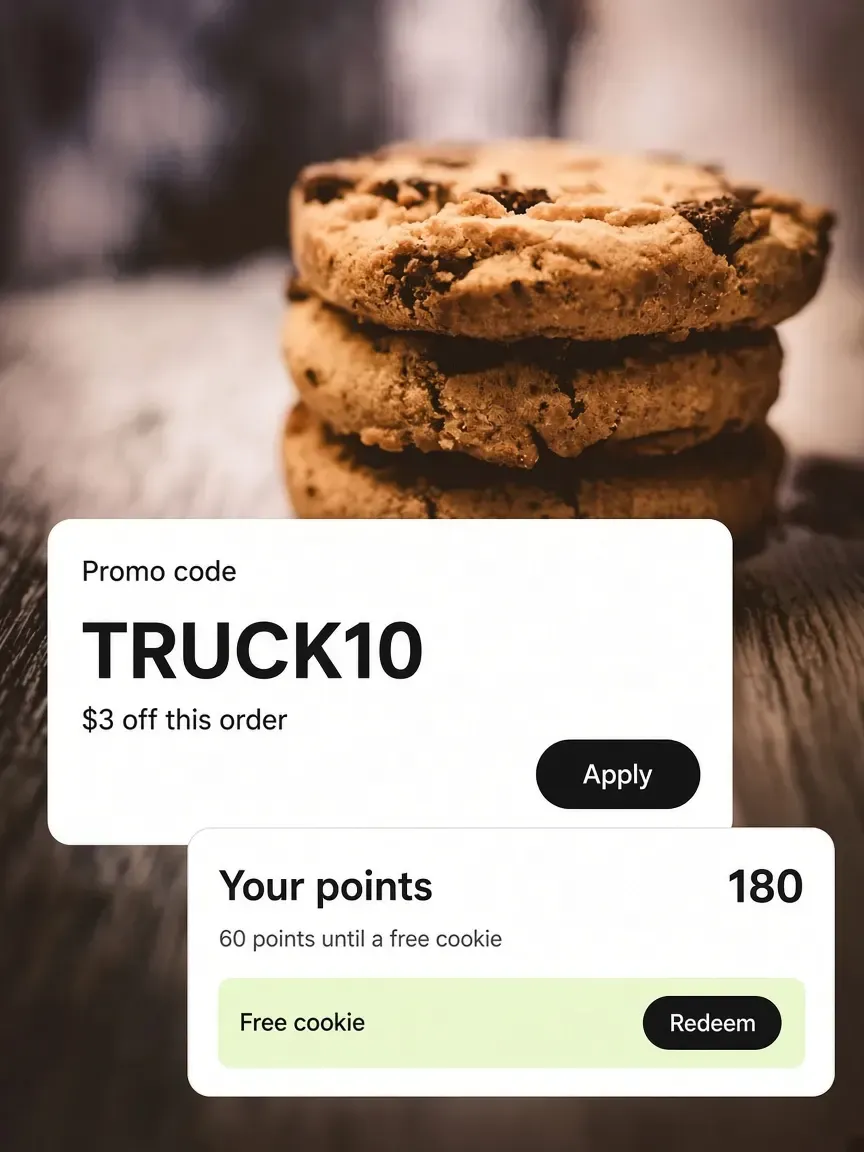
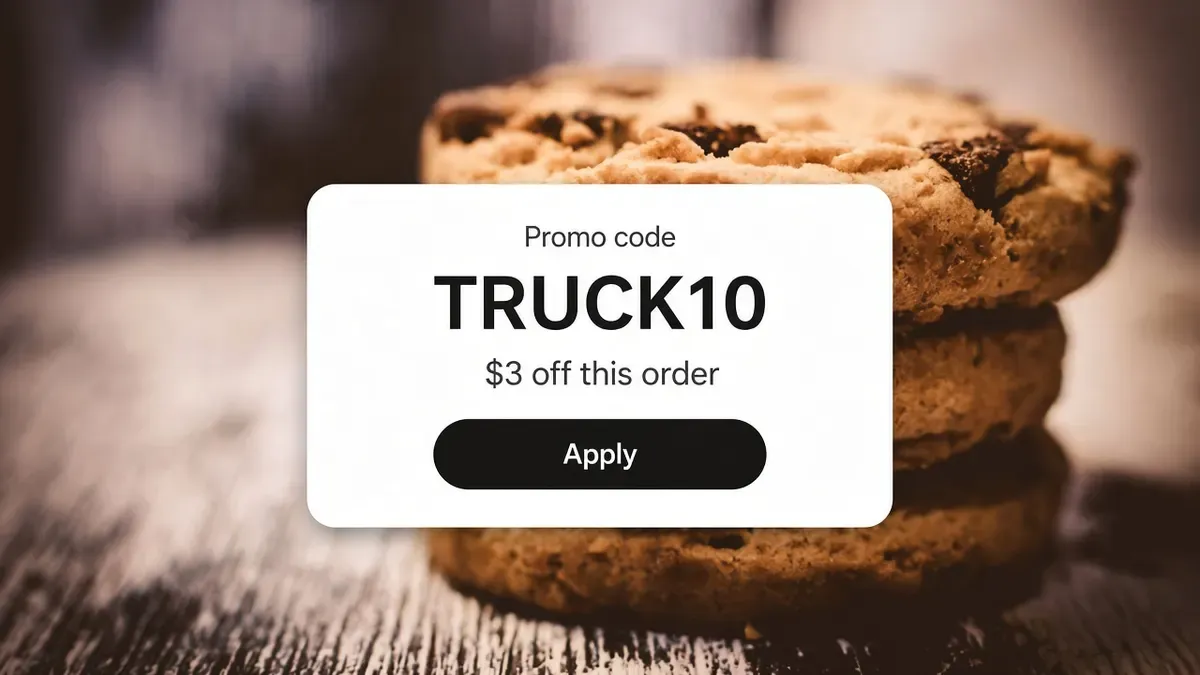
A promo code card and a loyalty points card over a stack of chocolate chip cookies.
Promos and loyalty
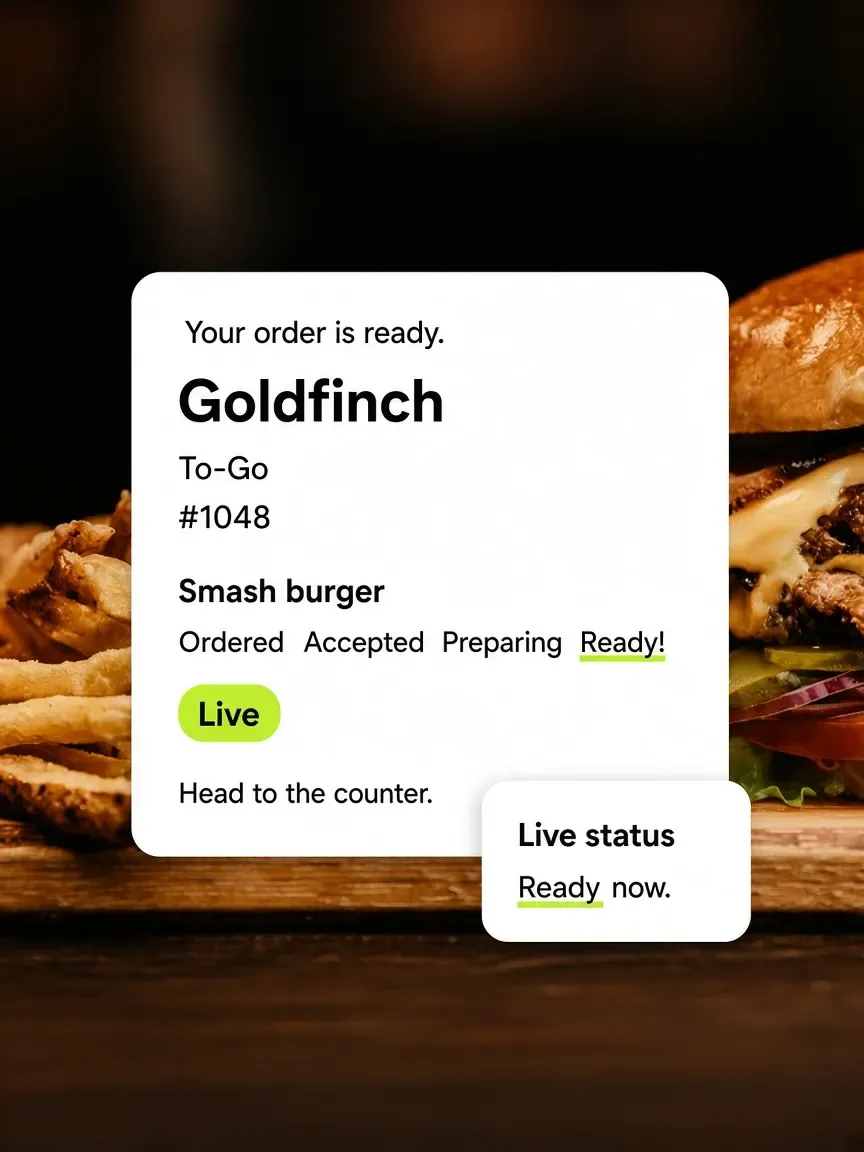
Goldfinch live order tracker over a smash burger, with Ordered through Ready.
A live receipt
FAQ

Frequently asked questions

What operators ask before they put a menu on their own link.

Talk to the Outbites team

Do I need my own website first?

No. You get an ordering page the moment you open your store, at orders.outbites.com under your business name. If you want it on your own domain, you can connect one and the storefront moves there.

Do guests have to create an account?

No. Checkout is guest-first. A phone number lets you text them about the order, and they can optionally sign in with a phone code later to see order history and loyalty points.

What does online ordering cost?

One dollar per fulfilled order with no monthly platform fee. You choose whether the guest covers that dollar, you split it, or you absorb it. Card processing is separate, at Stripe's or Square's standard rates on your own account.

Here's to a checkout that stays yours.

Share the link. They pay on your page. You keep the guest and a dollar instead of a cut.

  • $1 per fulfilled order
  • No monthly platform fee
  • We never hold your payouts
  • Cancel anytime