Don't Get Flat-Topped by Your Own Pre-Orders: Kitchen Flow, Caps, and Pick-up Lines
The ordering link gets you paid. Order management gets you through noon without a meltdown at the window. Caps, lanes, and ticket handoff for trucks and pop-ups.
 Katie CarswellAccount & Social Media Manager8 min read
You turned on pre-orders. Congrats. Then noon hit and the tablet spat out forty-two tickets for the same fifteen minutes while walk-up guests wrapped around the truck like it was a free concert. That's not a glitch. That's order management you never set.
The food truck ordering system guide covers which platform to pick. This one covers what happens after guests pay: caps, lanes, and handoff. For festival permits and line control, see the festival vendor guide.
- 8–15
- Orders per fifteen-minute window many trucks cap at peak
- 2 lanes
- Walk-up and pre-order split at busy spots
- 2 hrs
- Typical pre-order cutoff before peak service
Your Tablet Isn't Your Manager
Software takes payment and prints tickets. Management decides how many tickets you're willing to owe before you stop selling. Without caps, guests think you're slow. With caps, guests think you're sold out because you're competent. Same flat top. Wildly different reviews.
If checkout can accept more than your crew can fire, the board will always win. Run the math before you blast the link on Instagram.
Cap Orders Before the Ticket Board Melts Down
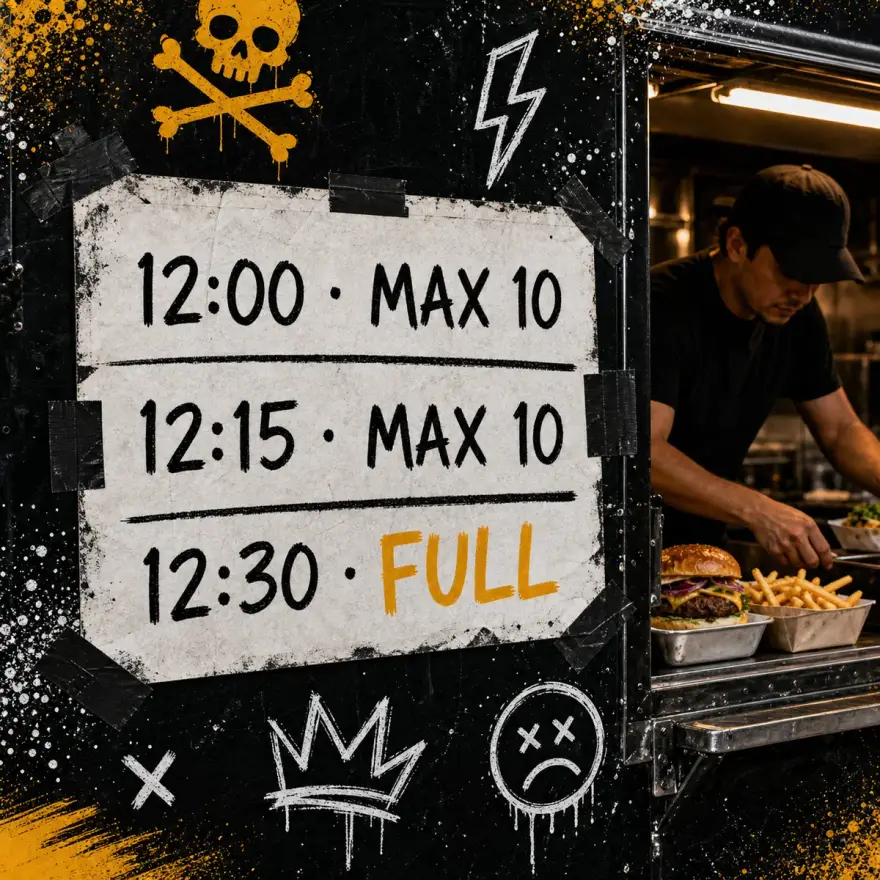
Count what one crew can actually hand off in fifteen minutes. Not what the flat top could cook in a fantasy where nothing burns and nobody asks "is there onion in this?" Set checkout to close the slot when you hit that number.
- Start conservative first event. Raise caps after debrief, not before.
- Show sold-out windows at checkout so guests self-select later slots.
- SMS when a window opens back up if someone cancels.
- Never accept unlimited pre-orders for the same pickup minute.
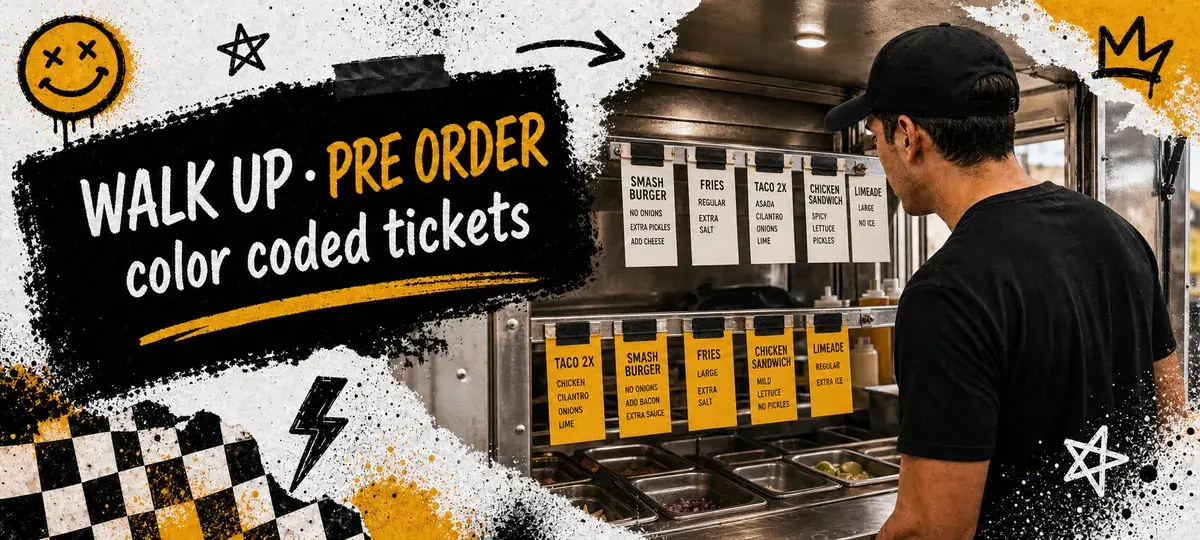
Walk-Up and Pre-Order Need Separate Lanes
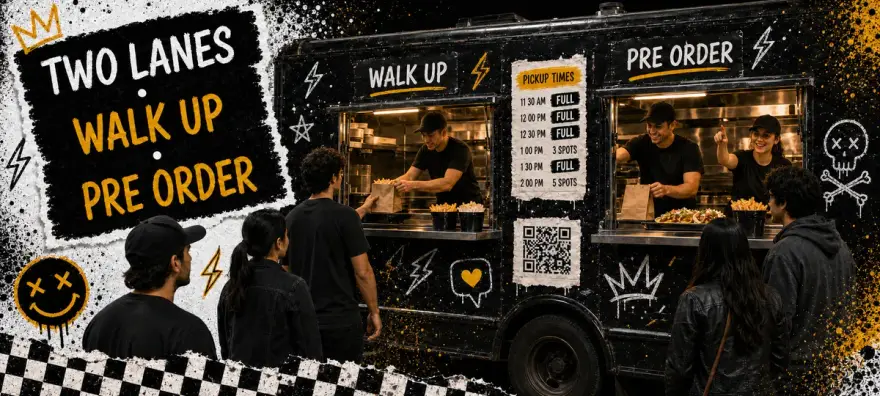
One line for everyone trains walk-up guests to hate your pre-order regulars. Two lanes with signs: "Pre-order pickup" and "Walk-up orders here." One expediter each during peak. Fancy? No. Effective? Extremely.
Stage pre-order bags by pickup window on a shelf. Keep walk-up tickets on the rail in payment order. Never make someone who paid an hour ago wait behind someone who just wandered up with a craving and a credit card.
Call Names, Not Random Numbers
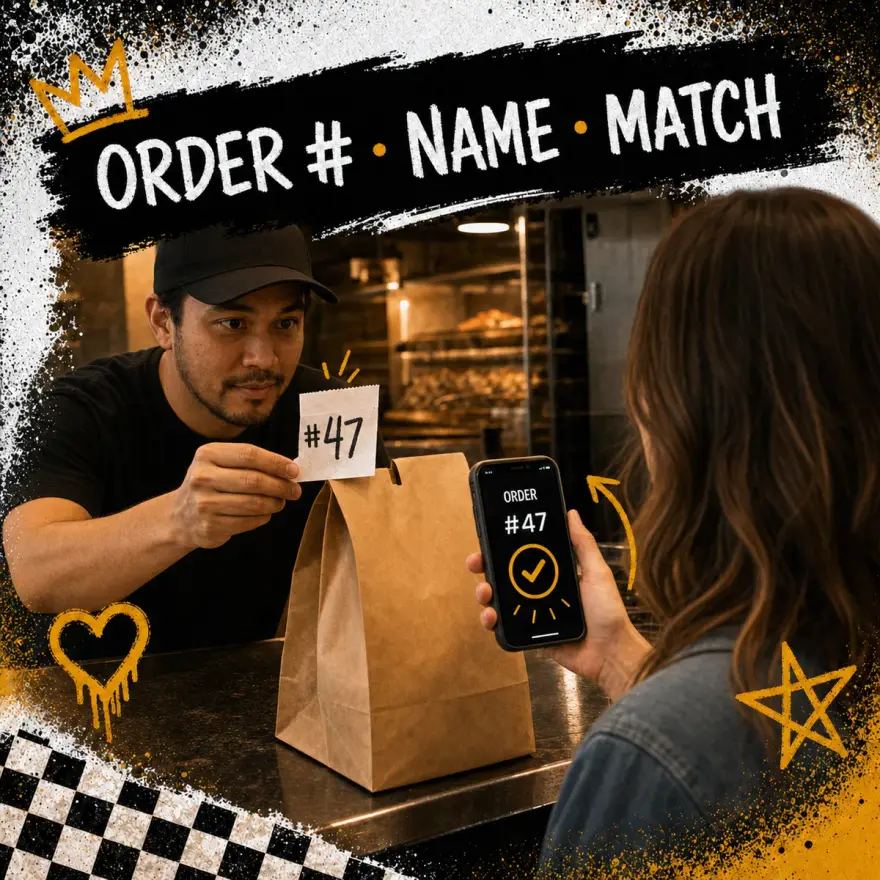
Online ticket #447 means nothing when the generator next door is louder than your window mic. Put guest name, last four of the phone, and pickup window on every ticket and bag label. Crew calls name plus item count at the pre-order lane. Phone check at handoff beats yelling into a crowd like you're auctioning off tacos.
Tuesday Lot Lunch Isn't Saturday Festival
Tuesday lunch lot: shorter windows, lower caps, more walk-up mix. Saturday festival: longer pre-order lead, higher caps only if you actually added crew, hard cutoff about two hours before peak. Same truck. Different math. Copy-paste caps across both and you'll learn that the hard way.
Event pre-order playbooks with kitchen batching live in the event pre-order guide.
Five Ways to Torch Your Own Flow
- No cap on pre-orders. Checkout stays open until the board drowns and your crew starts negotiating with reality.
- One line for everyone. Pre-order guests bail after twenty minutes and tell three friends.
- Tickets named differently online and on paper. Modifiers vanish. "No onion" becomes "surprise onion."
- Bags staged by pay time. Early window guests wait behind late payers. Chaos with a receipt.
- Same caps for lot lunch and festival. Crew size changed. Caps didn't. Predictable disaster.
Common questions about food truck order management
How many orders should a food truck cap per window?
Should walk-up and pre-order share one line?
When should pre-orders close before an event?
How is order management different from choosing ordering software?
Can I change caps mid-service?
Guests forgive a sold-out window. They don't forgive a forty-minute wait after they paid ahead. Cap the slots, split the lanes, label the bags, and debrief crew after every peak. Run the numbers before you post the link.