Do You Need a Restaurant Mobile App or Just a Great Ordering Link?
Most guests won't download your app. A fast ordering link on Google, Instagram, and your QR code often wins. Here's how to decide before you spend five figures on a custom app build.
 Katie CarswellAccount & Social Media Manager9 min read
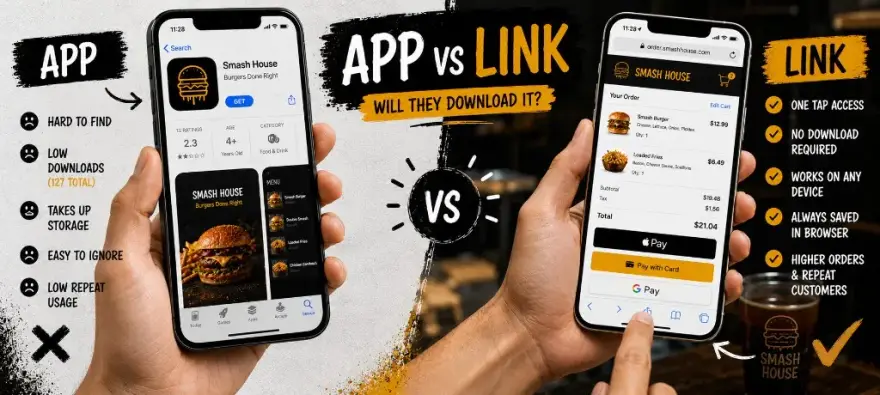
Every platform sales deck shows a branded restaurant app on the home screen. It looks official. It feels like you made it. Then you check your app store listing and see 47 total downloads, half of them staff.
The question isn't whether apps can work. Chains with millions of regulars prove they can. The question is whether your food truck, pop-up, ghost kitchen, or single-location restaurant needs one right now, or whether a great ordering link does the same job for a fraction of the cost. Platforms like Owner.com bundle branded apps into monthly subscriptions. Outbites and similar link-first stacks bet guests will reorder from URLs they already trust. This guide is your decision framework. For the platform comparison that sparked this question, see Outbites vs Owner.com.
- $1
- Outbites platform per fulfilled order (Pass mode: guest covers it, you pay $0)
- $249+/mo
- Owner.com Flex subscription before your first order (+ 5% per order on that plan)
- No install
- What guests need to reorder from your link, QR code, or Instagram bio
The Honest Adoption Problem
Guests don't wake up thinking about your restaurant app. They think about lunch. If they found you on Google or Instagram, they want to order in two taps, not create an account, wait for a download, and hunt your icon between Uber Eats and their bank app.
Repeat guests behave the same way. The regular who orders every other Friday has your link in their texts, their email, or their browser history. They won't reinstall your app after a phone upgrade unless you give them a reason stronger than the convenience they already have.
Cost Comparison: Build, Maintain, and Update
A custom branded mobile app isn't a one-time invoice, and it isn't a website. A professional restaurant site often runs $1,000 to $8,000 upfront from a freelancer or small agency. A native app is a separate build: iOS and Android, app store accounts, push notification infrastructure, menu sync, and every OS update Apple or Google ships. Dev shop quotes for ordering on both platforms often start in five figures, then thousands per year to keep it current.
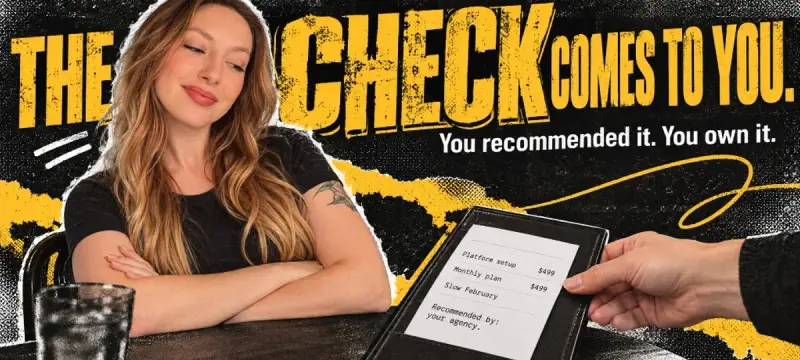
Platform-bundled apps shift that cost into a monthly subscription. Owner.com, for example, includes a branded app in Flex plans starting at $249/mo plus 5% per order (Flat Rate is $499/mo with no restaurant per-order fee). You're paying whether guests install it or not. A direct ordering link on Outbites or a similar stack typically costs per fulfilled order, with no app store listing required. Payment processing through Stripe or Square is separate on both paths.
- Custom app path: High upfront build, ongoing dev tickets for menu changes, separate marketing to drive installs.
- Platform app path: Lower upfront, fixed monthly fee, app maintained by vendor, still need guests to download.
- Ordering link path: Low or no fixed platform fee, instant menu updates, works from any link or QR with zero install friction.
What a Great Ordering Link Needs
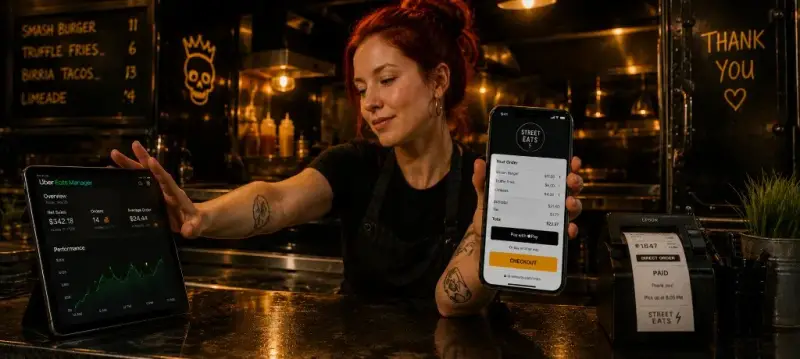
A link isn't a PDF menu with a phone number. A great ordering link loads fast on mobile, shows your logo and food photos, captures phone and email at checkout, and confirms pickup time in one flow. It should match the brand feel of a custom site without requiring a full rebuild.
If you've already invested in a custom restaurant website, the ordering link embeds on that site or sits behind an Order button. If you run a truck or pop-up, the link lives on your QR code and weekly location SMS. Either way, the guest experience should beat scrolling a marketplace app for your menu. Use the scorecard below on your current link before you budget for an app.
When a Branded App Actually Makes Sense
Apps aren't wrong. They're just oversold to operators who don't have the volume or guest habits to justify them.
- Multi-location chains (3+ units): Enough regulars across markets that push notifications and stored payment methods add real convenience.
- High-frequency concepts: Coffee, bowls, or lunch spots where the same guests order 3+ times per week and will keep your icon on the home screen.
- Heavy app marketing budget: You plan to run app install ads and in-store signage that actually drives downloads, not just a sticker on the door.
- Complex loyalty or gamification: Tiered rewards, challenges, or subscription meal plans that need native mobile features.
If none of those describe you today, a link-first stack is the rational default. You can always add an app later when repeat volume proves the install pitch will land.
Food Trucks and Pop-Ups: The Link Wins
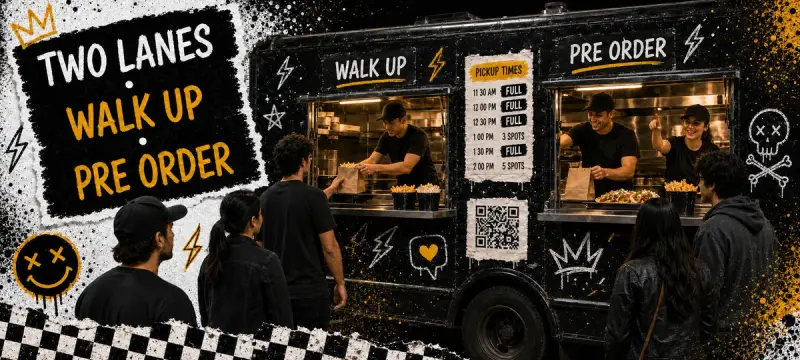
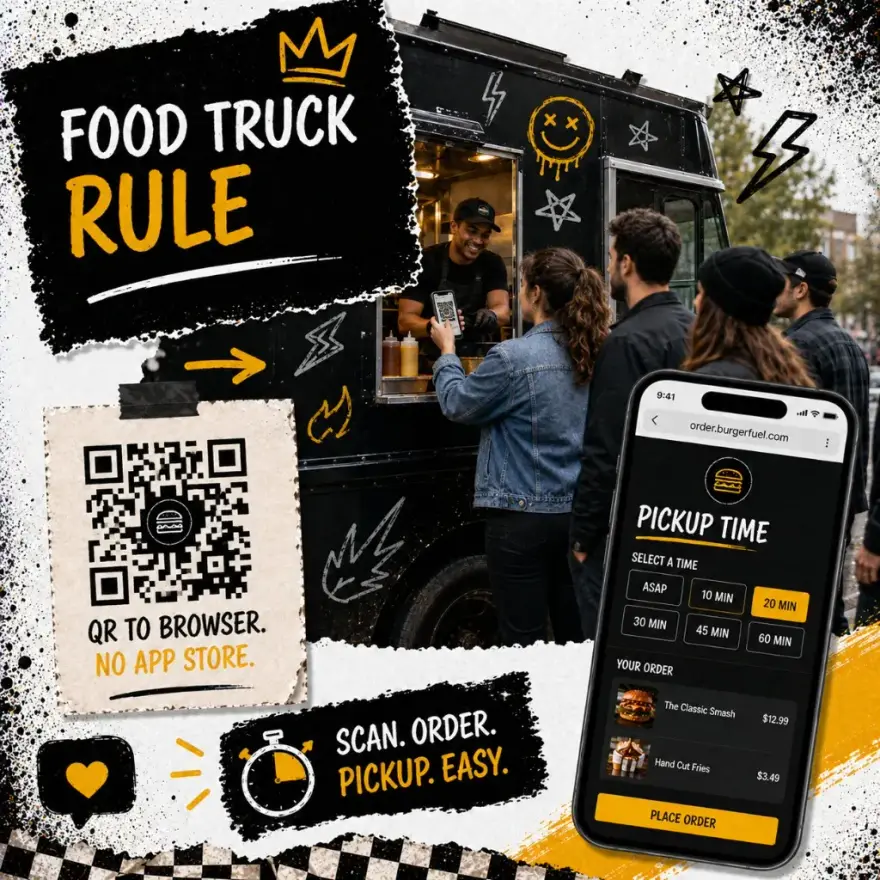
Mobile vendors change locations, menus, and hours weekly. An app store listing with stale hours hurts more than it helps. What works: a QR at the window, a link in your bio, and an SMS when you post today's lot.
The food truck ordering guide and pop-up playbook assume link-first ordering for a reason. Guests at a truck don't want to download software before they order a taco. They want to scan, pick a pickup window, and pay. If you're still handing out QR codes that open a static PDF menu, read why the PDF QR menu is dead and upgrade to real checkout.
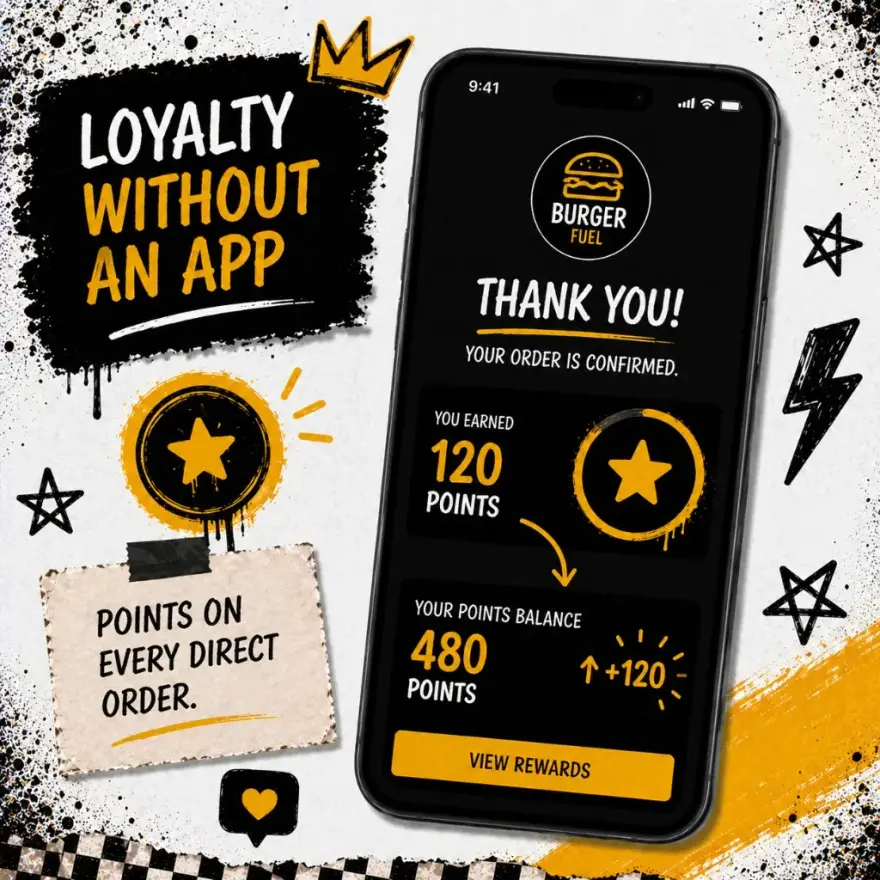
Retention still matters on a link. Points, punch cards, and SMS win-back campaigns work in the browser. You don't need an app to reward repeat guests. Use the quiz below to see which loyalty format fits your operation.
Ghost Kitchens and Virtual Brands
Virtual brands face a twist: you might run three concepts from one kitchen. Building three app store listings is expensive and confusing for guests. A unique ordering link per brand is faster to launch and easier to promote on delivery aggregator bios, influencer posts, and local ads.
Ghost kitchens that graduate to real loyalty sometimes add an app for one flagship brand. Until then, link-first ordering plus owned customer data is the playbook in the ghost kitchen direct ordering guide. Capture email and phone on every direct order so marketplace guests become reachable on your timeline.
How to Test Before You Build an App
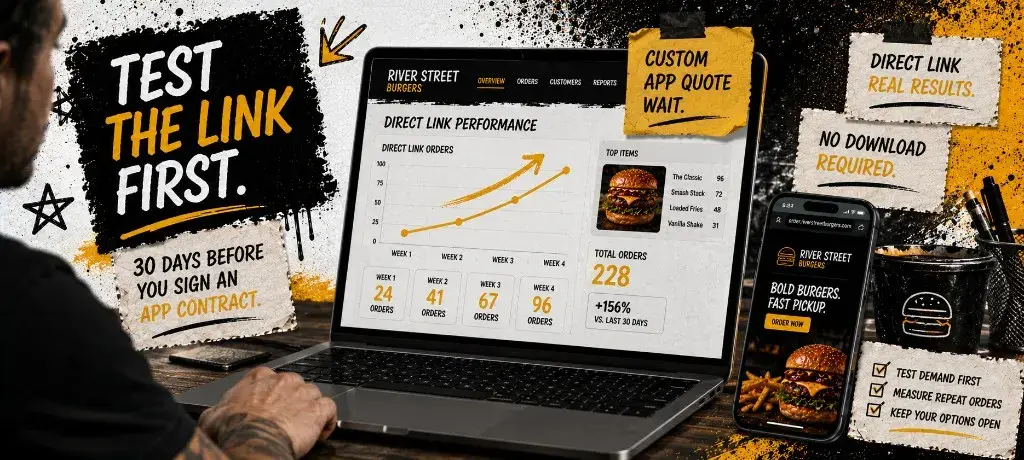
The cheapest app decision is the one you delay until you have data. Run a 30-day link-first test: publish direct ordering, promote it everywhere you currently send traffic, and track repeat guest rate. If regulars reorder from the link without complaint, you just saved a five-figure build.
Set a clear success metric before day one. Example: 25% of direct orders from guests who ordered at least once before, or 40% SMS opt-in at checkout. If you hit those numbers on a link, an app is a nice-to-have, not a need-to-have. If repeat rate stalls and guests ask where your app is, get quotes with eyes open. For loyalty mechanics during the test, see the loyalty program setup guide.
Common questions about restaurant apps vs ordering links
Can I run a loyalty program without a restaurant app?
Does an ordering link hurt my brand compared to a branded app?
What about push notifications?
When is a multi-location chain the exception?
How does this relate to Owner.com's branded app pitch?
A branded app is a tool, not a milestone. For most food trucks, pop-ups, ghost kitchens, and independents, a great ordering link delivers the same revenue with less friction and less fixed cost. Run the quiz, score your link, test for 30 days, then decide if an app earns its place on the home screen.